Your pay stub link still opens. Here's how to lock it.
A Drive file shared as Anyone with the link opens for whoever has it. Switch it to Restricted.
By Bots on Payroll, with 9 sources below
The short version
- Anyone with the link means no sign-in is needed to open the file.
- Google's help pages describe no expiry for that kind of link.
- Share, General access, Restricted, Done closes it.
Watch the video
0:44, sound onAnyone with the link
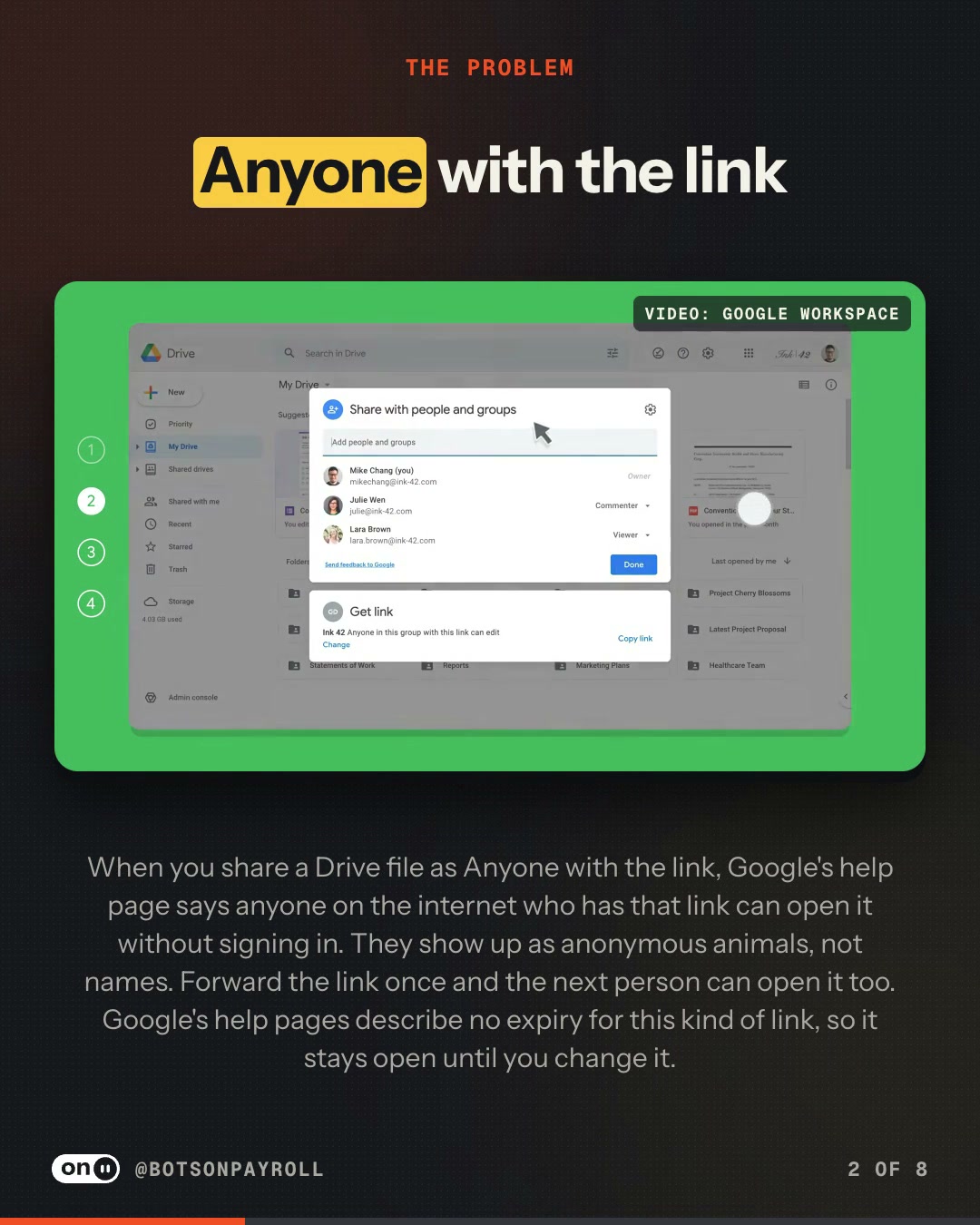
When you share a Drive file as Anyone with the link, Google's help page says anyone on the internet who has that link can open it without signing in. They show up as anonymous animals, not names. Forward the link once and the next person can open it too. Google's help pages describe no expiry for this kind of link, so it stays open until you change it.
Make your list first
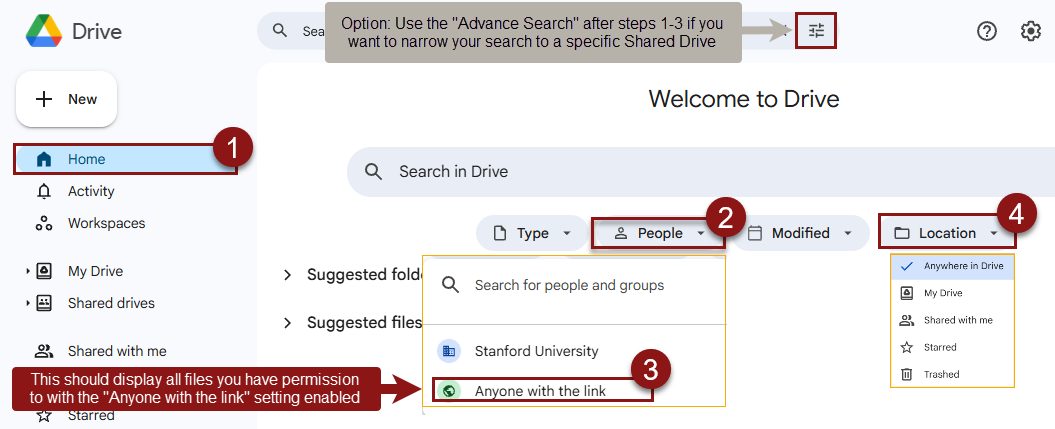
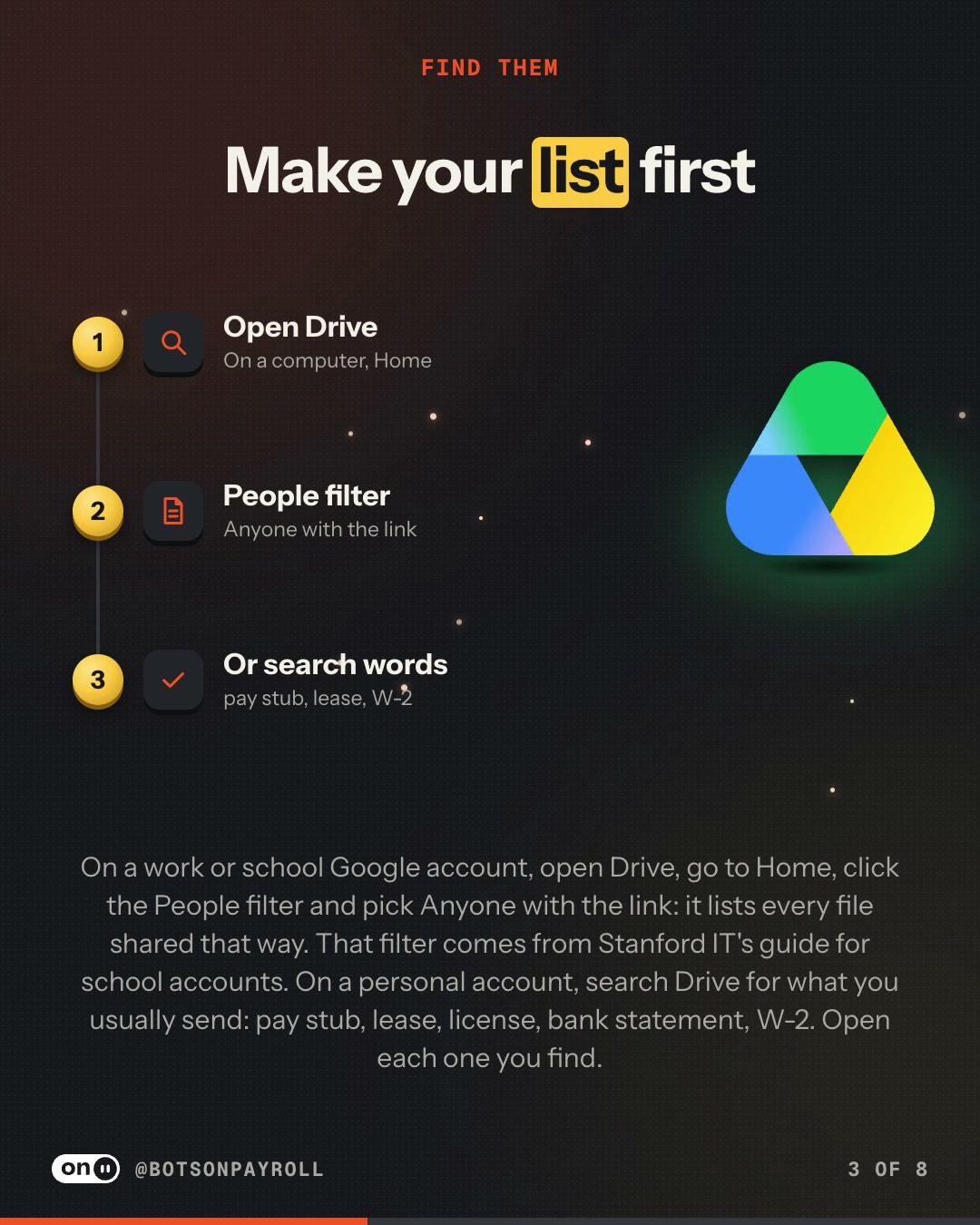
On a work or school Google account, open Drive, go to Home, click the People filter and pick Anyone with the link: it lists every file shared that way. That filter comes from Stanford IT's guide for school accounts. On a personal account, search Drive for what you usually send: pay stub, lease, license, bank statement, W-2. Open each one you find.
Switch it to Restricted
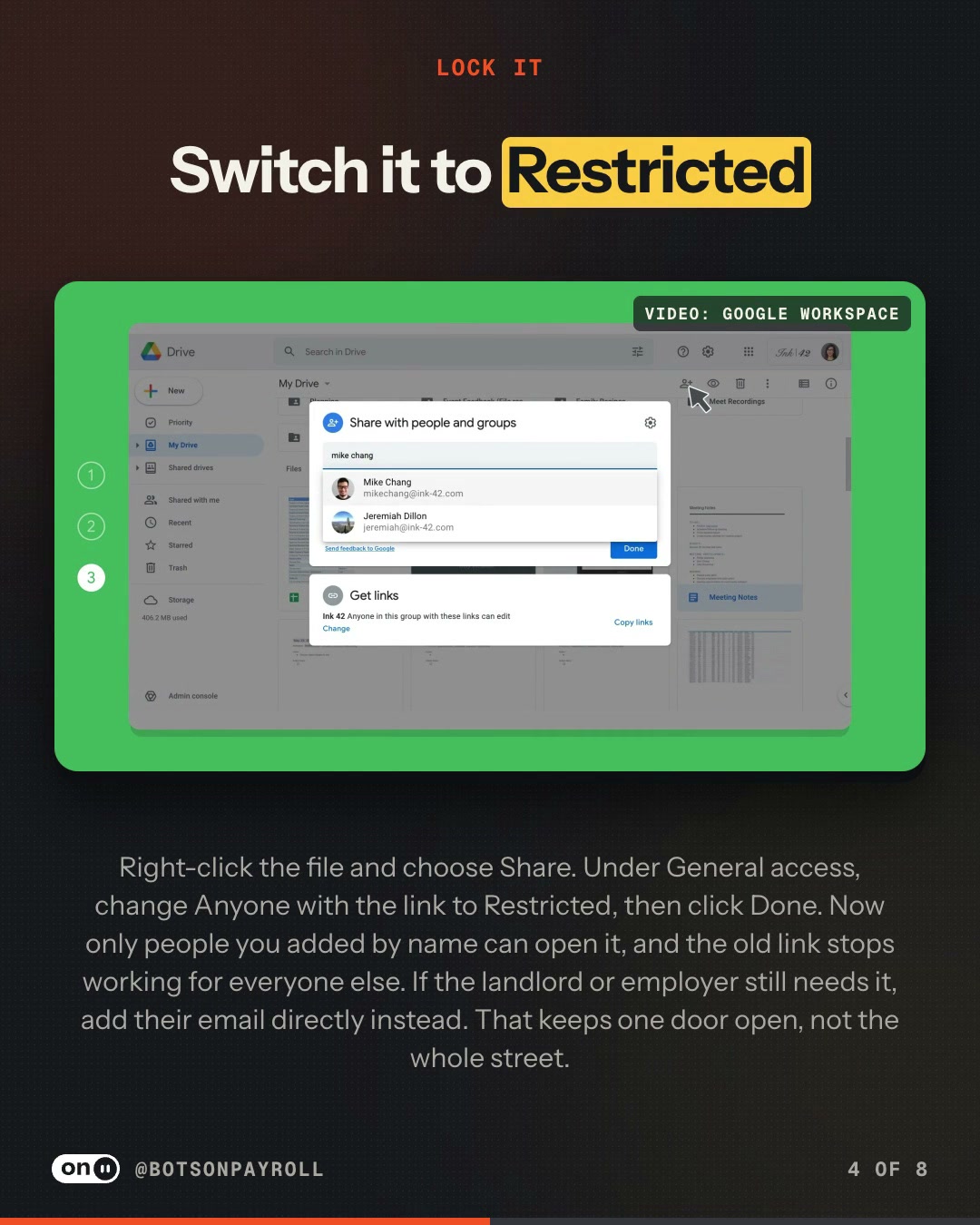
Right-click the file and choose Share. Under General access, change Anyone with the link to Restricted, then click Done. Now only people you added by name can open it, and the old link stops working for everyone else. If the landlord or employer still needs it, add their email directly instead. That keeps one door open, not the whole street.
Same fix, in the app
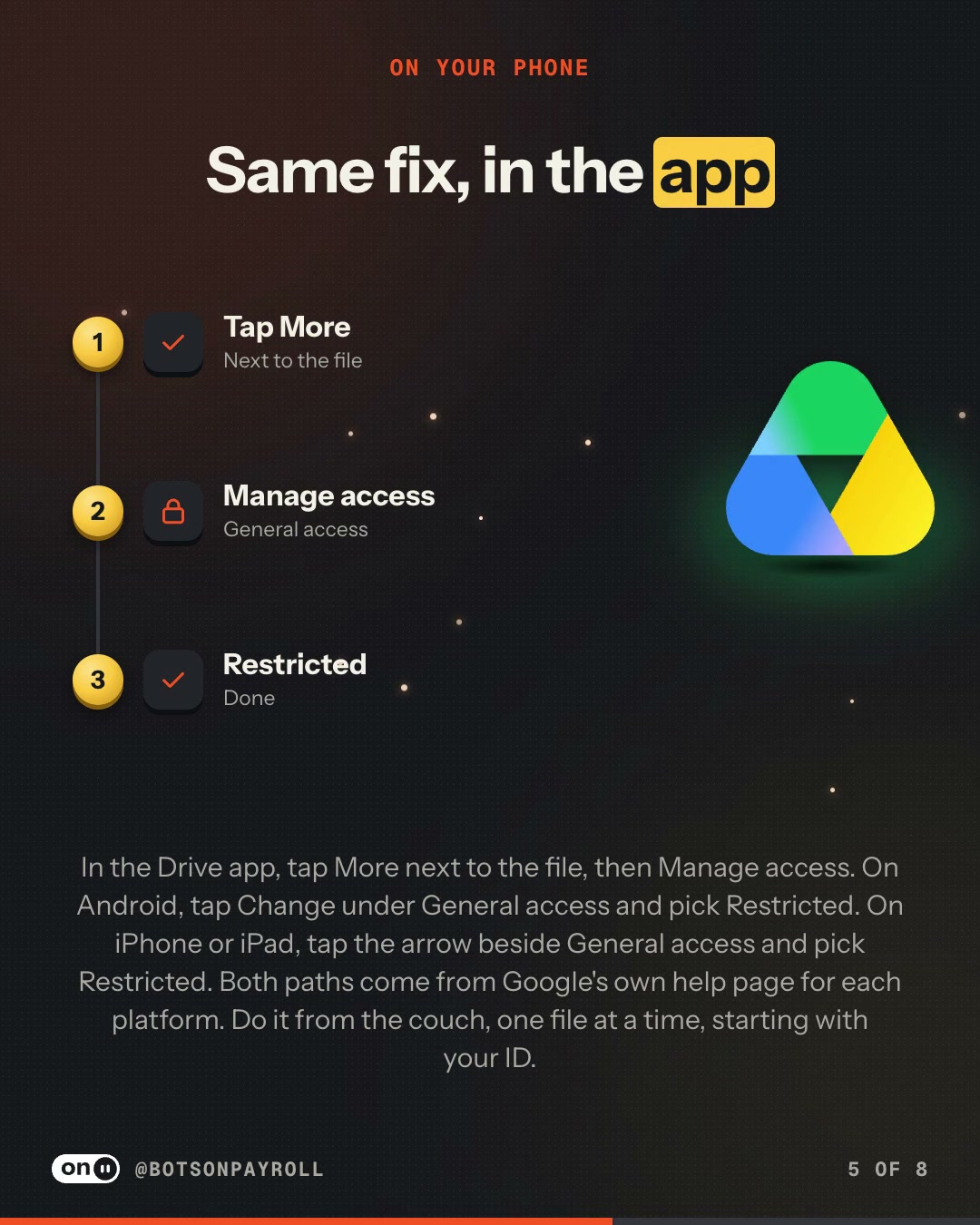
In the Drive app, tap More next to the file, then Manage access. On Android, tap Change under General access and pick Restricted. On iPhone or iPad, tap the arrow beside General access and pick Restricted. Both paths come from Google's own help page for each platform. Do it from the couch, one file at a time, starting with your ID.
Links outlive the deal
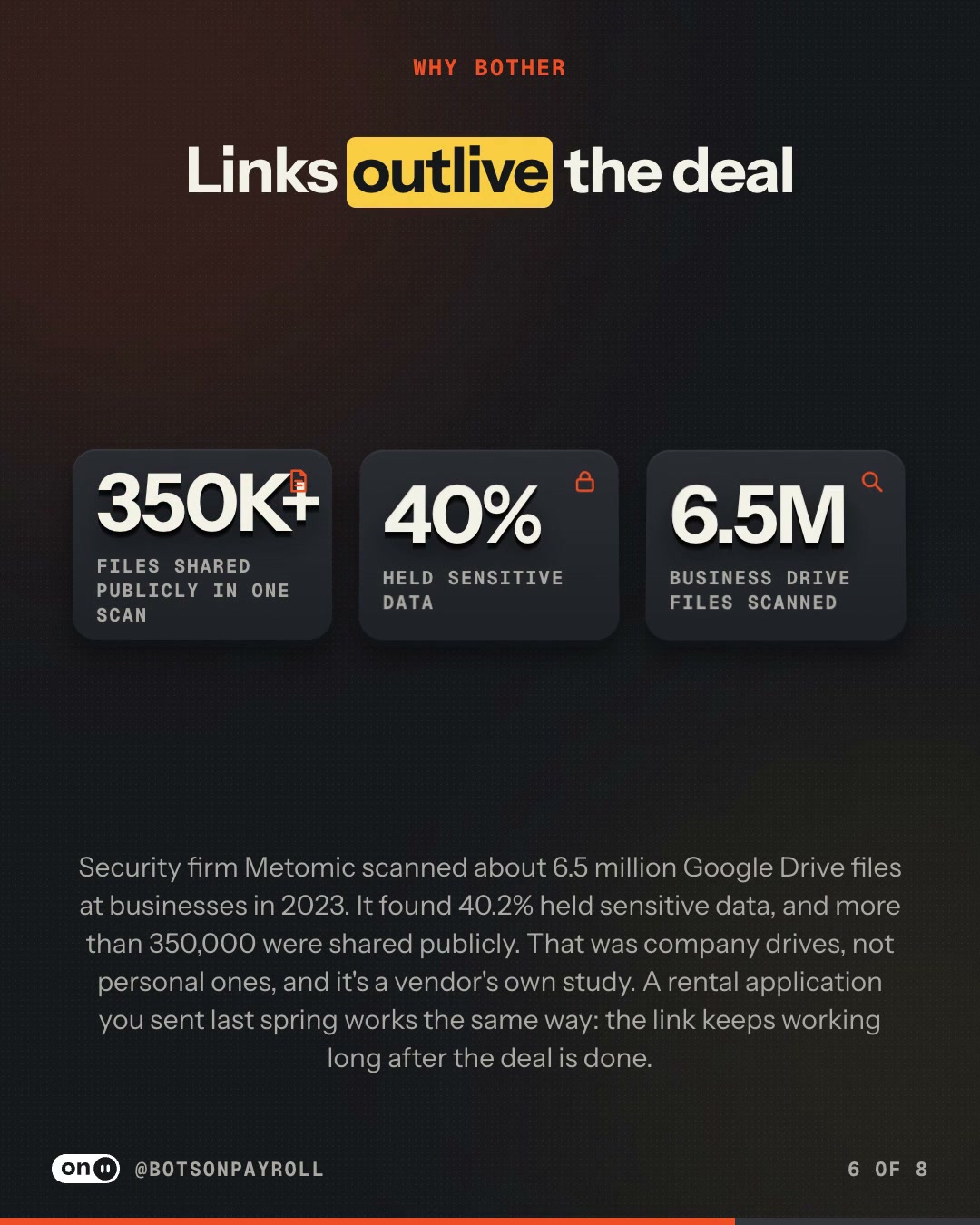
Security firm Metomic scanned about 6.5 million Google Drive files at businesses in 2023. It found 40.2% held sensitive data, and more than 350,000 were shared publicly. That was company drives, not personal ones, and it's a vendor's own study. A rental application you sent last spring works the same way: the link keeps working long after the deal is done.
Select, then share
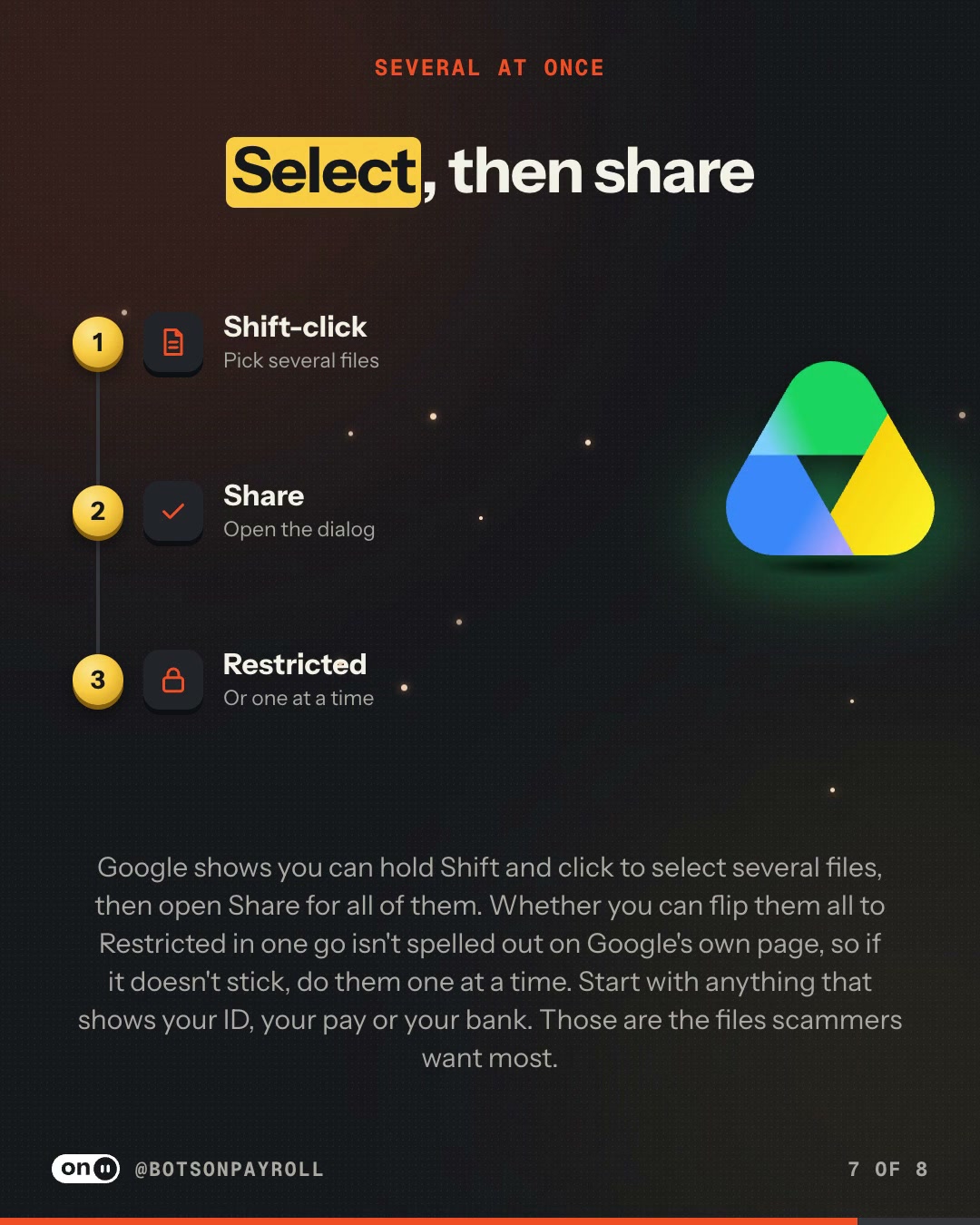
Google shows you can hold Shift and click to select several files, then open Share for all of them. Whether you can flip them all to Restricted in one go isn't spelled out on Google's own page, so if it doesn't stick, do them one at a time. Start with anything that shows your ID, your pay or your bank. Those are the files scammers want most.
Swipe the post
Sources
More AI news

Spent your weekend on sale posts? One photo could have made all of them.

OpenAI says your cheap ChatGPT usage was a billing mistake. Now your limits run out faster.