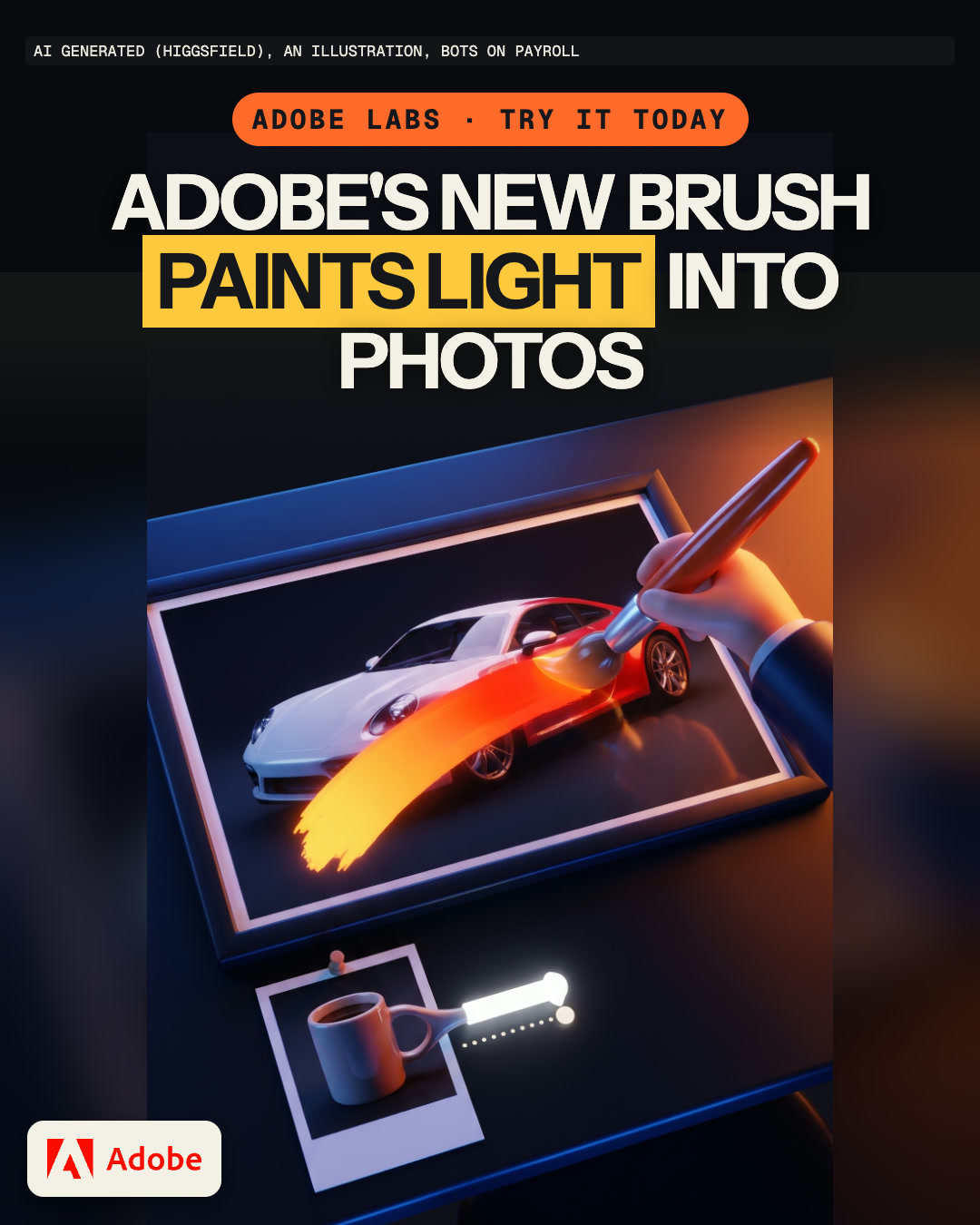
ADOBE'S NEW AI BRUSH PAINTS LIGHT INTO PHOTOS
Adobe just let anyone try two of its MAX Sneaks experiments. Project Hands On finds the objects in your photo and gives them drag handles: pull a bottle into a new shape, shrink a sofa into a chair, make a burger bigger, then click Apply and Adobe's image model redraws it. No prompt to write. Project Deep Brush paints in a way that respects the photo's shadows, shape and lighting, so color, patterns and even text wrap around folds and skin, and you can paint light into a scene. Ten projects were shown on stage on Nov 11; these are the two you can try today. You need a personal Adobe account (school and work accounts can't use them), each account gets a few edits a day, outputs are for personal, non-commercial use, and both are research previews with no release date for Photoshop.
By Bots on Payroll, with 7 sources below
The short version
- Project Hands On opens a photo and finds the objects in it.
- The preview you see while dragging is only a sketch, Adobe says; the real edit renders after you click Apply.
- Project Deep Brush reads a photo's shape, color and lighting before you paint.
- Smart masks keep the paint where you want it, so a color change can skip an eye or stop at an edge.
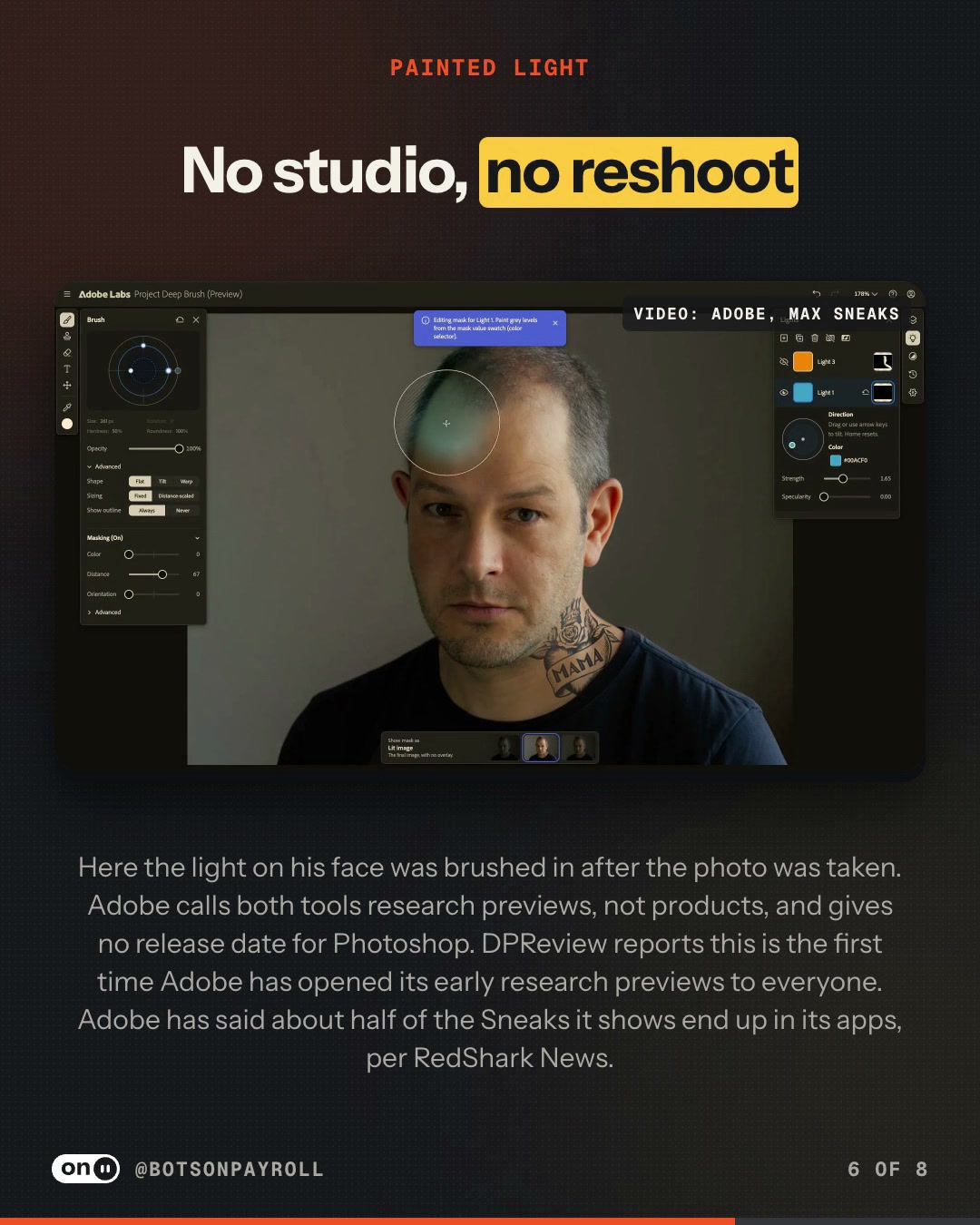
- Here the light on his face was brushed in after the photo was taken.
Watch the video
0:42, sound onDrag the object, not a prompt
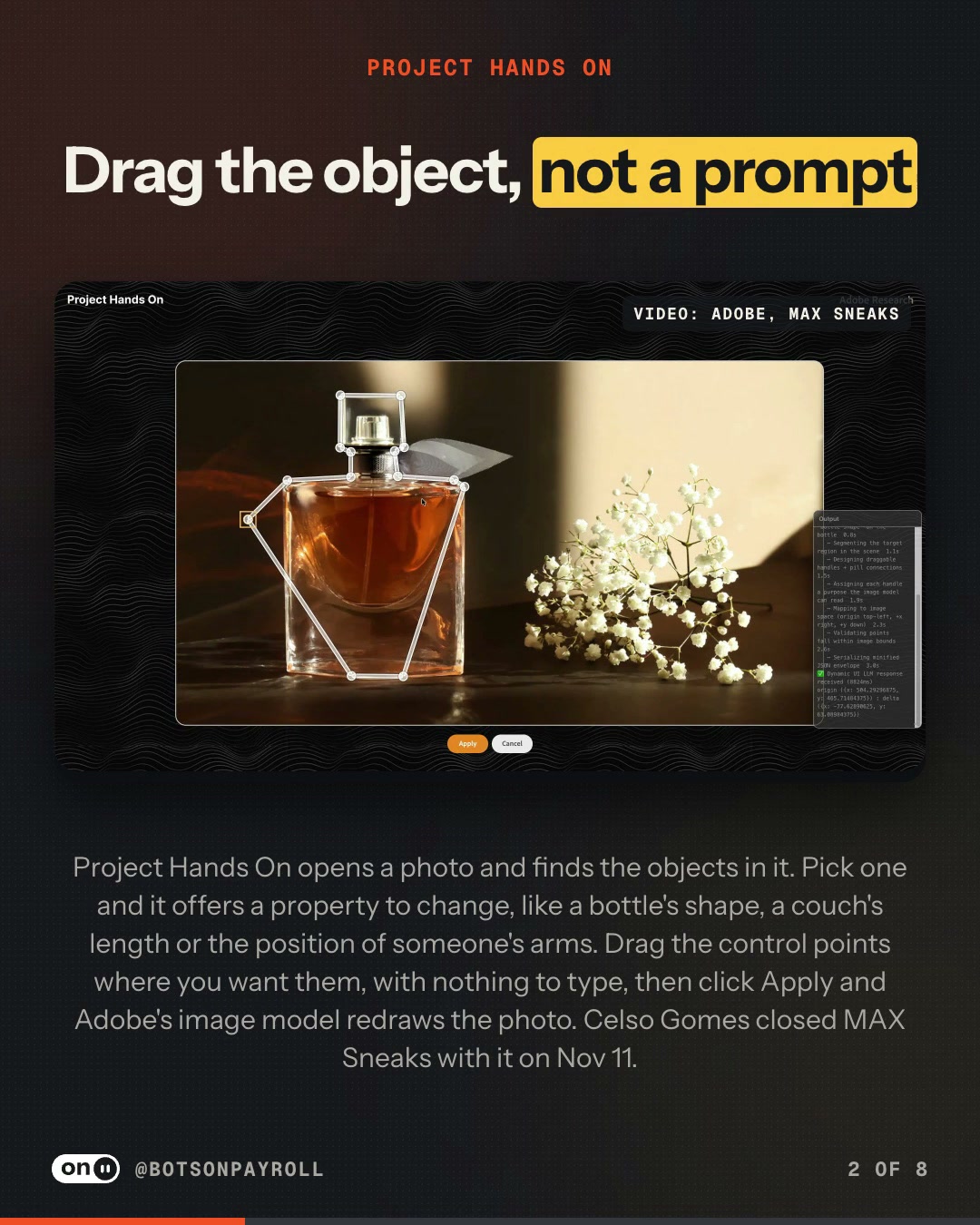
Project Hands On opens a photo and finds the objects in it. Pick one and it offers a property to change, like a bottle's shape, a couch's length or the position of someone's arms. Drag the control points where you want them, with nothing to type, then click Apply and Adobe's image model redraws the photo. Celso Gomes closed MAX Sneaks with it on Nov 11.
Three moves, one click
The preview you see while dragging is only a sketch, Adobe says; the real edit renders after you click Apply. In Adobe's demo, three edits went in at once: a bigger burger, a fuller beer and a turned head. Hands On grew out of the object editing that's now in Firefly's Edit object tool. Each edit uses one of your daily generations, while sample projects use none.
Paint that follows the folds
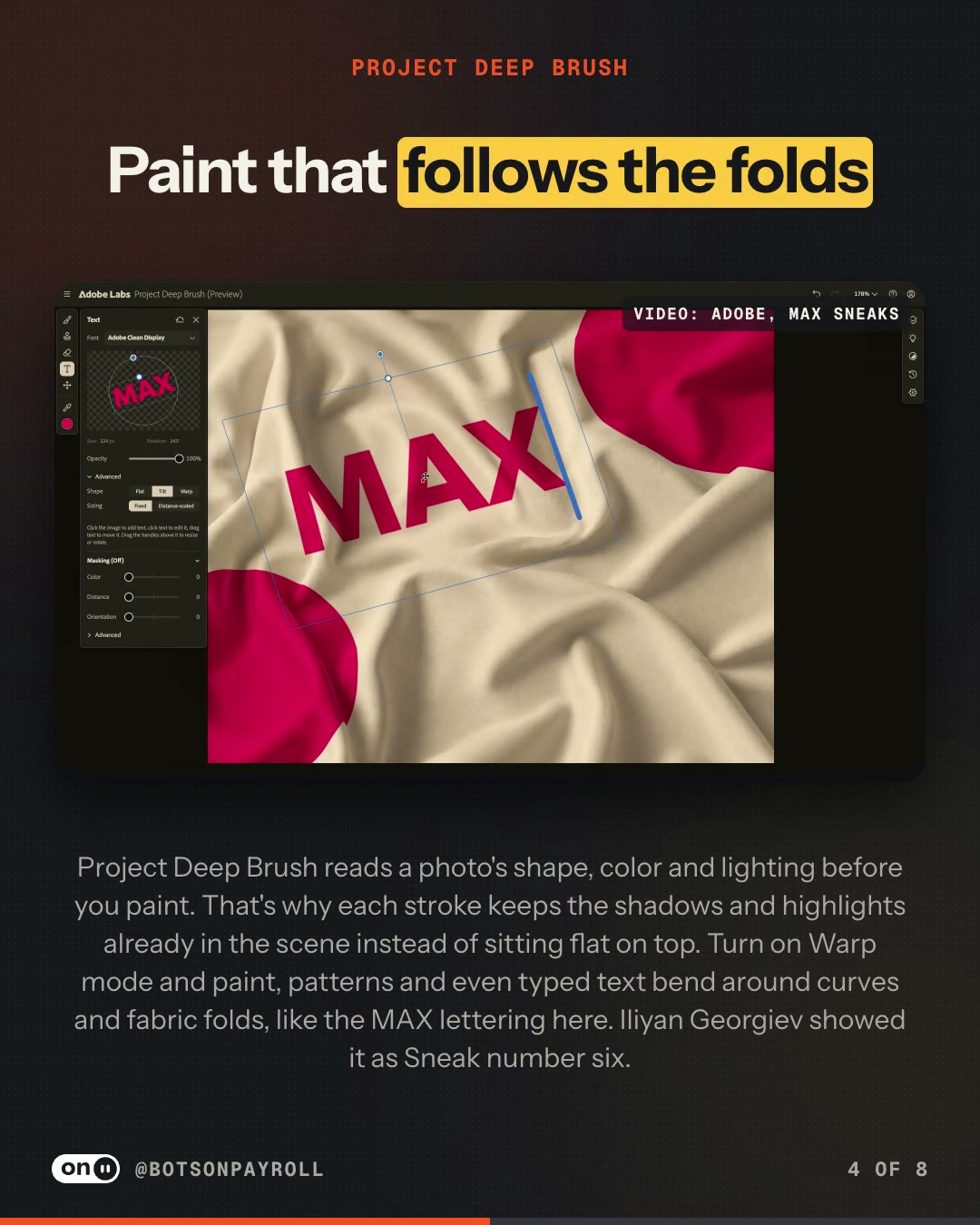
Project Deep Brush reads a photo's shape, color and lighting before you paint. That's why each stroke keeps the shadows and highlights already in the scene instead of sitting flat on top. Turn on Warp mode and paint, patterns and even typed text bend around curves and fabric folds, like the MAX lettering here. Iliyan Georgiev showed it as Sneak number six.
Color, text, even light
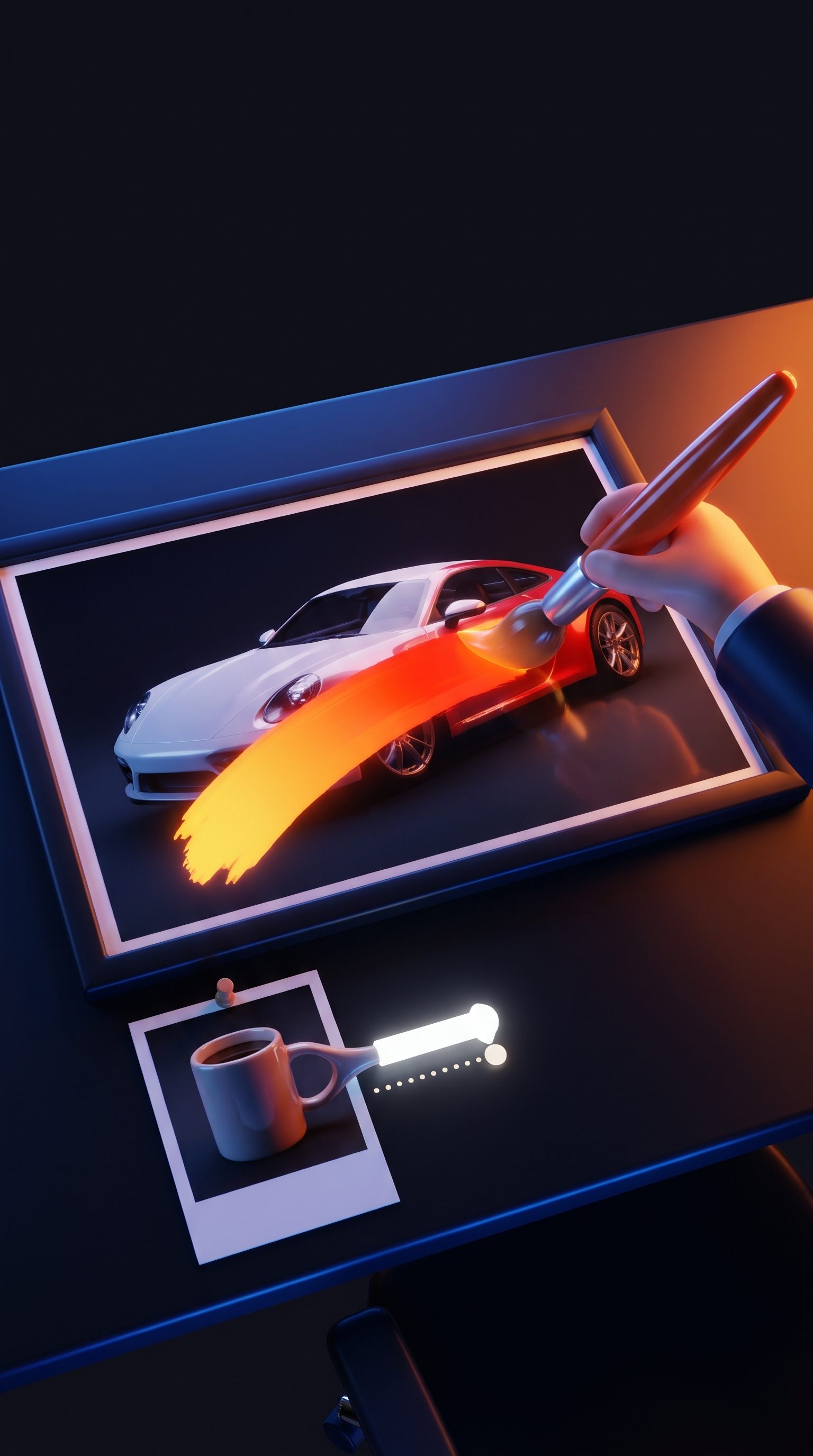
Smart masks keep the paint where you want it, so a color change can skip an eye or stop at an edge. In Adobe's demo a tattoo bends with the skin of a neck, palm trees print onto fabric, and a wall changes color without losing its shadows. The last trick is the one creators keep posting: brush where the light should fall, and the scene is relit.
No studio, no reshoot
Here the light on his face was brushed in after the photo was taken. Adobe calls both tools research previews, not products, and gives no release date for Photoshop. DPReview reports this is the first time Adobe has opened its early research previews to everyone. Adobe has said about half of the Sneaks it shows end up in its apps, per RedShark News.
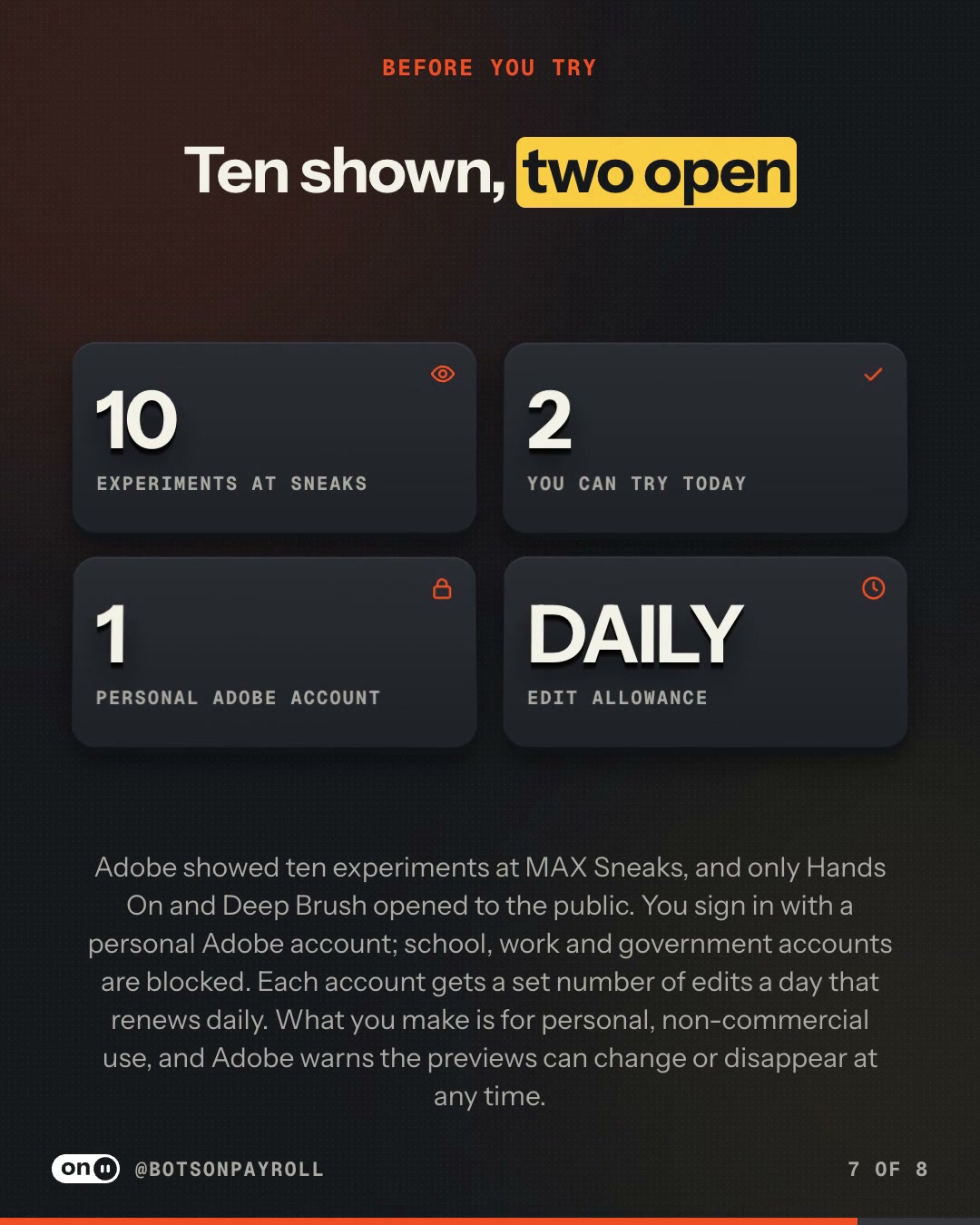
Ten shown, two open
Adobe showed ten experiments at MAX Sneaks, and only Hands On and Deep Brush opened to the public. You sign in with a personal Adobe account; school, work and government accounts are blocked. Each account gets a set number of edits a day that renews daily. What you make is for personal, non-commercial use, and Adobe warns the previews can change or disappear at any time.
Swipe the post

Sources
More AI news

Spent your weekend on sale posts? One photo could have made all of them.
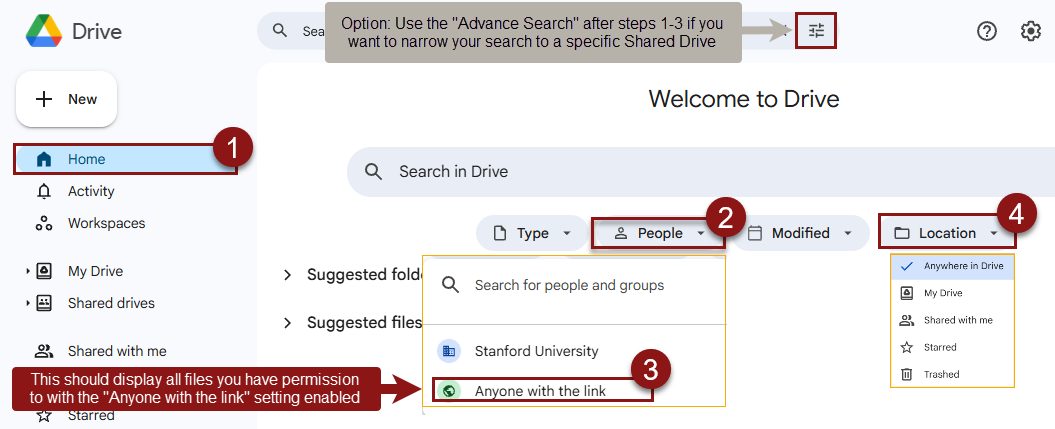
Your pay stub link still opens. Here's how to lock it.