You can make your own GIFs in ChatGPT now
ChatGPT Images 2.6 turns a sentence or a photo into a looping GIF. Four steps.
By Bots on Payroll, with 9 sources below
The short version
- OpenAI launched ChatGPT Images 2.6 on Nov 4; it can turn a prompt or image into an animated GIF.
- You can change the speed, edit single frames and share it; it's rolling out to every plan, free included.
- SVG logo files are API only for now, not in ChatGPT.
Watch the video
0:51, sound onFour steps to your first GIF
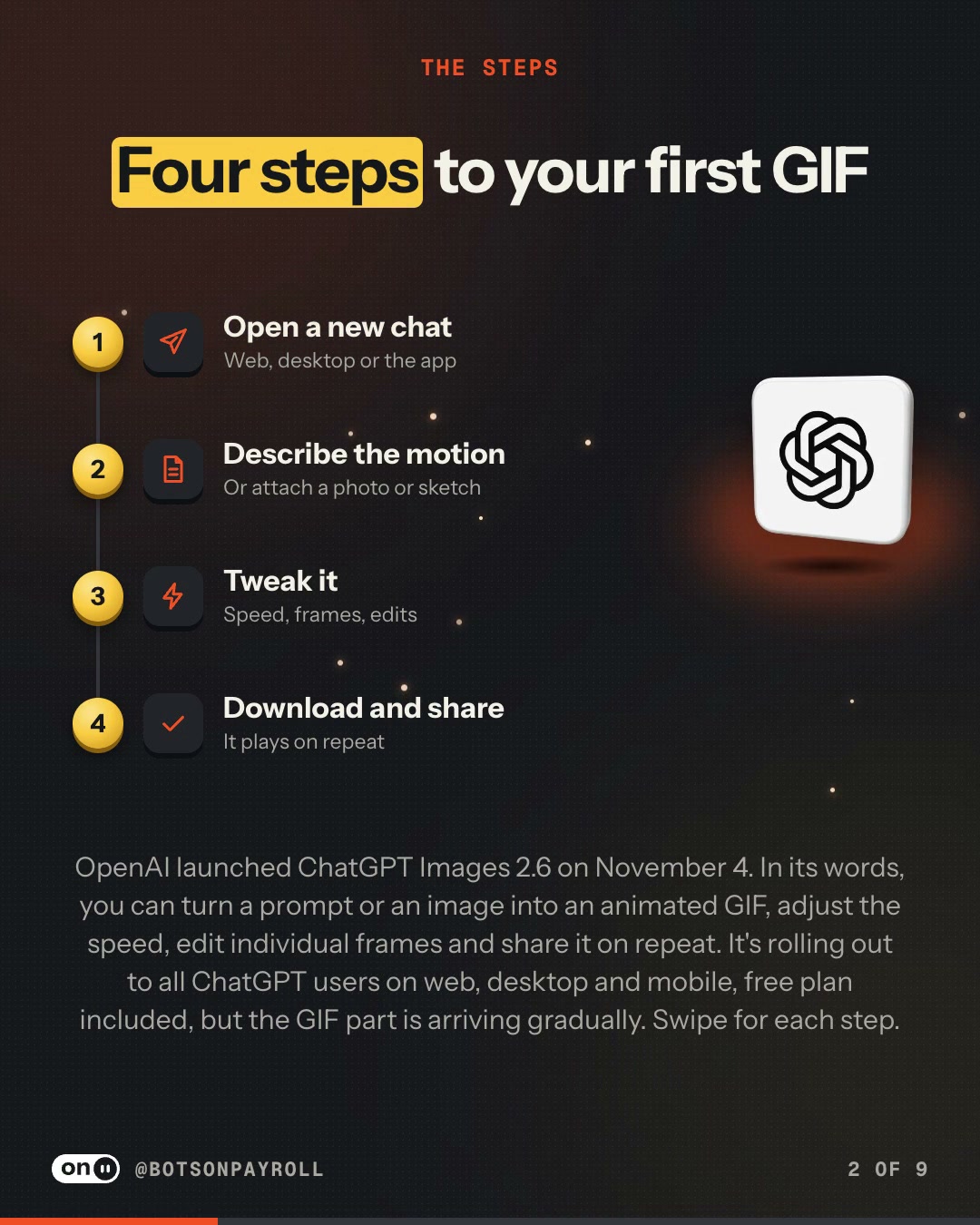
OpenAI launched ChatGPT Images 2.6 on November 4. In its words, you can turn a prompt or an image into an animated GIF, adjust the speed, edit individual frames and share it on repeat. It's rolling out to all ChatGPT users on web, desktop and mobile, free plan included, but the GIF part is arriving gradually. Swipe for each step.
Describe what should move
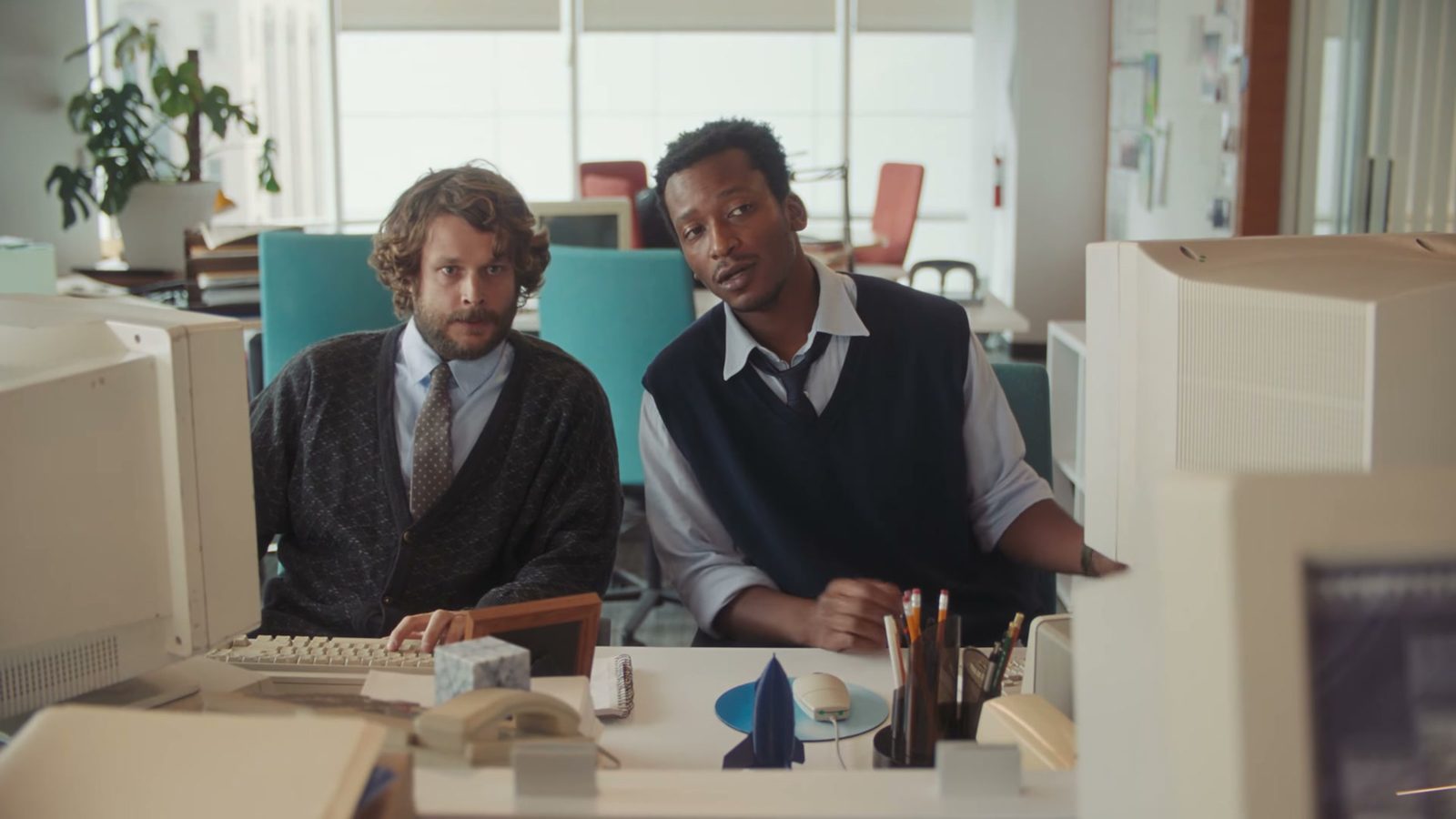
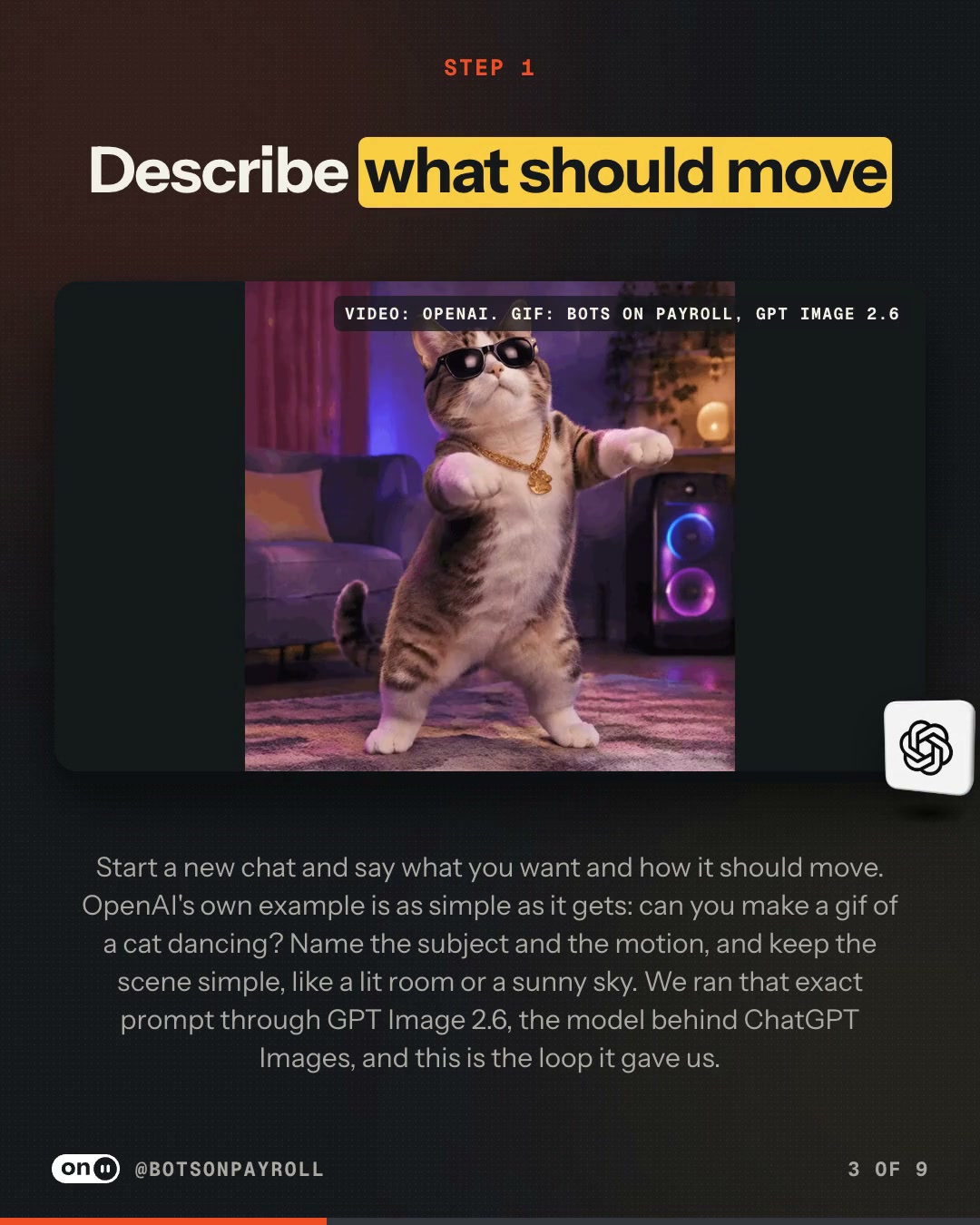
Start a new chat and say what you want and how it should move. OpenAI's own example is as simple as it gets: can you make a gif of a cat dancing? Name the subject and the motion, and keep the scene simple, like a lit room or a sunny sky. We ran that exact prompt through GPT Image 2.6, the model behind ChatGPT Images, and this is the loop it gave us.
Or bring a photo to life
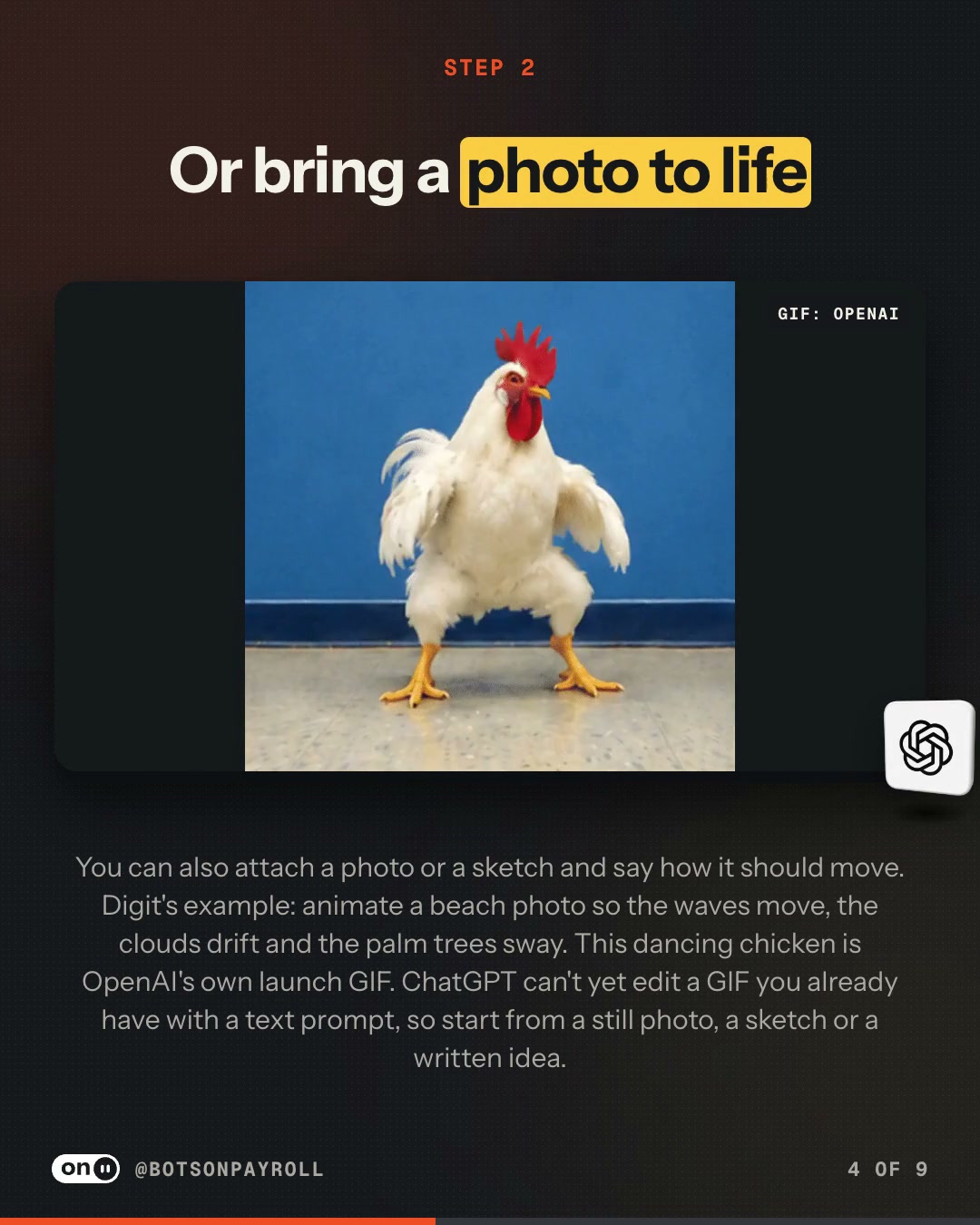
You can also attach a photo or a sketch and say how it should move. Digit's example: animate a beach photo so the waves move, the clouds drift and the palm trees sway. This dancing chicken is OpenAI's own launch GIF. ChatGPT can't yet edit a GIF you already have with a text prompt, so start from a still photo, a sketch or a written idea.
Change the speed, fix a frame
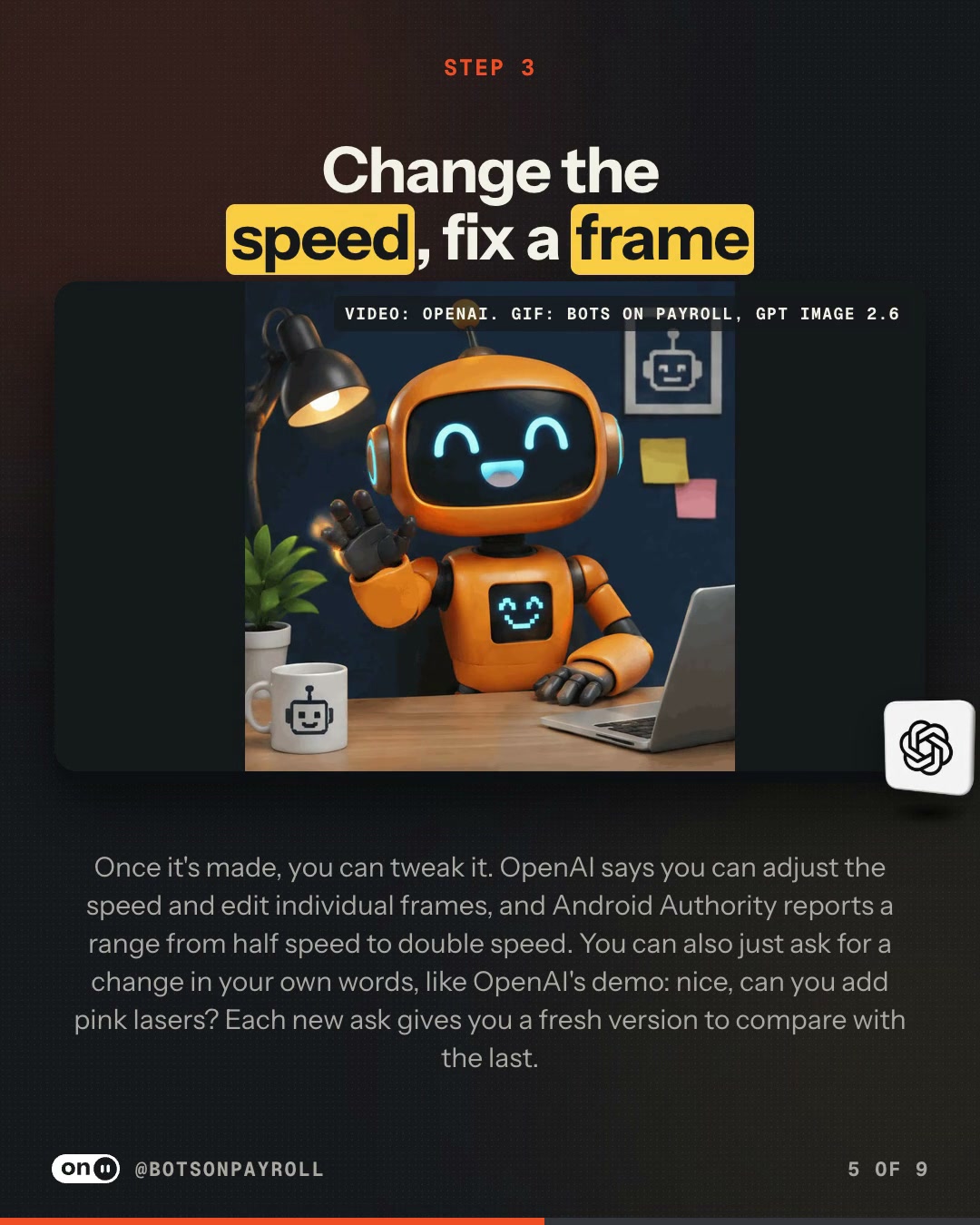
Once it's made, you can tweak it. OpenAI says you can adjust the speed and edit individual frames, and Android Authority reports a range from half speed to double speed. You can also just ask for a change in your own words, like OpenAI's demo: nice, can you add pink lasers? Each new ask gives you a fresh version to compare with the last.
Download it, share it
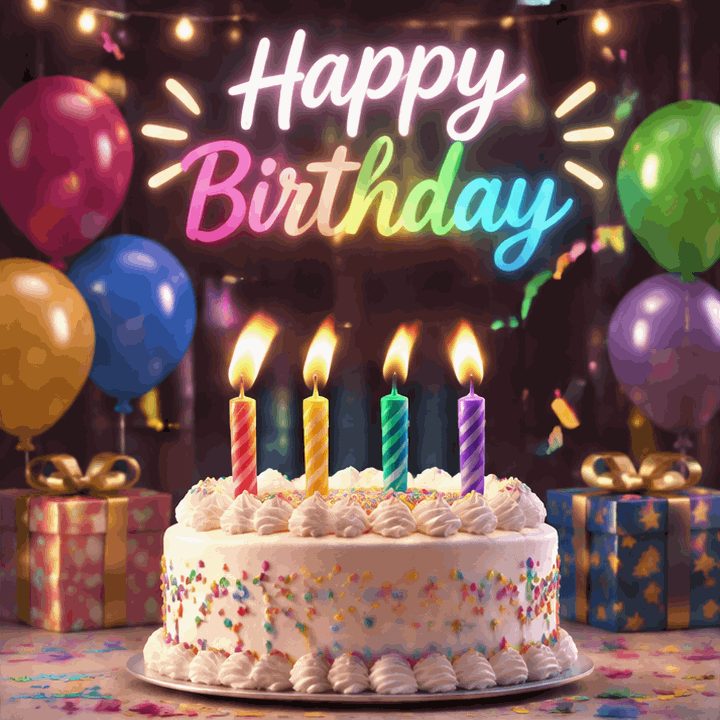
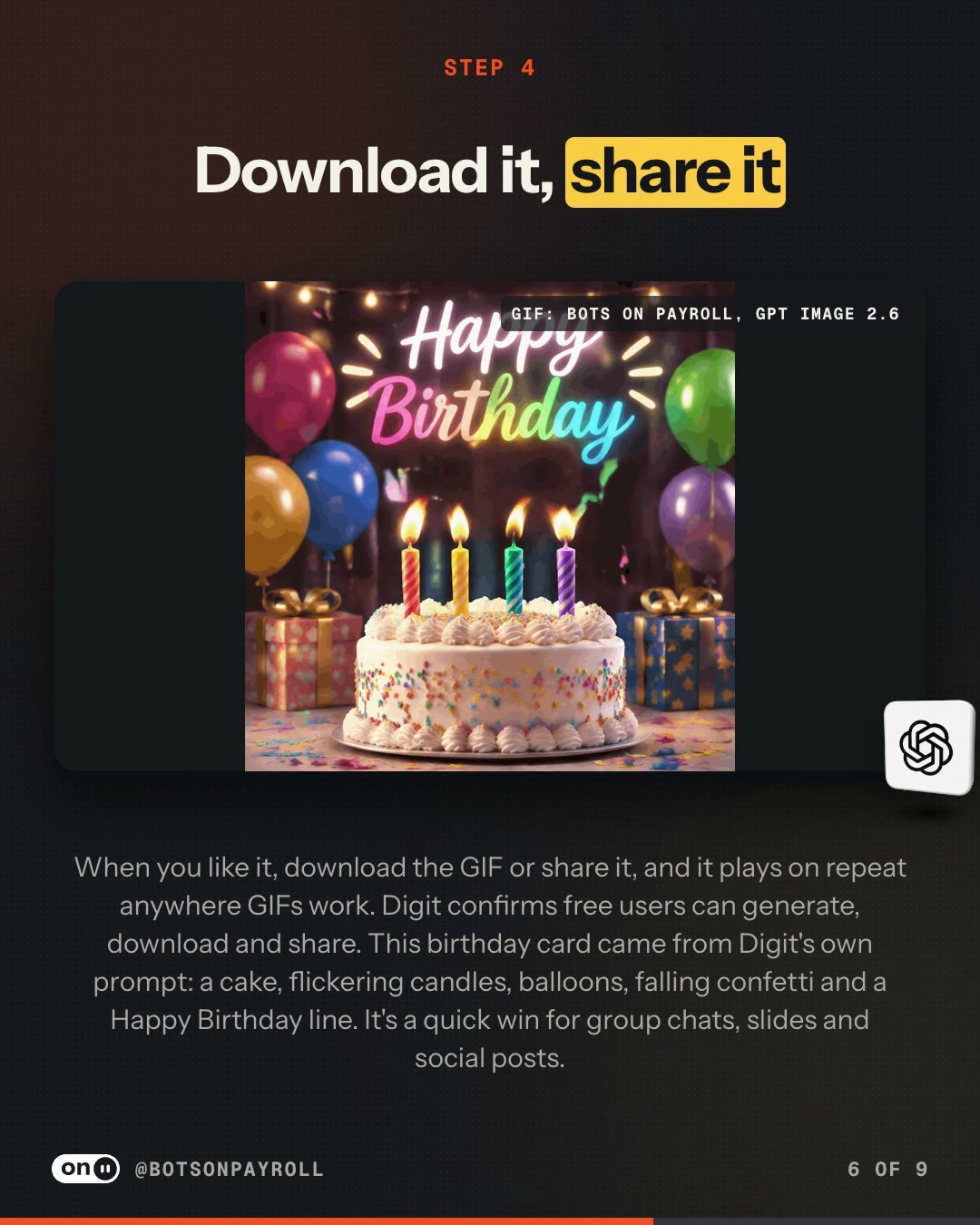
When you like it, download the GIF or share it, and it plays on repeat anywhere GIFs work. Digit confirms free users can generate, download and share. This birthday card came from Digit's own prompt: a cake, flickering candles, balloons, falling confetti and a Happy Birthday line. It's a quick win for group chats, slides and social posts.
What you get, and what you don't
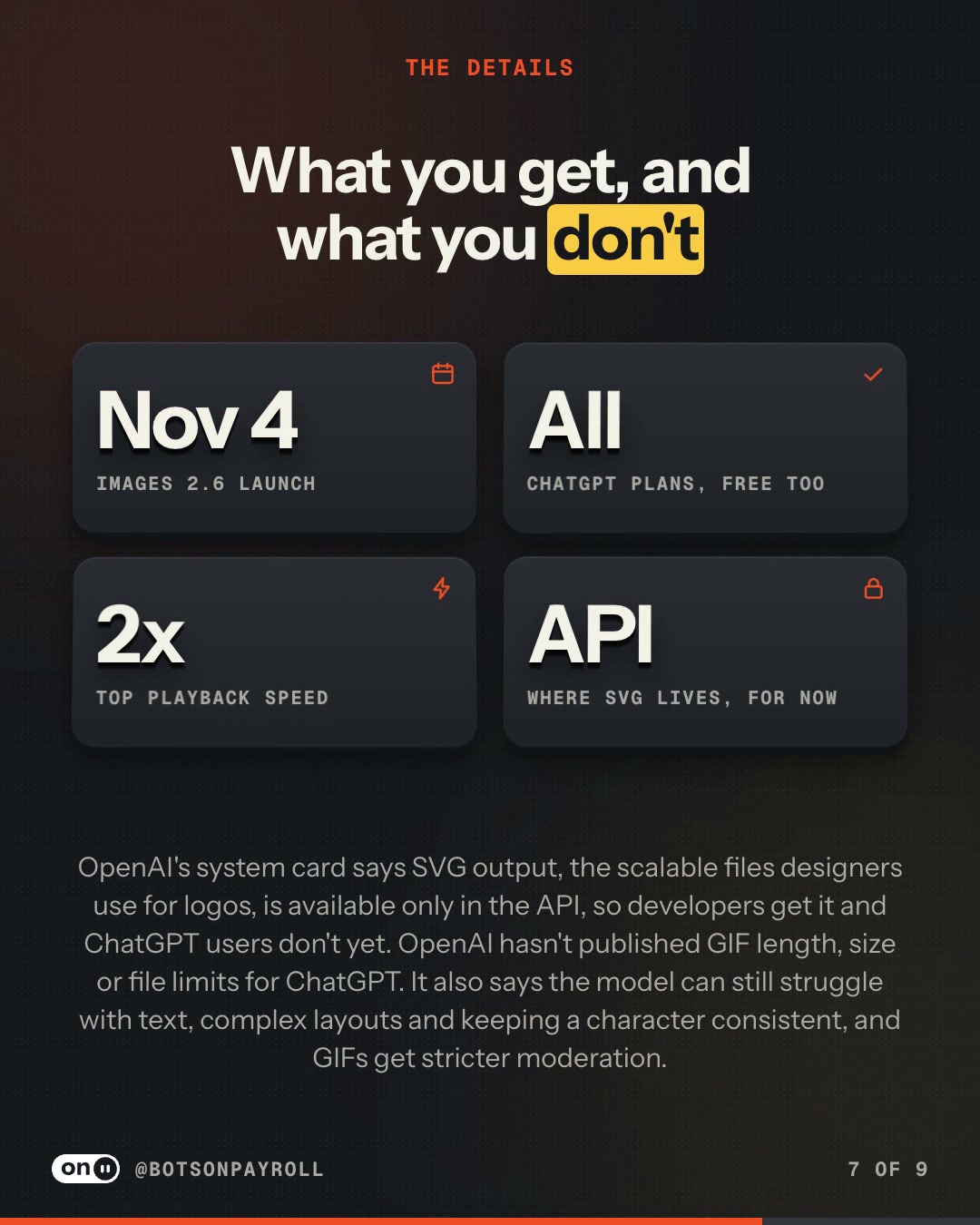
OpenAI's system card says SVG output, the scalable files designers use for logos, is available only in the API, so developers get it and ChatGPT users don't yet. OpenAI hasn't published GIF length, size or file limits for ChatGPT. It also says the model can still struggle with text, complex layouts and keeping a character consistent, and GIFs get stricter moderation.
Get better GIFs
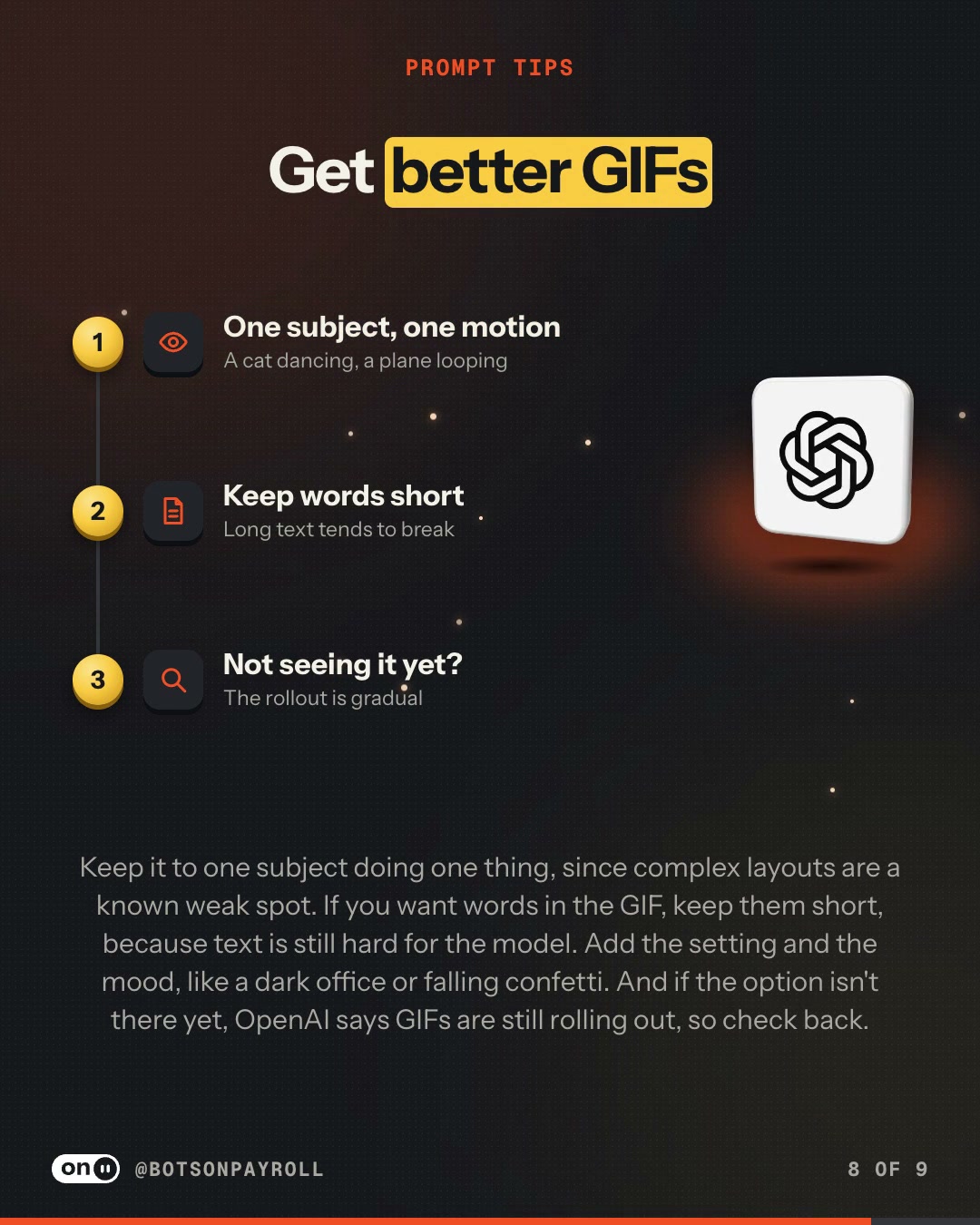
Keep it to one subject doing one thing, since complex layouts are a known weak spot. If you want words in the GIF, keep them short, because text is still hard for the model. Add the setting and the mood, like a dark office or falling confetti. And if the option isn't there yet, OpenAI says GIFs are still rolling out, so check back.
Swipe the post
Sources
More AI news
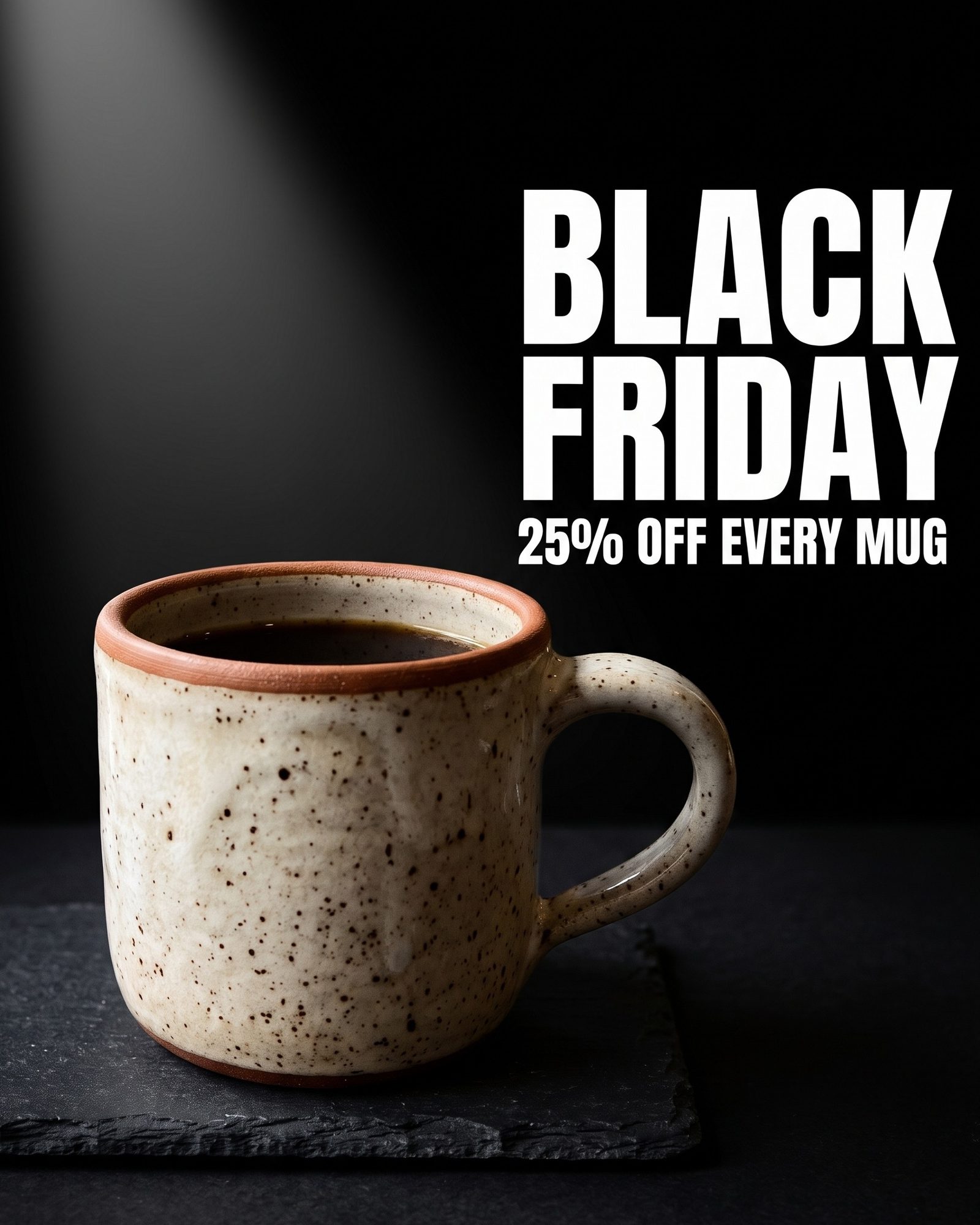
Spent your weekend on sale posts? One photo could have made all of them.
Your pay stub link still opens. Here's how to lock it.