Motion graphics with Claude Code and HyperFrames, from one message
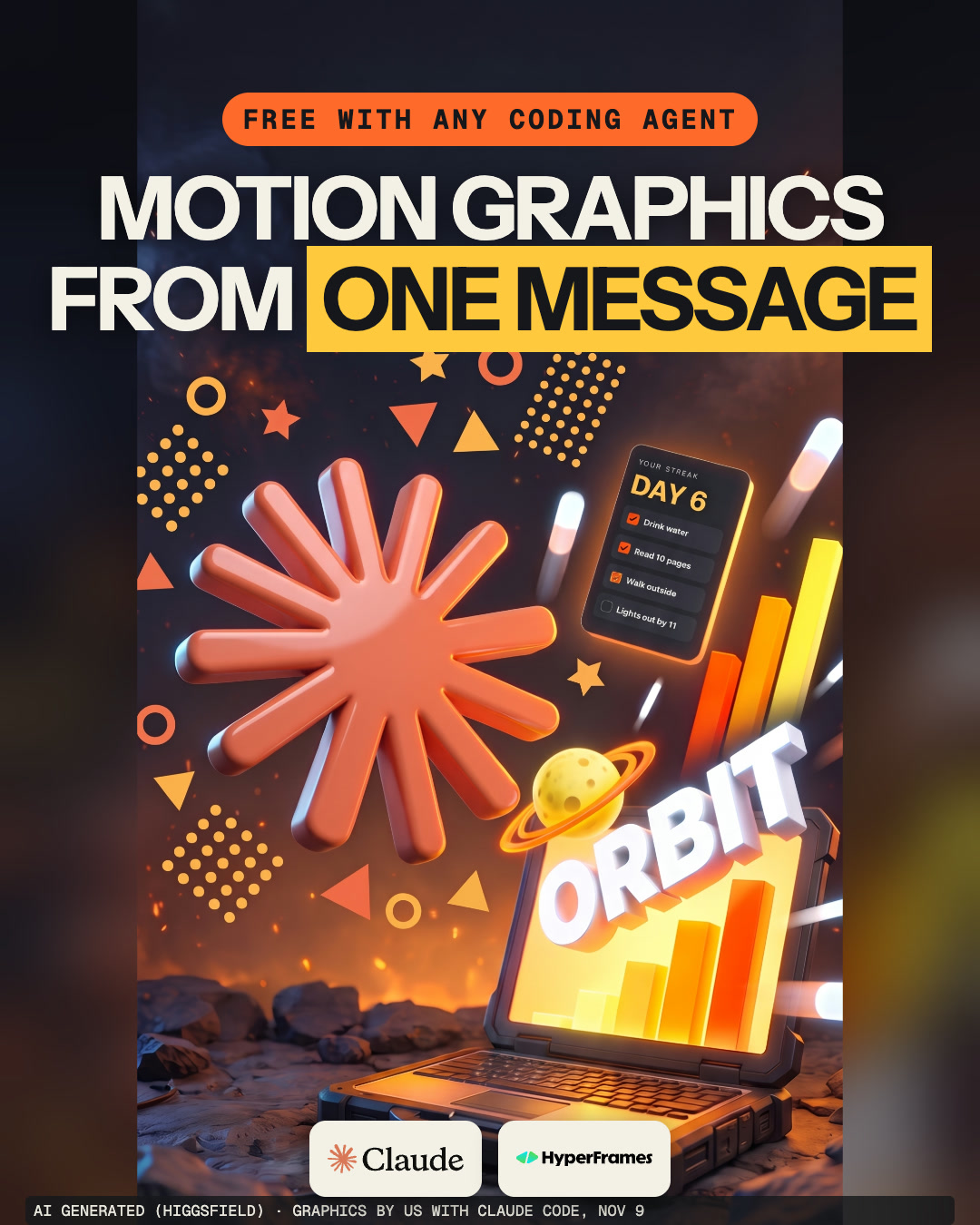
Claude Code wrote a 15 second vertical launch teaser from one message, and HyperFrames, a free open source tool, rendered it on our laptop in 13 seconds. No After Effects, no keyframes. HyperFrames' check command caught most bugs before the render, a snapshot pass caught the one it missed, and one FFmpeg line fixed the loudness. The full guide and a free Claude skill are linked below.
By Bots on Payroll, with 10 sources below

The short version
- Claude Pro is $20/month billed monthly
- Claude Pro annual is $17/month ($200 up front)
- Claude Code is included in Pro
Watch the video
0:24, sound onOne command starts it
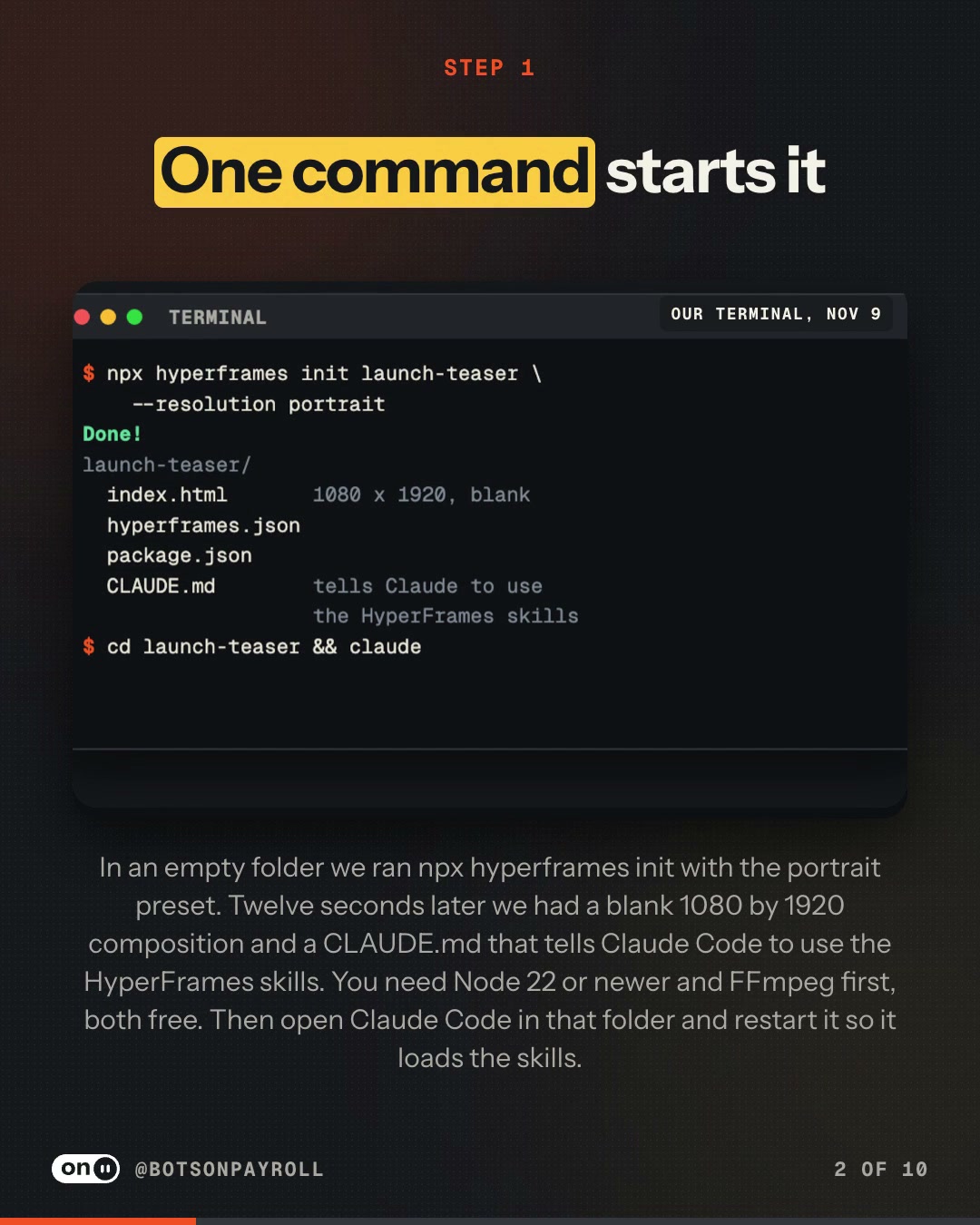
In an empty folder we ran npx hyperframes init with the portrait preset. Twelve seconds later we had a blank 1080 by 1920 composition and a CLAUDE.md that tells Claude Code to use the HyperFrames skills. You need Node 22 or newer and FFmpeg first, both free. Then open Claude Code in that folder and restart it so it loads the skills.
Paste one brief
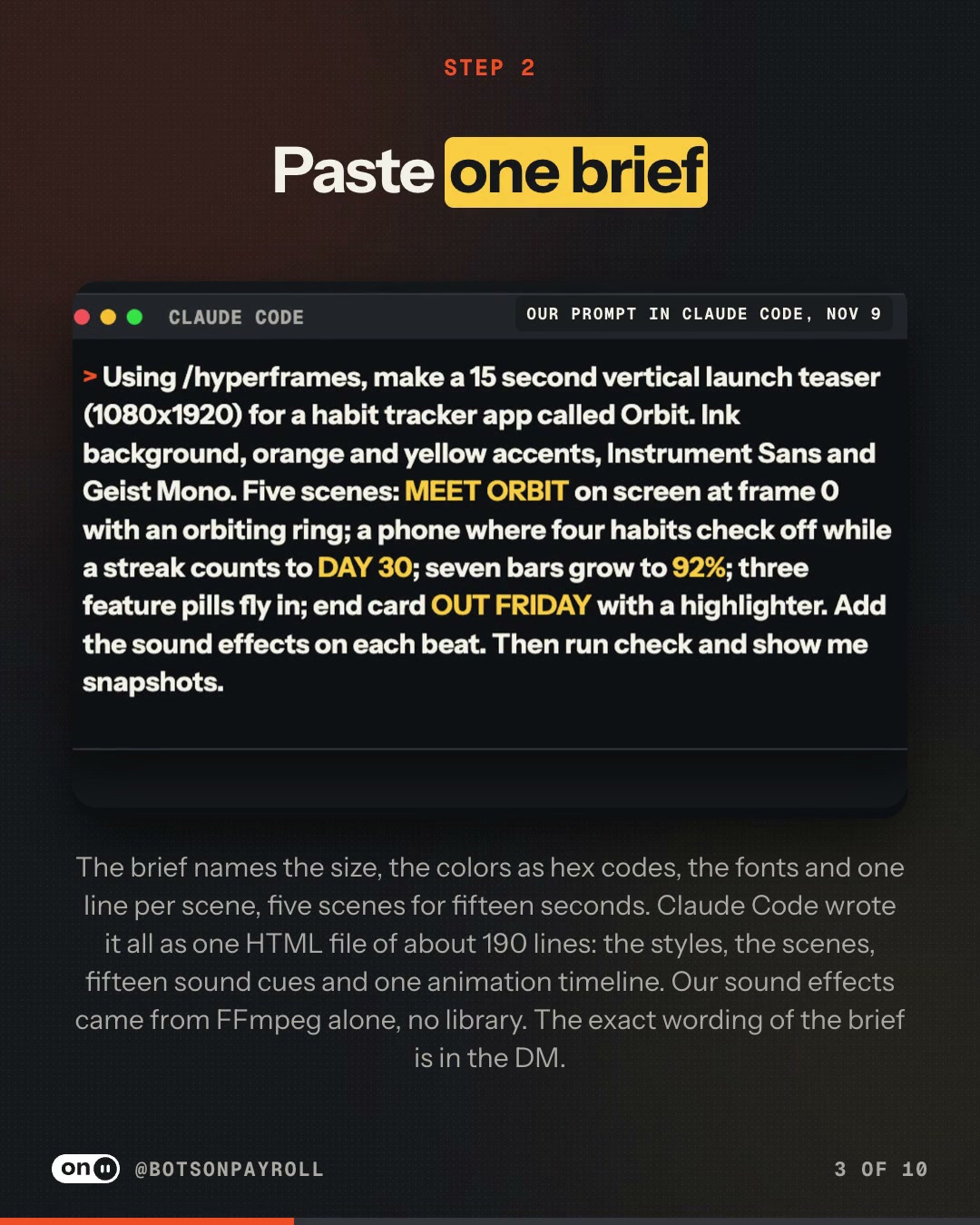
The brief names the size, the colors as hex codes, the fonts and one line per scene, five scenes for fifteen seconds. Claude Code wrote it all as one HTML file of about 190 lines: the styles, the scenes, fifteen sound cues and one animation timeline. Our sound effects came from FFmpeg alone, no library. The exact wording of the brief is in the DM.
Check catches the bugs
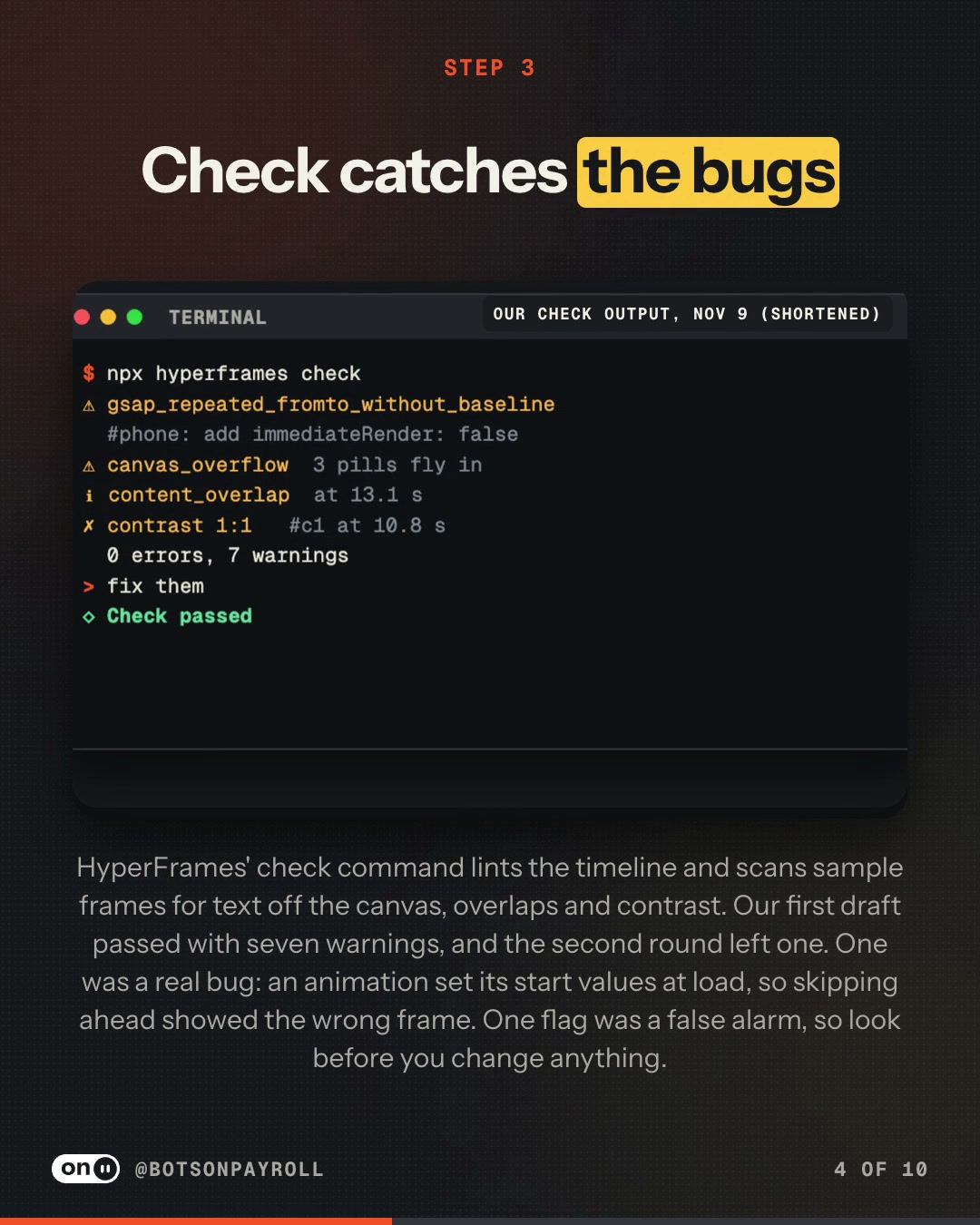
HyperFrames' check command lints the timeline and scans sample frames for text off the canvas, overlaps and contrast. Our first draft passed with seven warnings, and the second round left one. One was a real bug: an animation set its start values at load, so skipping ahead showed the wrong frame. One flag was a false alarm, so look before you change anything.
Look at every frame
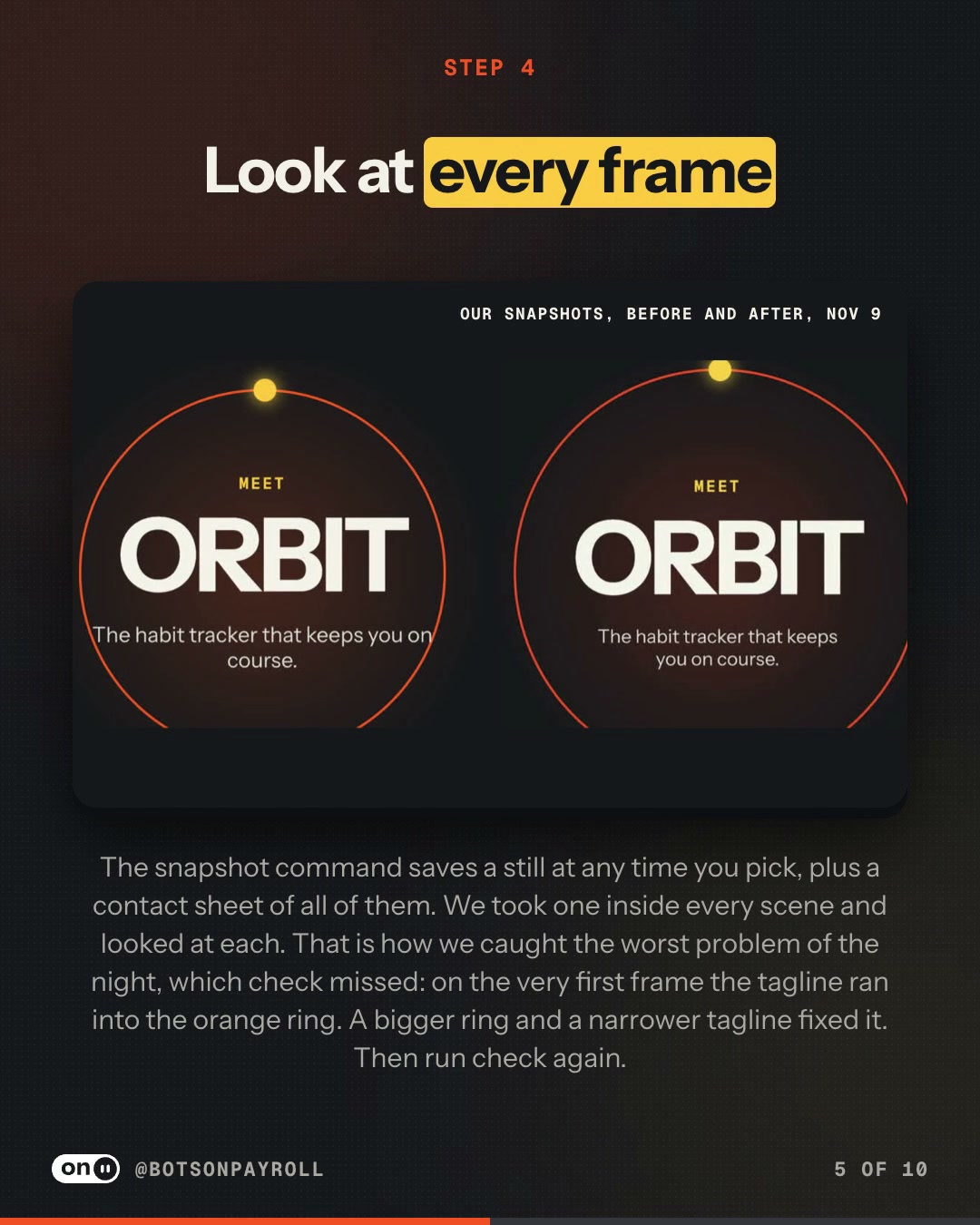
The snapshot command saves a still at any time you pick, plus a contact sheet of all of them. We took one inside every scene and looked at each. That is how we caught the worst problem of the night, which check missed: on the very first frame the tagline ran into the orange ring. A bigger ring and a narrower tagline fixed it. Then run check again.
Render on your laptop
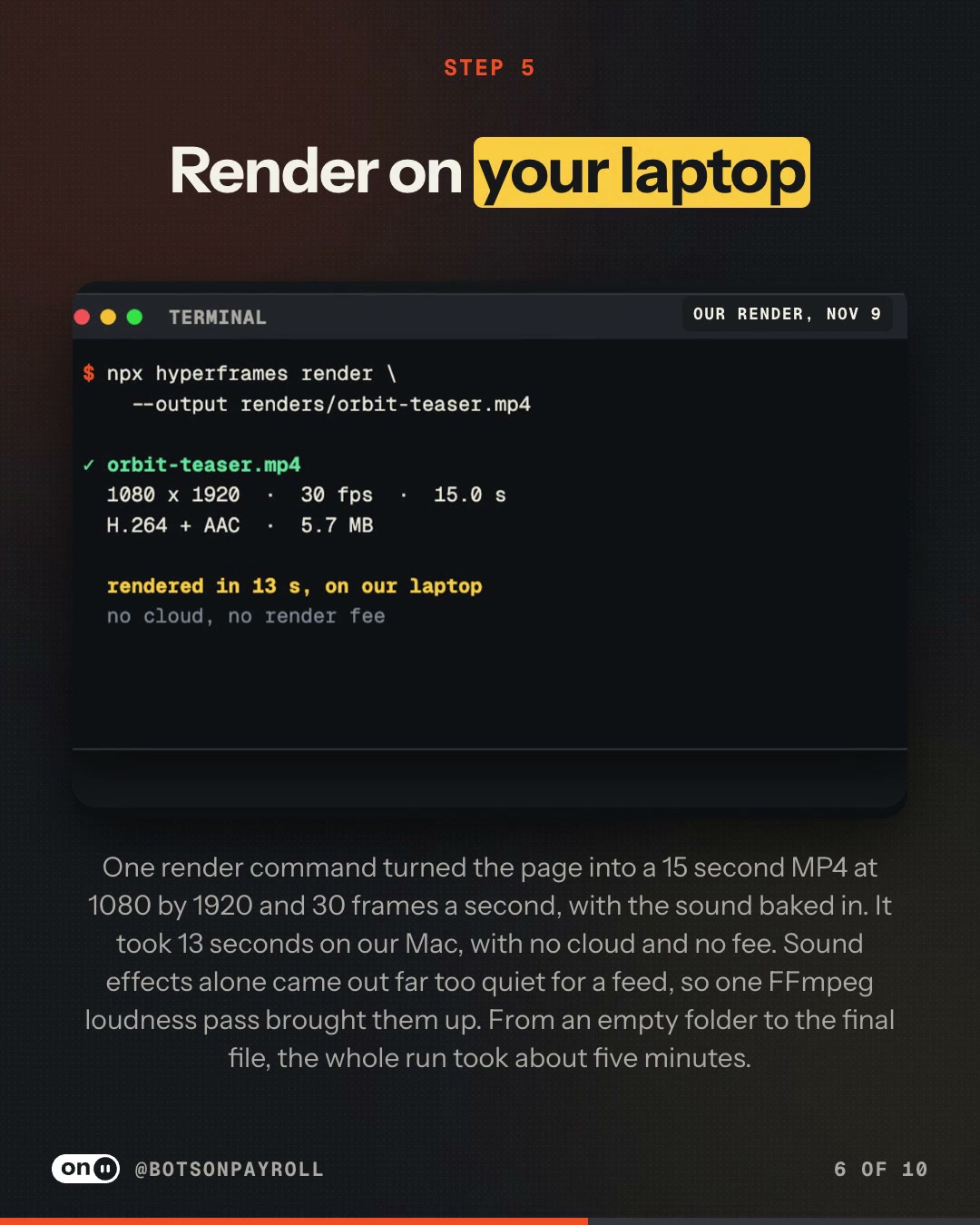
One render command turned the page into a 15 second MP4 at 1080 by 1920 and 30 frames a second, with the sound baked in. It took 13 seconds on our Mac, with no cloud and no fee. Sound effects alone came out far too quiet for a feed, so one FFmpeg loudness pass brought them up. From an empty folder to the final file, the whole run took about five minutes.
We packed it into a skill
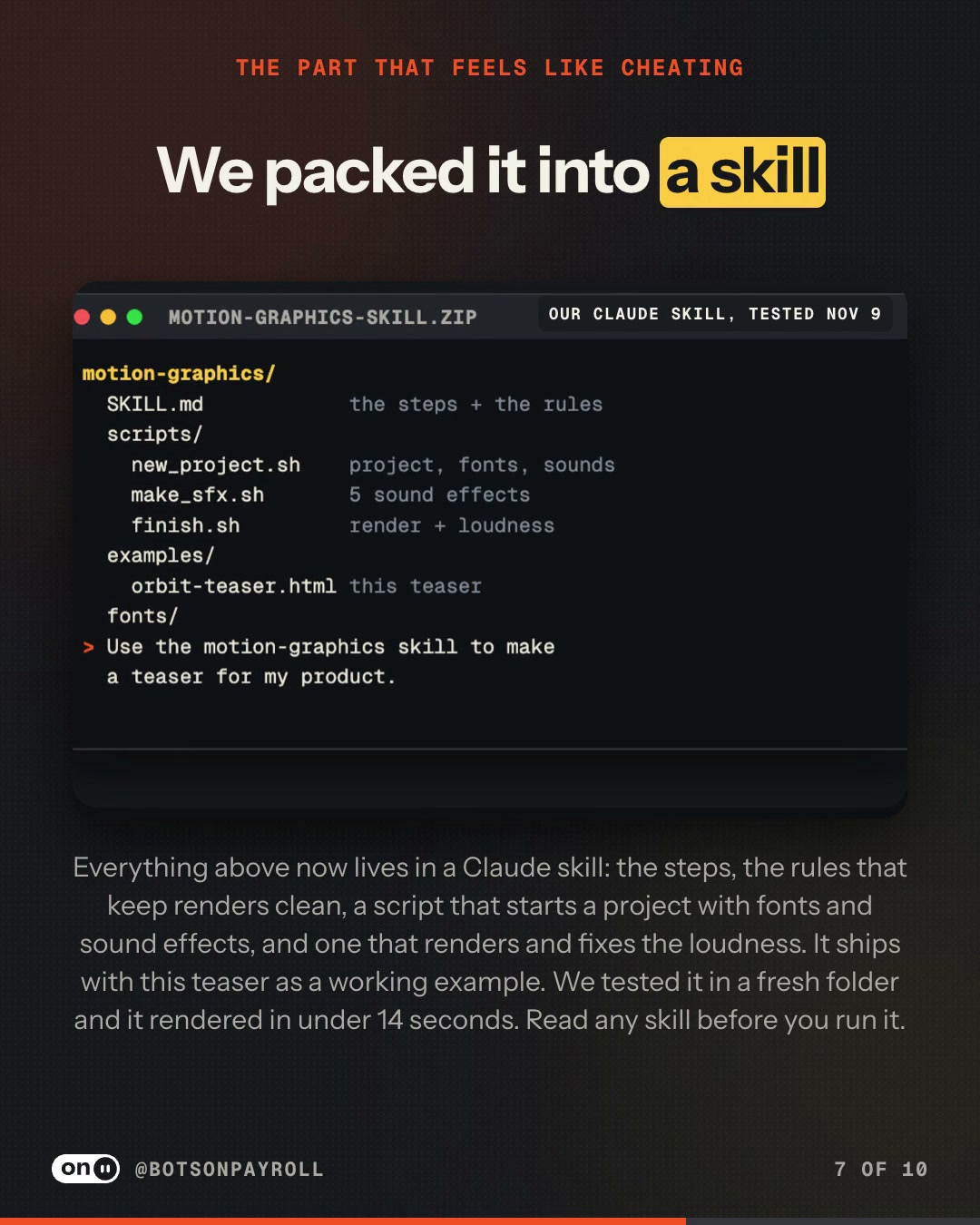
Everything above now lives in a Claude skill: the steps, the rules that keep renders clean, a script that starts a project with fonts and sound effects, and one that renders and fixes the loudness. It ships with this teaser as a working example. We tested it in a fresh folder and it rendered in under 14 seconds. Read any skill before you run it.
Free, if you have Claude
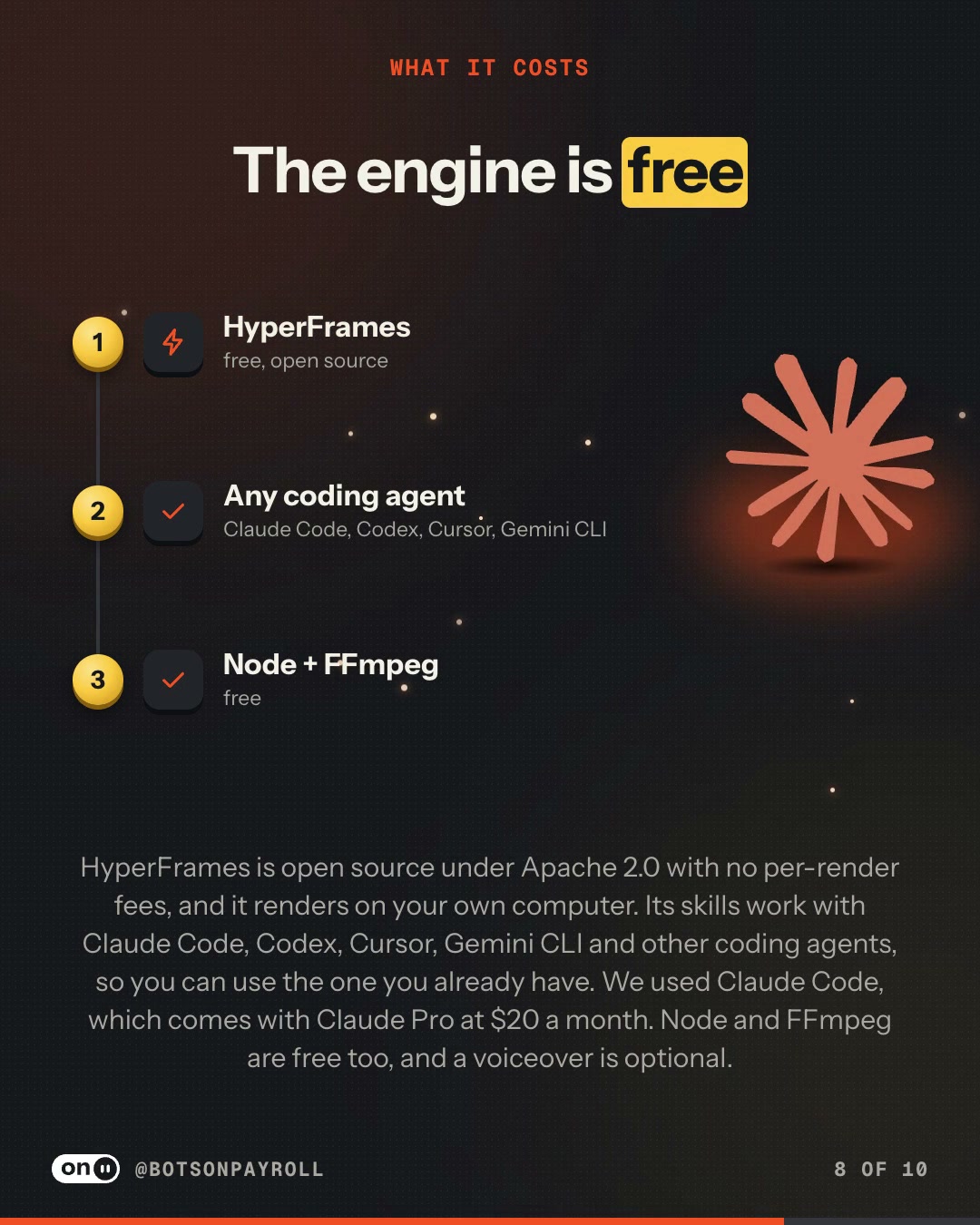
Claude Code comes with Claude Pro, which is $20 a month or $17 a month billed yearly. HyperFrames is open source under Apache 2.0 with no per-render fees, and it renders on your own computer. Node and FFmpeg are free too. A voiceover is optional; ElevenLabs adds a commercial license from its $6 Starter plan. If you already pay for Claude, nothing here costs extra.
The guide and the skill
Comment MOTION and I'll send you the guide: every command we ran, the exact brief, both rounds of check with each fix, and what it costs. The bonus is our Claude skill, a zip you drop into Claude Code so it builds your own teaser the same way. It works for any product: swap our brief for yours. Nothing to follow or share first, just the comment.
Swipe the post
Sources
More AI news

Spent your weekend on sale posts? One photo could have made all of them.
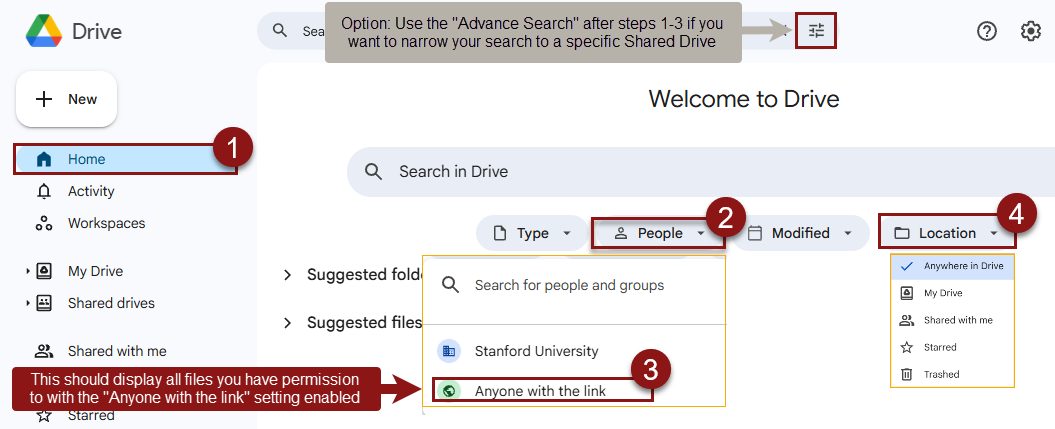
Your pay stub link still opens. Here's how to lock it.