ONE SENTENCE THAT FIXES BAD CLAUDE BUILDS
In a 28-minute Anthropic talk from May 2025 that's going viral again, Boris Cherny, who created Claude Code, warns that when you ask for an enormous feature in one go, sometimes what it builds is not at all what you wanted. His fix: ask it to brainstorm, make a plan and ask for approval before it writes code. You don't need special tools, just the sentence: before you write code, make a plan. Or press Shift+Tab until Claude Code shows plan mode, or put /plan before one request; it reads your files and proposes steps without editing until you approve.
By Bots on Payroll, with 7 sources below

The short version
- It builds the wrong thing
- "Before you write code, make a plan"
- Three ways to do it
- Read it, fix it, approve it
- Give it a way to check itself
Watch the video
0:38, sound onIt builds the wrong thing
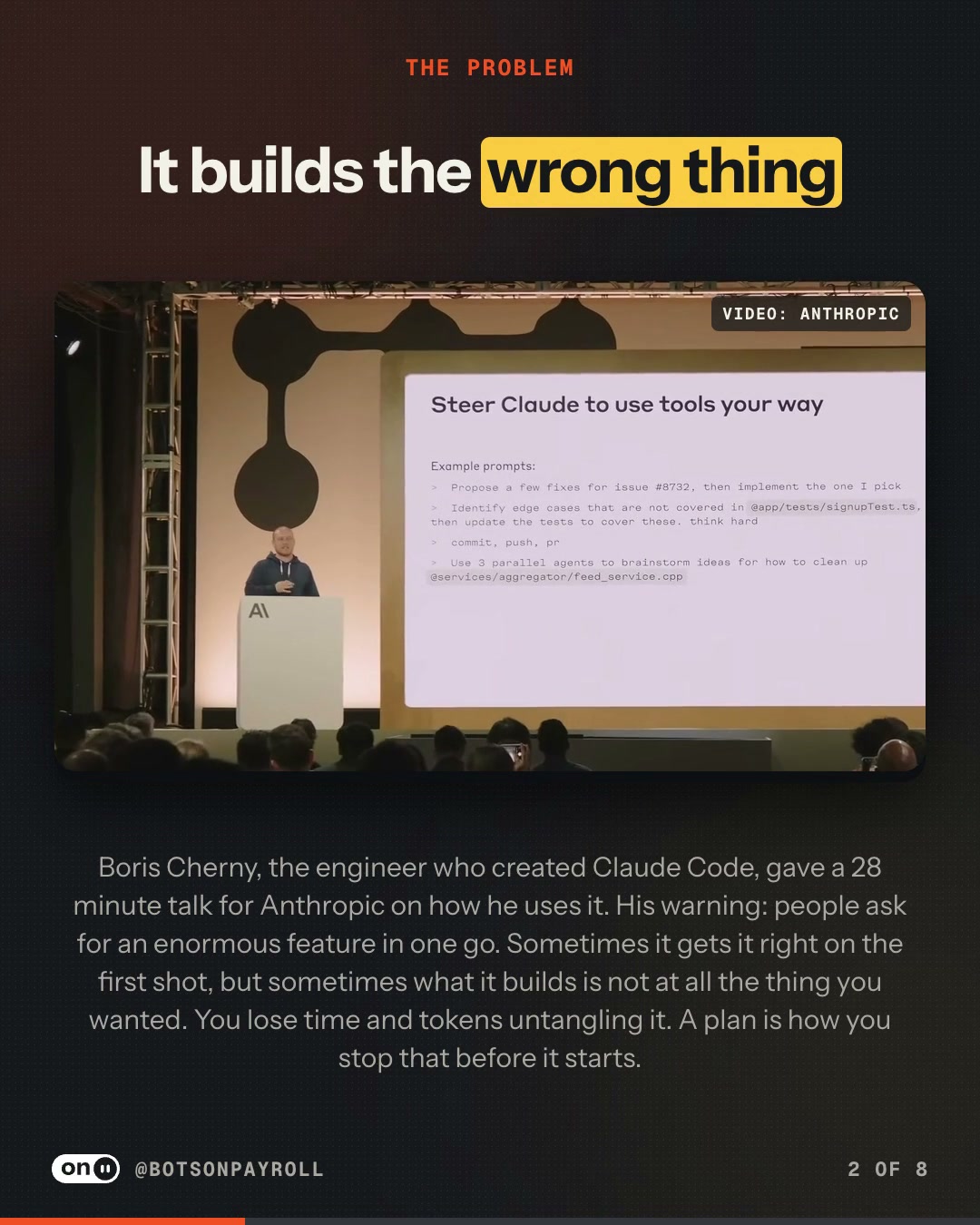
Boris Cherny, the engineer who created Claude Code, gave a 28 minute talk for Anthropic on how he uses it. His warning: people ask for an enormous feature in one go. Sometimes it gets it right on the first shot, but sometimes what it builds is not at all the thing you wanted. You lose time and tokens untangling it. A plan is how you stop that before it starts.
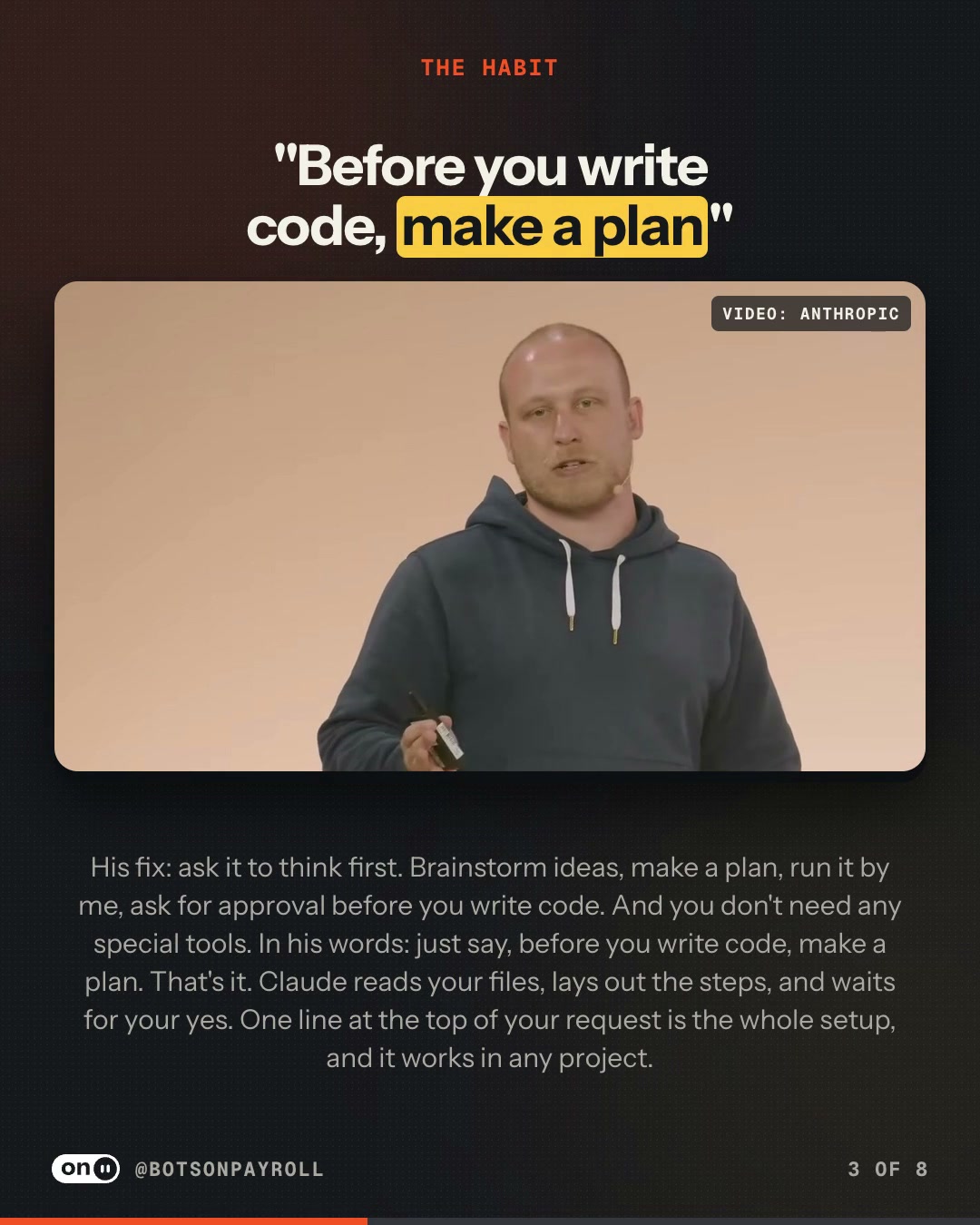
"Before you write code, make a plan"
His fix: ask it to think first. Brainstorm ideas, make a plan, run it by me, ask for approval before you write code. And you don't need any special tools. In his words: just say, before you write code, make a plan. That's it. Claude reads your files, lays out the steps, and waits for your yes. One line at the top of your request is the whole setup, and it works in any project.
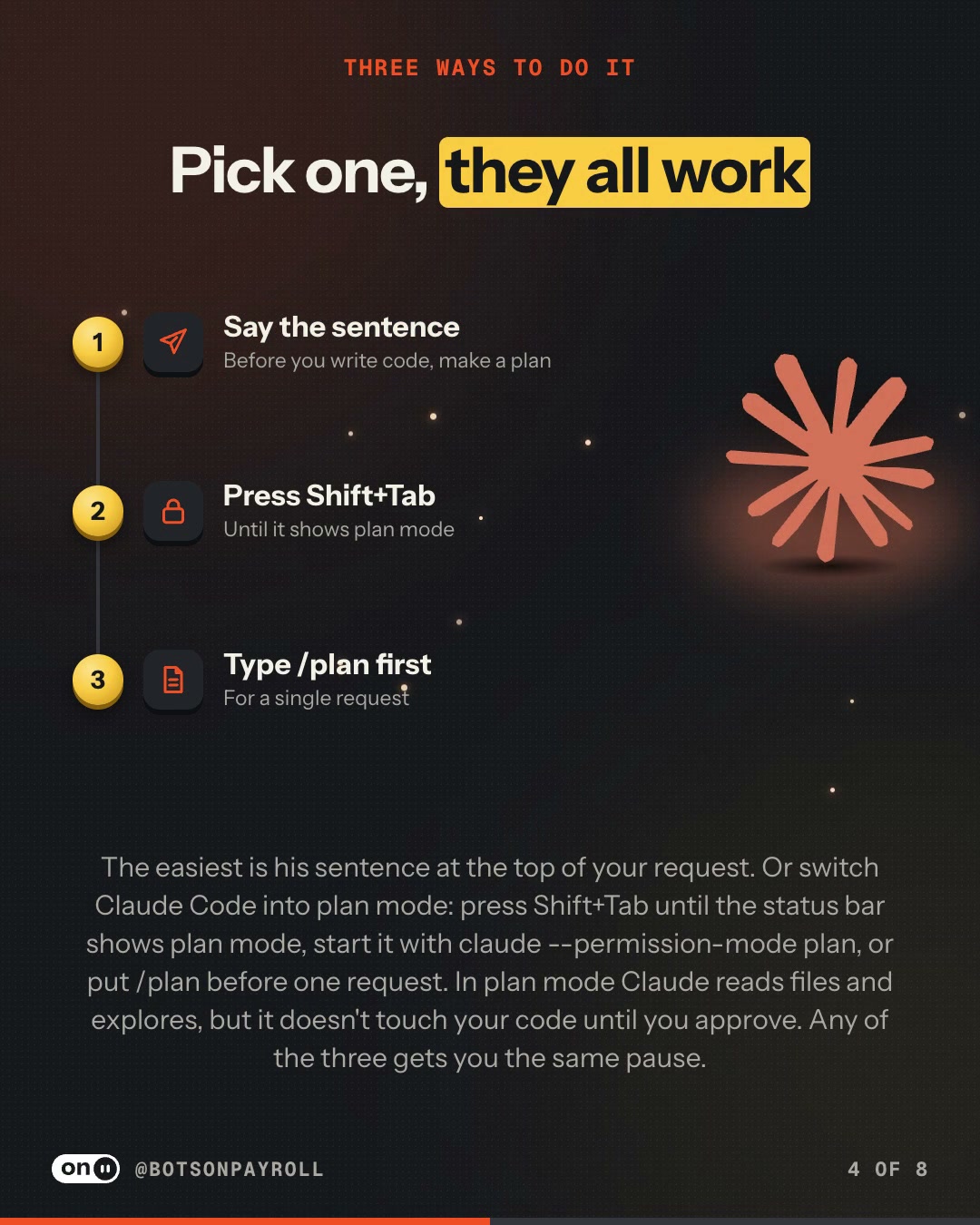
Pick one, they all work
The easiest is his sentence at the top of your request. Or switch Claude Code into plan mode: press Shift+Tab until the status bar shows plan mode, start it with claude --permission-mode plan, or put /plan before one request. In plan mode Claude reads files and explores, but it doesn't touch your code until you approve. Any of the three gets you the same pause.
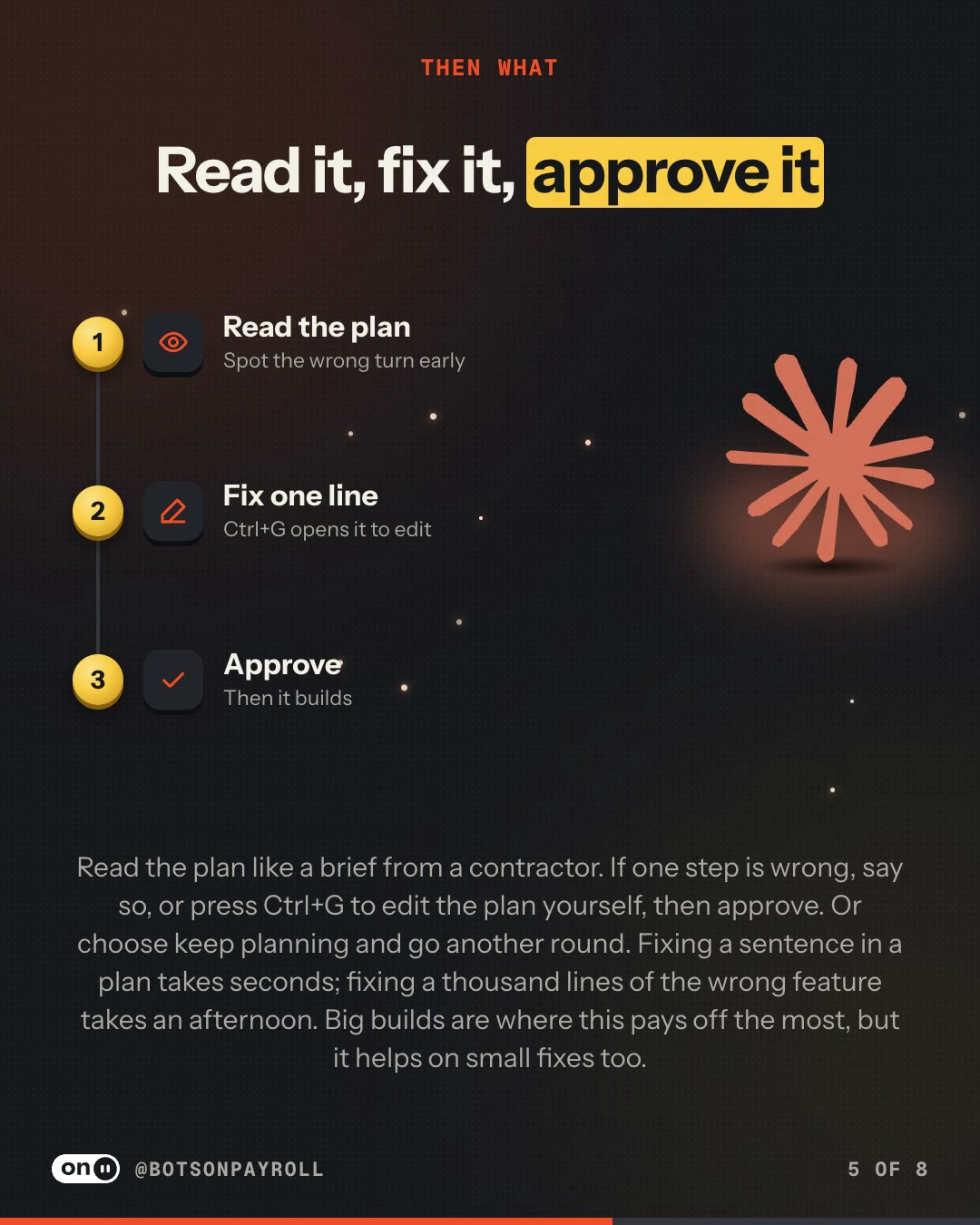
Read it, fix it, approve it
Read the plan like a brief from a contractor. If one step is wrong, say so, or press Ctrl+G to edit the plan yourself, then approve. Or choose keep planning and go another round. Fixing a sentence in a plan takes seconds; fixing a thousand lines of the wrong feature takes an afternoon. Big builds are where this pays off the most, but it helps on small fixes too.
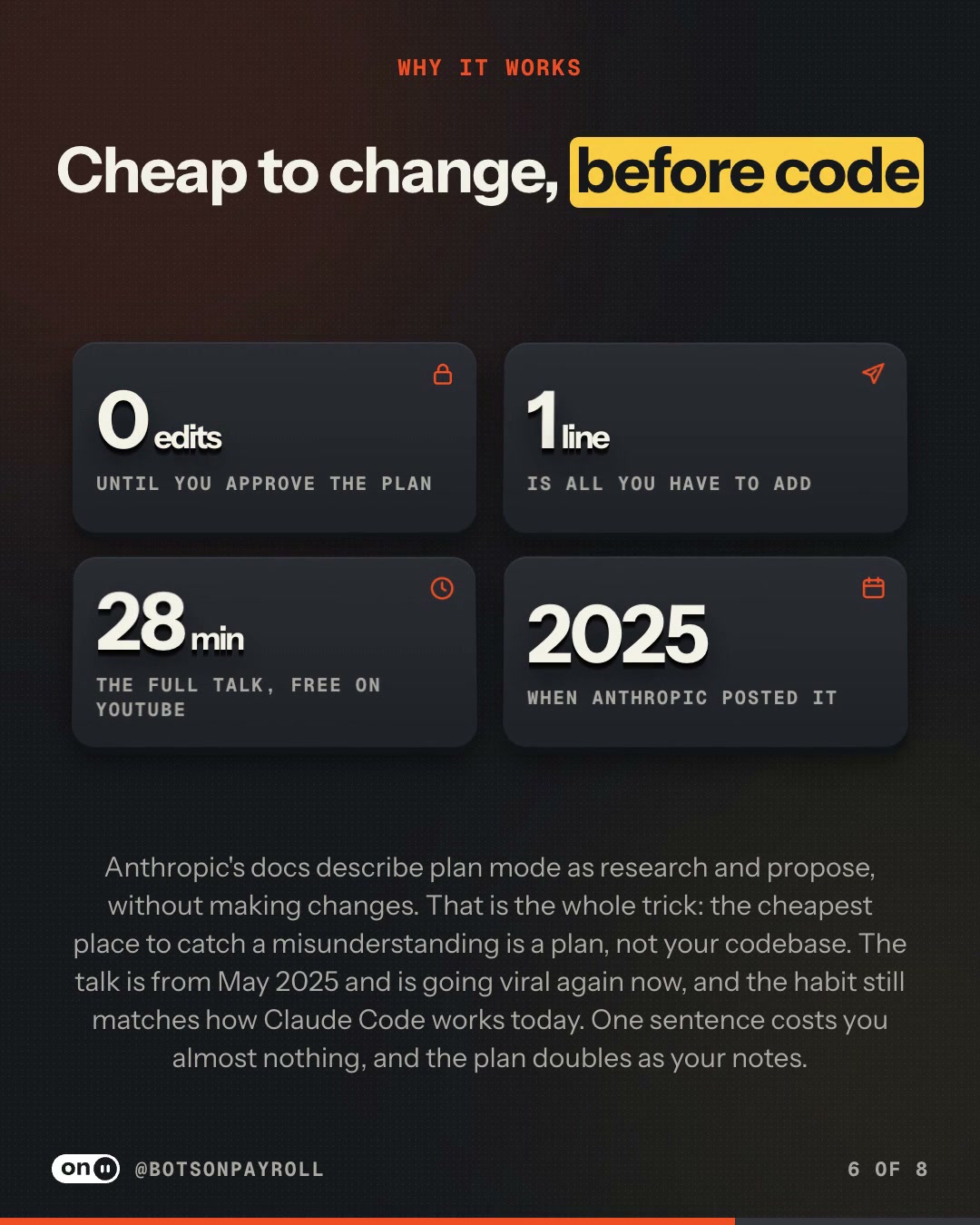
Cheap to change, before code
Anthropic's docs describe plan mode as research and propose, without making changes. That is the whole trick: the cheapest place to catch a misunderstanding is a plan, not your codebase. The talk is from May 2025 and is going viral again now, and the habit still matches how Claude Code works today. One sentence costs you almost nothing, and the plan doubles as your notes.
Give it a way to check itself
His second tip from the same talk: give Claude a way to check its own work, like unit tests or screenshots of the app, and it keeps iterating until it passes. Anthropic's current best practices page leads with the same idea: give Claude something it can run that comes back pass or fail. Plan first, then let it test itself. Together, they're his core loop.
Swipe the post



Sources
More AI news

Spent your weekend on sale posts? One photo could have made all of them.
Your pay stub link still opens. Here's how to lock it.