One line to Claude graded and cleaned this clip
We tested it tonight: one 8 second street clip, one sentence to Claude with Higgsfield connected ("grade it like a warm golden hour film and remove the woman in the red dress"). It came back graded, with her gone and the sidewalk filled in. You add Higgsfield as a custom connector in Claude, sign in, upload your clip and say what you want. Limits: it costs Higgsfield credits (ours was 15), the model we used edits only the first 15 seconds, and the result came back below 1080p. Editors can also use Higgsfield's color grading skill inside DaVinci Resolve Studio. Test clip: POPtravel, CC BY 3.0.
By Bots on Payroll, with 7 sources below

The short version
- We took an 8 second clip of a street in Ao Nang, Thailand, filmed at dusk.
- In Claude on the web or the desktop app, open Customize, then Connectors.
- Ask Claude to open Higgsfield's upload window and add your clip.
- It isn't free.
- If you already edit, Higgsfield's connector page lists two skills for that.
Watch the video
0:44, sound onThe woman in red, gone
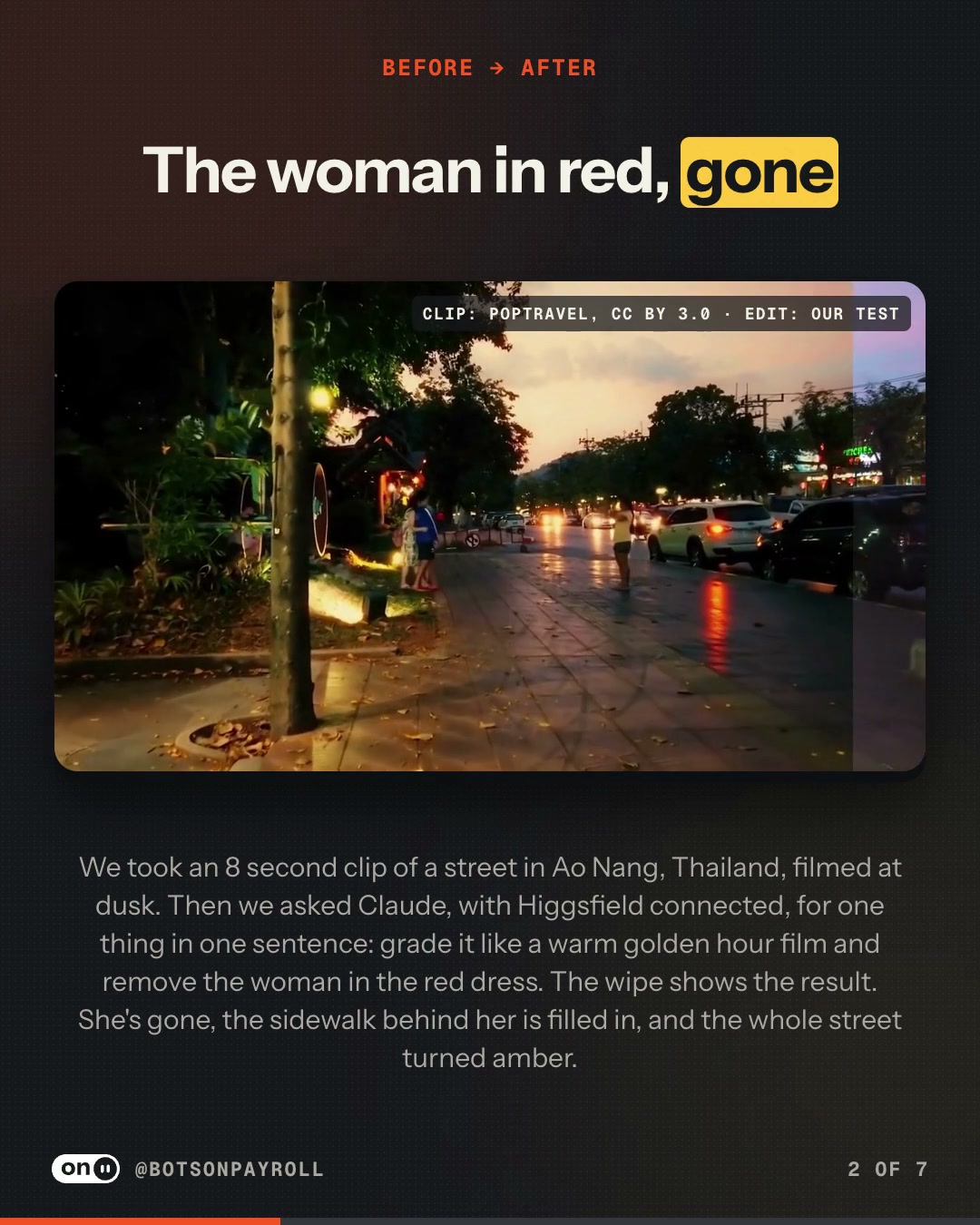
We took an 8 second clip of a street in Ao Nang, Thailand, filmed at dusk. Then we asked Claude, with Higgsfield connected, for one thing in one sentence: grade it like a warm golden hour film and remove the woman in the red dress. The wipe shows the result. She's gone, the sidewalk behind her is filled in, and the whole street turned amber.
Plug Higgsfield into Claude
In Claude on the web or the desktop app, open Customize, then Connectors. Click + Add, then Add custom connector, name it Higgsfield and paste Higgsfield's connector URL. Click Connect and sign in to Higgsfield in the window that opens; there's no API key. Claude's free plan allows one custom connector. Test it by asking Claude for your Higgsfield credit balance.
Upload, then say what you want
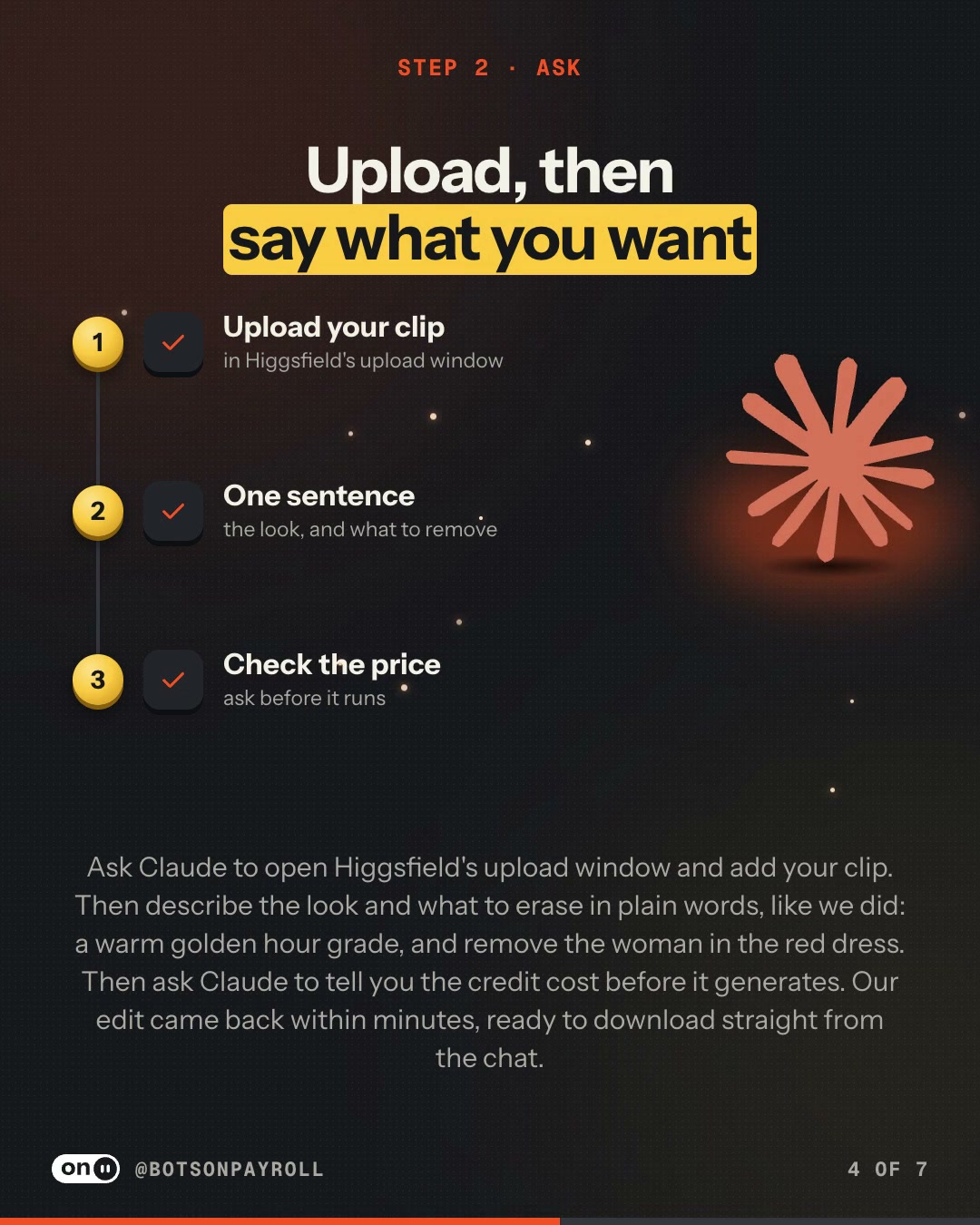
Ask Claude to open Higgsfield's upload window and add your clip. Then describe the look and what to erase in plain words, like we did: a warm golden hour grade, and remove the woman in the red dress. Then ask Claude to tell you the credit cost before it generates. Our edit came back within minutes, ready to download straight from the chat.
Not free, but cheap
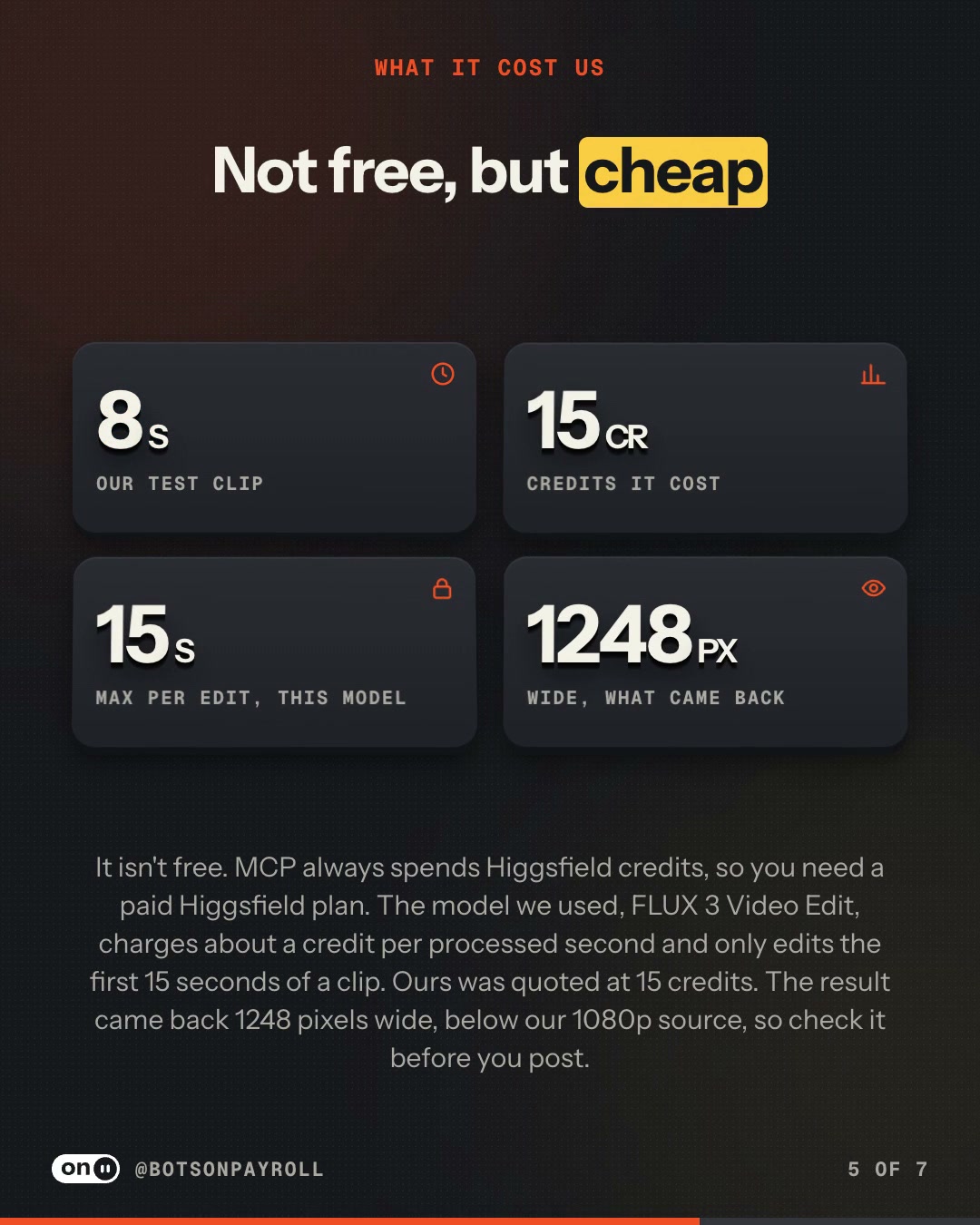
It isn't free. MCP always spends Higgsfield credits, so you need a paid Higgsfield plan. The model we used, FLUX 3 Video Edit, charges about a credit per processed second and only edits the first 15 seconds of a clip. Ours was quoted at 15 credits. The result came back 1248 pixels wide, below our 1080p source, so check it before you post.
Or grade in your own software
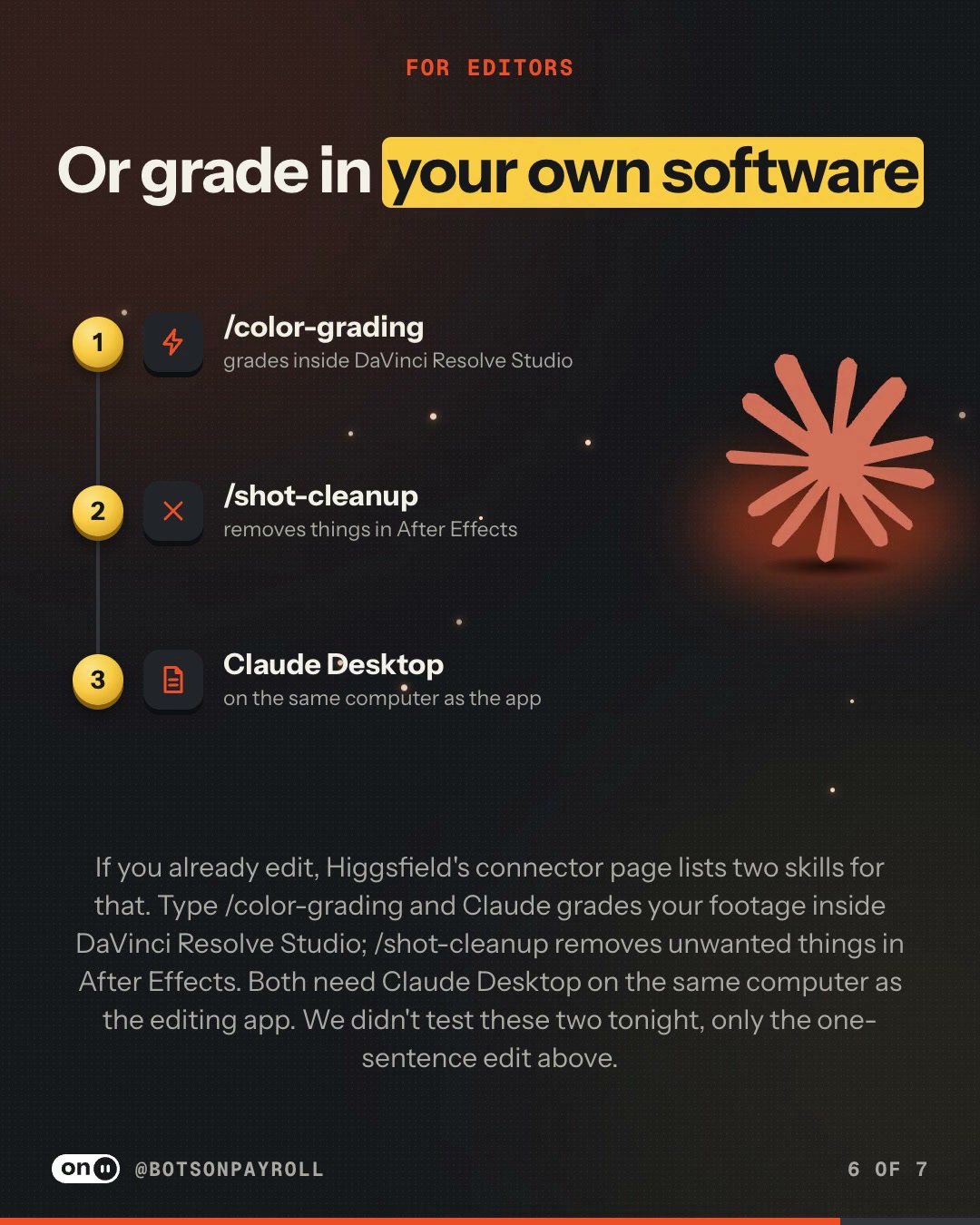
If you already edit, Higgsfield's connector page lists two skills for that. Type /color-grading and Claude grades your footage inside DaVinci Resolve Studio; /shot-cleanup removes unwanted things in After Effects. Both need Claude Desktop on the same computer as the editing app. We didn't test these two tonight, only the one-sentence edit above.
Swipe the post



Sources
More AI news

Spent your weekend on sale posts? One photo could have made all of them.
Your pay stub link still opens. Here's how to lock it.