Claude can't use your app? This plugin writes it a remote control
CLI-Anything is a free Claude Code plugin from the University of Hong Kong's Data Intelligence Lab. Point it at an app's source code and Claude writes a command line tool for it, tests included, so an AI agent can run apps that have no connector. We tested the Blender tool that ships in the repo: a scene built and rendered with typed commands, no mouse. Ready made tools for GIMP, Audacity, LibreOffice and OBS are in there too.
By Bots on Payroll, with 7 sources below
The short version
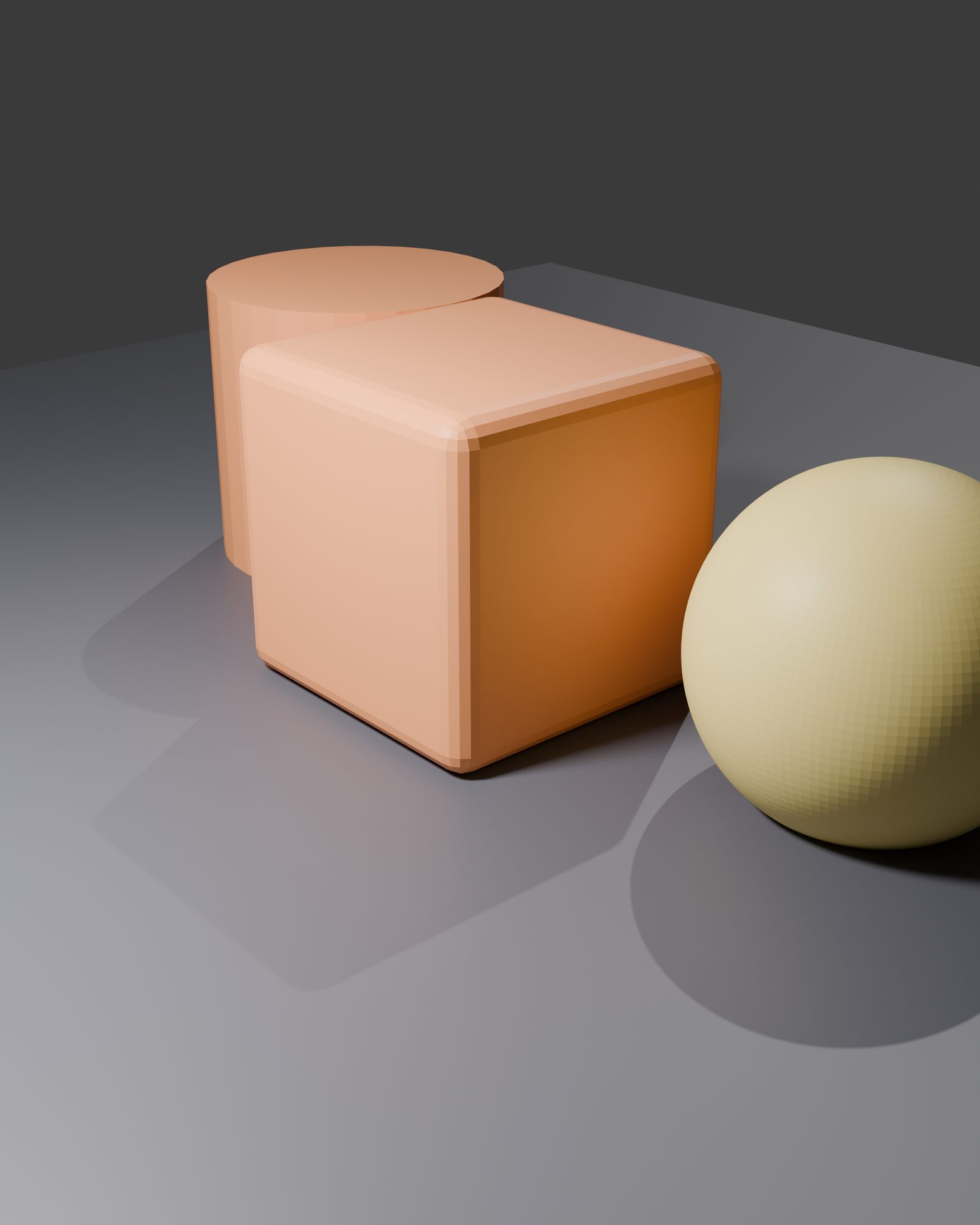
- This scene was built only with typed commands.
- CLI-Anything is a free Claude Code plugin from the Data Intelligence Lab at the University of Hong Kong.
- Run its command with a path to an app's source code, a local folder or a GitHub link.
- Now Claude can run the app with plain commands instead of clicking around a screen.
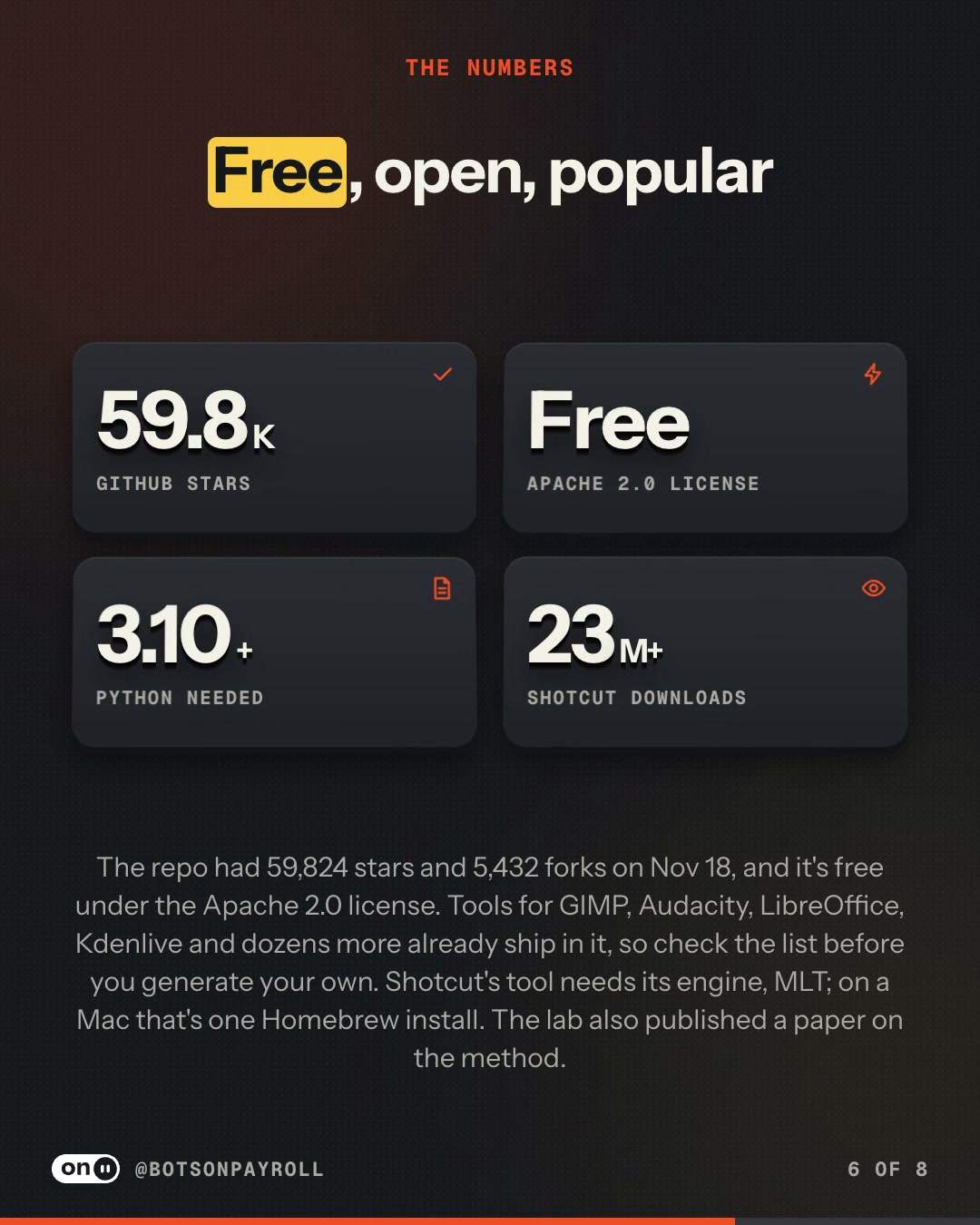
- The repo had 59,824 stars and 5,432 forks on Nov 18, and it's free under the Apache 2.0 license.
- The repo also offers CLI-Hub, a separate package manager.
Watch the video
0:42, sound onA Blender scene, no mouse
This scene was built only with typed commands. We installed the Blender tool from the CLI-Anything repo in a test folder and added a floor, a cube, a sphere and a cylinder, gave them colors, rounded the cube's edges and set a camera and lights. Blender then rendered it in the background. We also keyframed the cube and the ball and rendered an animation.
Install the plugin
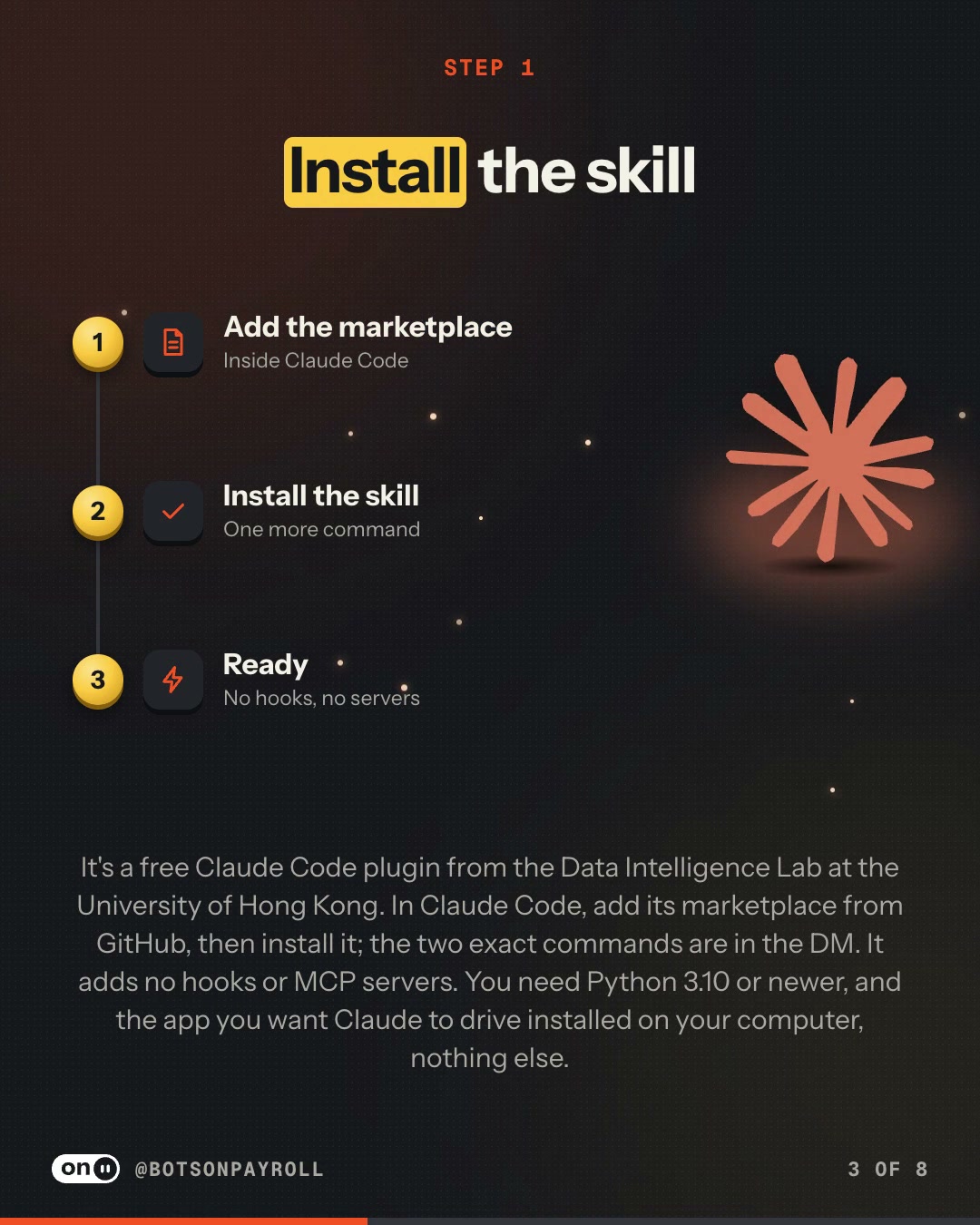
CLI-Anything is a free Claude Code plugin from the Data Intelligence Lab at the University of Hong Kong. In Claude Code, add its marketplace from GitHub, then install the plugin; the two exact commands are in the DM. It adds no hooks or MCP servers. You need Python 3.10 or newer, and the app you want to control installed. The plugin itself is free to install.
Point it at any app
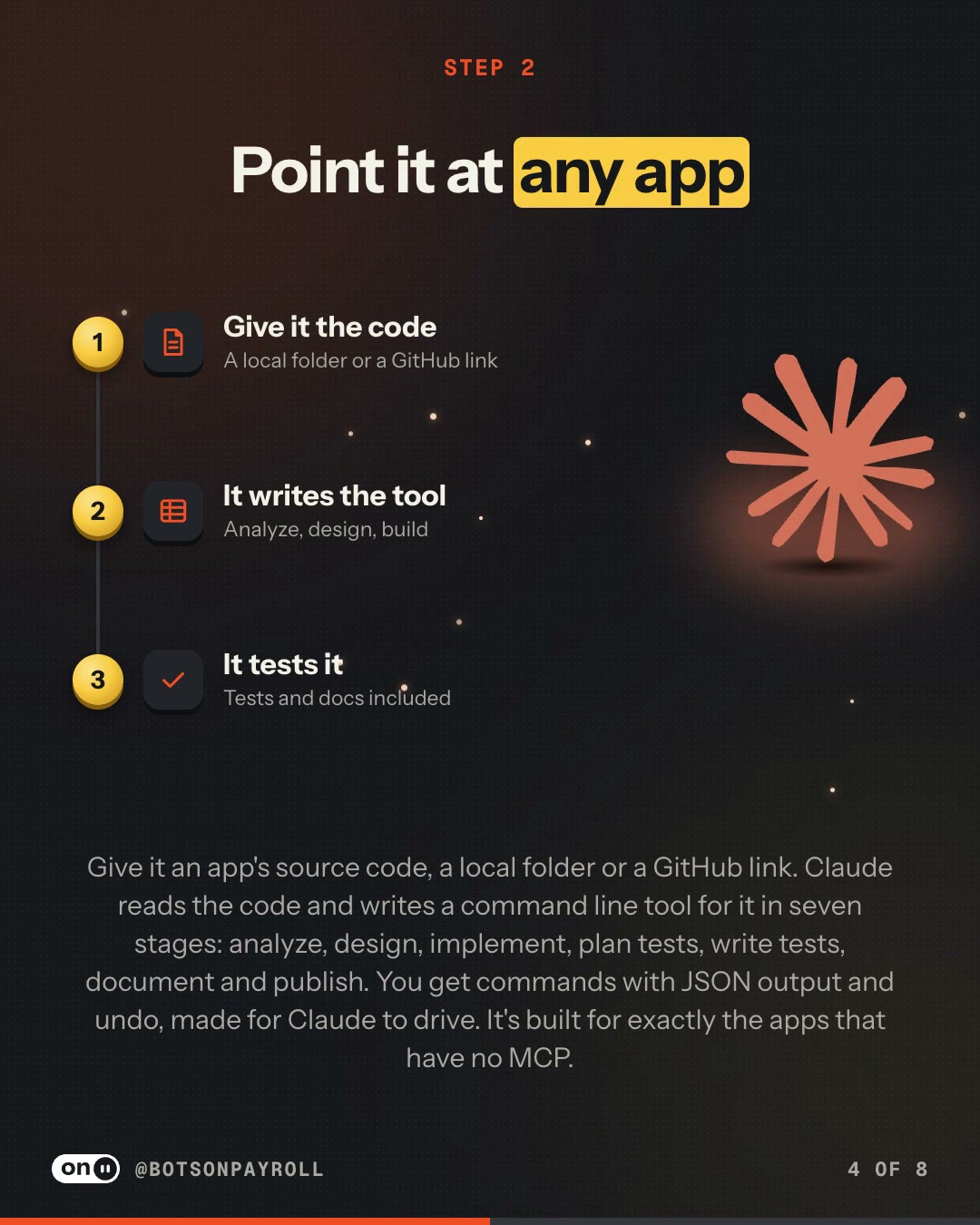
Run its command with a path to an app's source code, a local folder or a GitHub link. Claude reads the code and writes a Python command line tool for it in seven stages: analyze, design, implement, plan tests, write tests, document and publish. You get commands with JSON output and undo, made for an agent to drive. One example: point it at GIMP's folder.
Let Claude drive it
Now Claude can run the app with plain commands instead of clicking around a screen. These are the real commands from our test: a new scene, a cube, an orange material, a bevel, a keyframe and a render. The Blender tool keeps the scene as a file and writes a Blender script, which Blender runs in the background. Nothing on screen moved by hand.
Free, open, popular
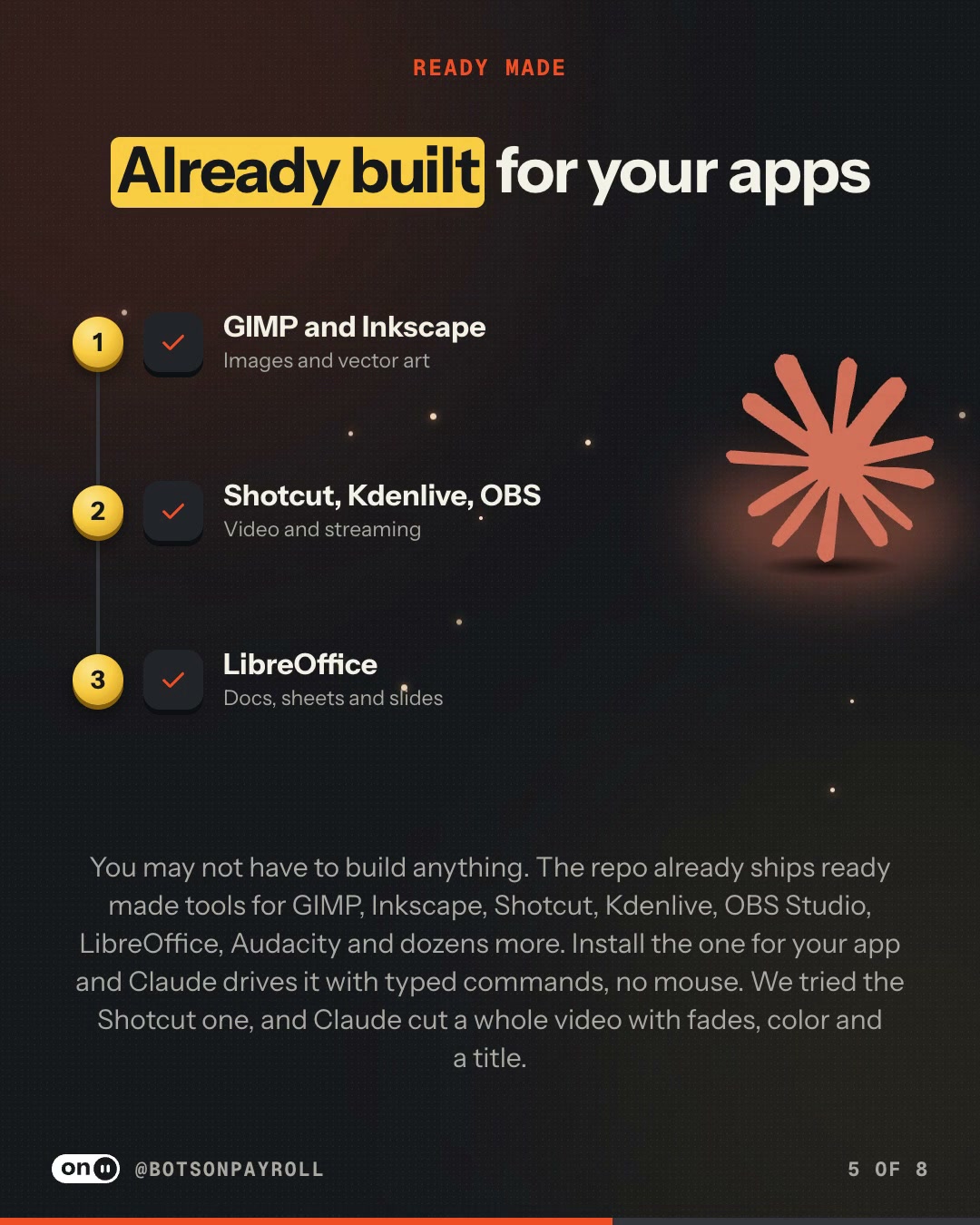
The repo had 59,824 stars and 5,432 forks on Nov 18, and it's free under the Apache 2.0 license. Tools for GIMP, Audacity, LibreOffice, OBS Studio and dozens more already ship in it, so check the list before you generate your own. The Blender tool needs Blender 4.2 or newer; we ran it on Blender 5.1. The lab also published a paper on the method.
Skip the package hub
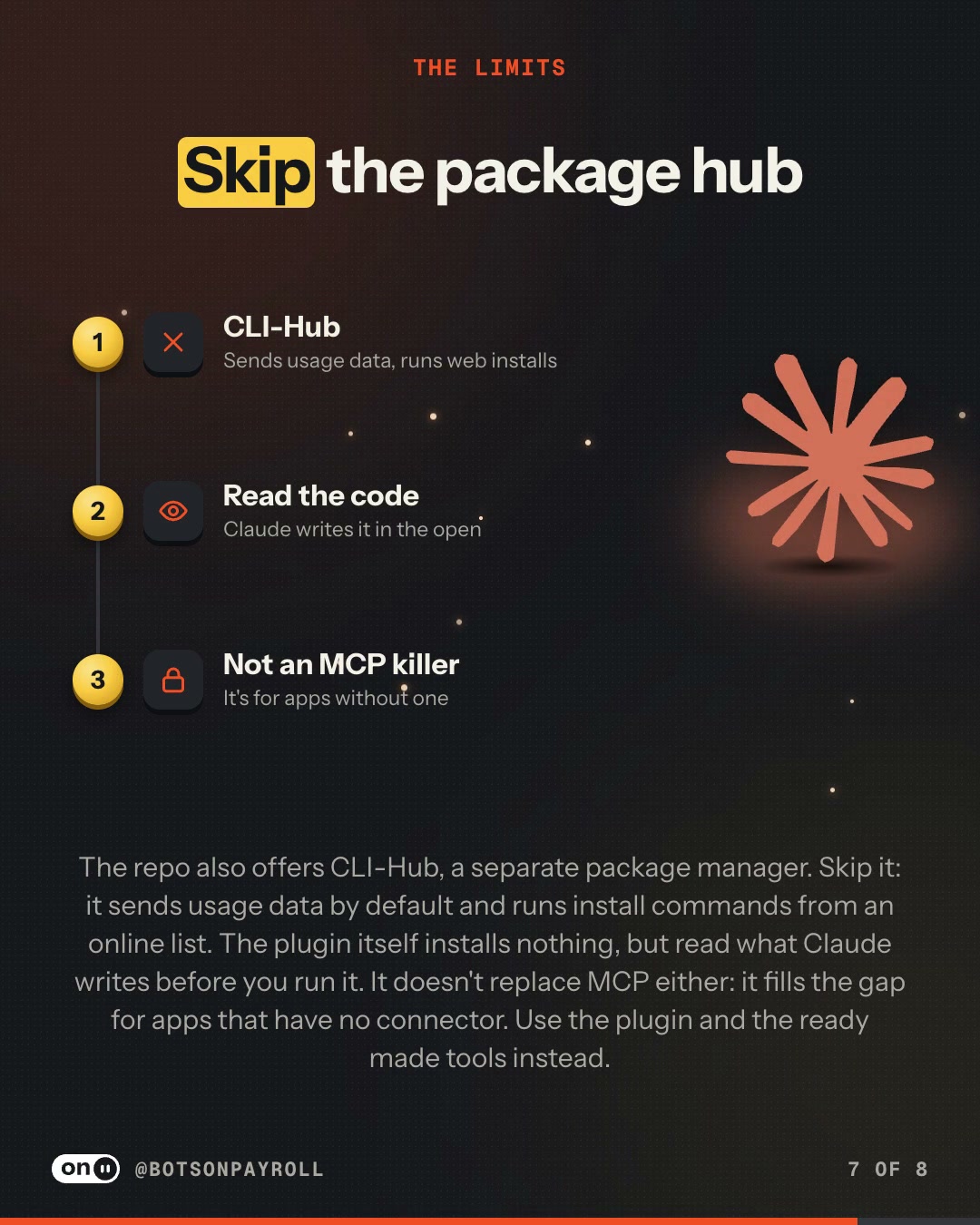
The repo also offers CLI-Hub, a separate package manager. Skip it: it sends usage data by default and runs install commands from an online list. The plugin itself installs nothing, but read what Claude writes before you run it. It doesn't replace MCP either: it fills the gap for apps that have no connector. Use the plugin and the ready made tools instead.
Swipe the post
Sources
More AI news

Spent your weekend on sale posts? One photo could have made all of them.
Your pay stub link still opens. Here's how to lock it.