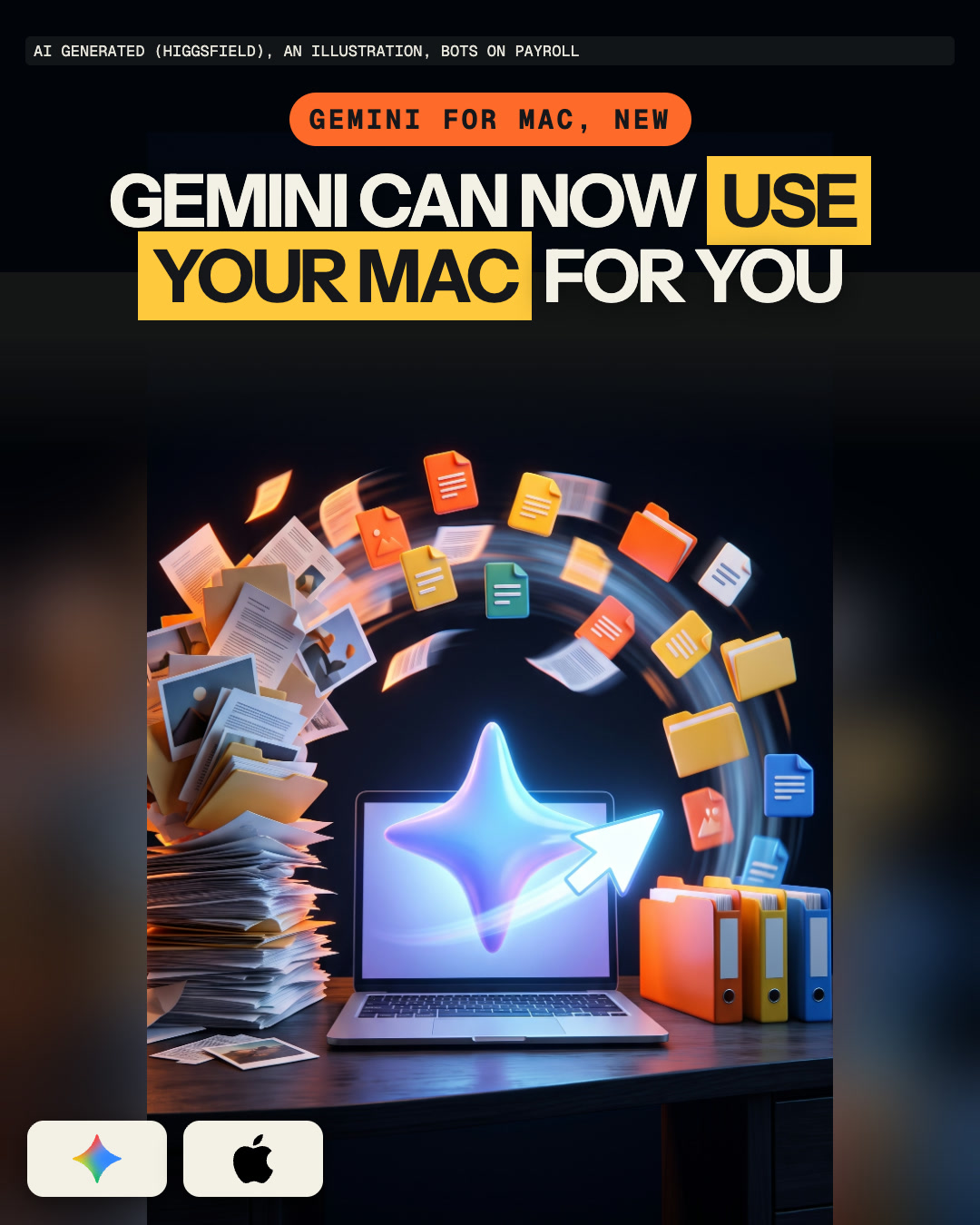
GEMINI CAN NOW USE YOUR MAC FOR YOU
Google's Gemini can now click and type inside the apps on your Mac. Computer use, added to the Gemini app for Mac on Nov 19, works in a background window with a live preview, so your screen stays free. You pick which apps it can use, it pauses for logins and payments, and it asks before deleting or sharing files. One job to hand it tonight, from Google's own help page: click Task, add a test folder, and ask it to sort every file into folders by type. You need an Apple Silicon Mac on macOS 15 or later and Google AI Plus ($4.99 a month), Pro or Ultra; it's rolling out in English in the US first. Google says it can make mistakes, so watch the first run.
By Bots on Payroll, with 7 sources below

The short version
- It drives your apps itself
- It works off to the side
- Let it sort your Downloads
- Check this before you download
- From a sketch to a ring
Watch the video
0:44, sound onIt drives your apps itself
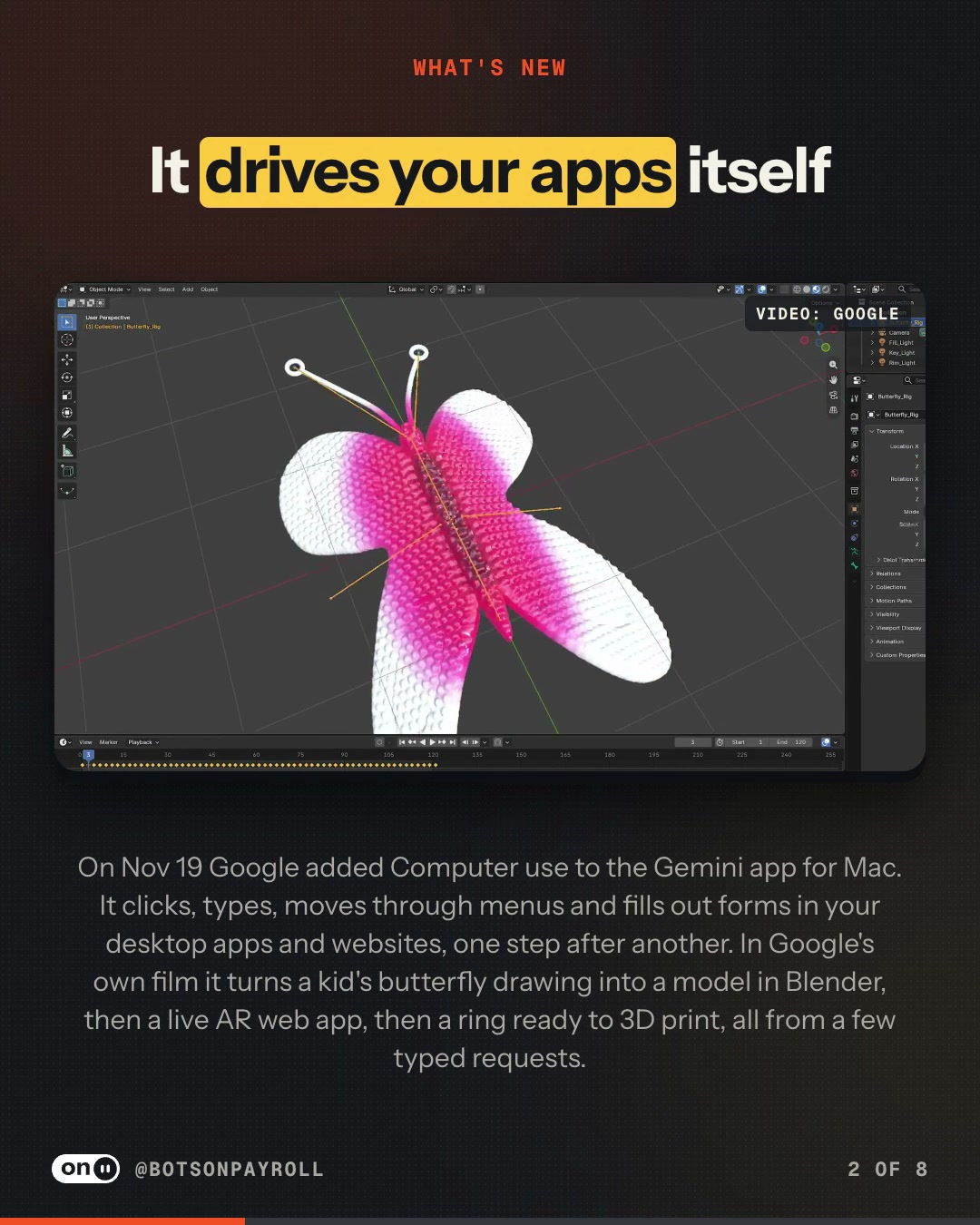
On Nov 19 Google added Computer use to the Gemini app for Mac. It clicks, types, moves through menus and fills out forms in your desktop apps and websites, one step after another. In Google's own film it turns a kid's butterfly drawing into a model in Blender, then a live AR web app, then a ring ready to 3D print, all from a few typed requests.
It works off to the side
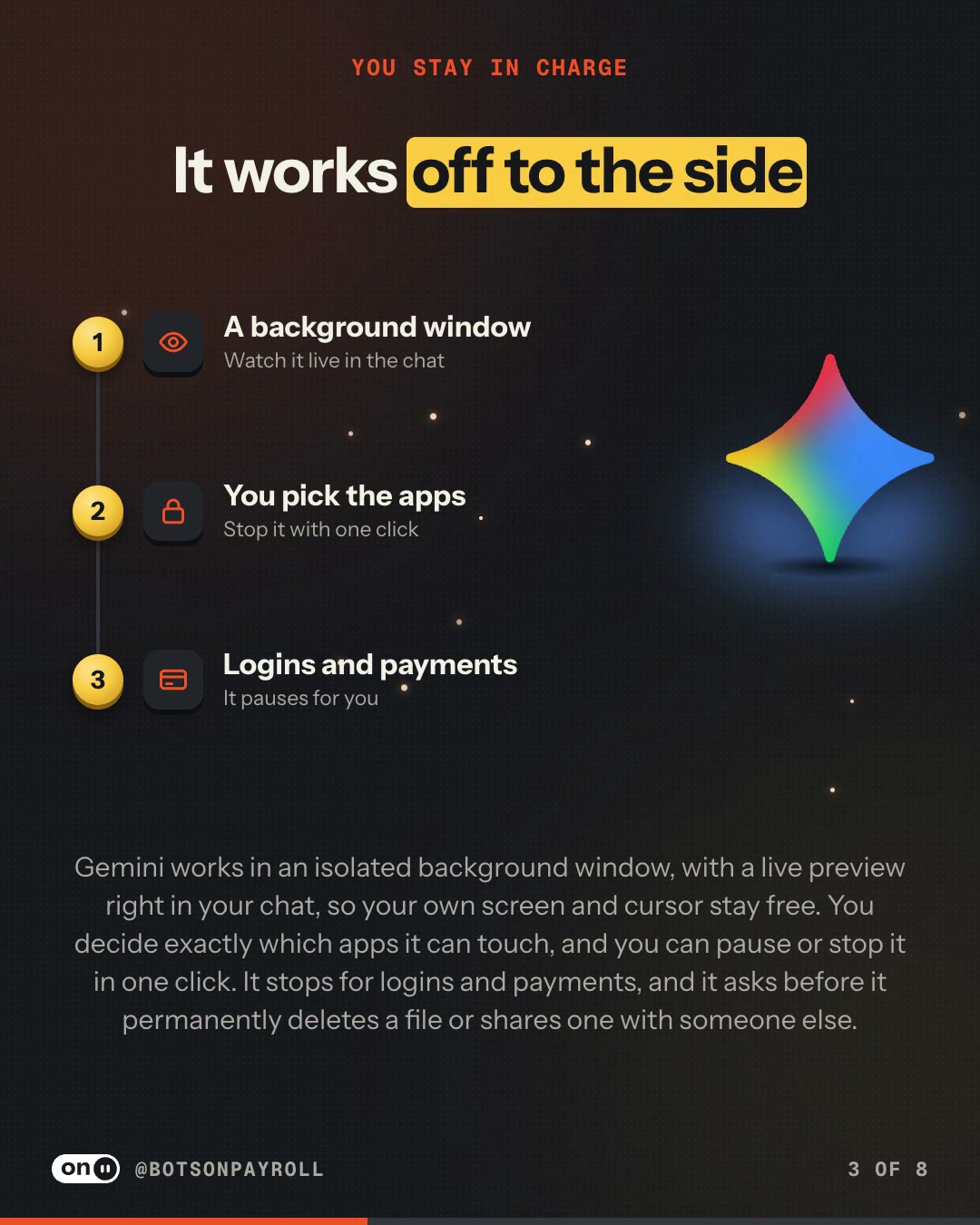
Gemini works in an isolated background window, with a live preview right in your chat, so your own screen and cursor stay free. You decide exactly which apps it can touch, and you can pause or stop it in one click. It stops for logins and payments, and it asks before it permanently deletes a file or shares one with someone else.
Let it sort your Downloads
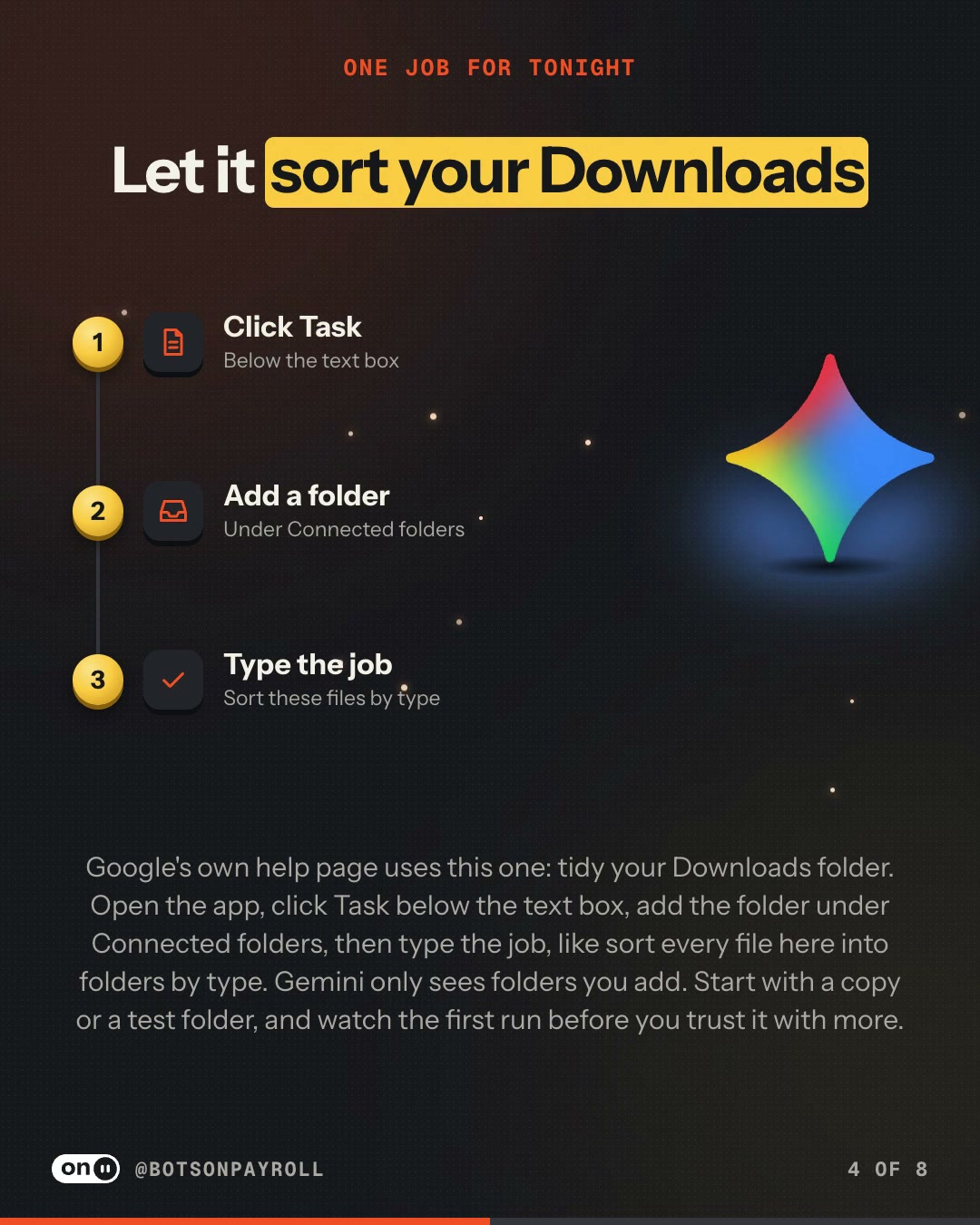
Google's own help page uses this one: tidy your Downloads folder. Open the app, click Task below the text box, add the folder under Connected folders, then type the job, like sort every file here into folders by type. Gemini only sees folders you add. Start with a copy or a test folder, and watch the first run before you trust it with more.
Check this before you download
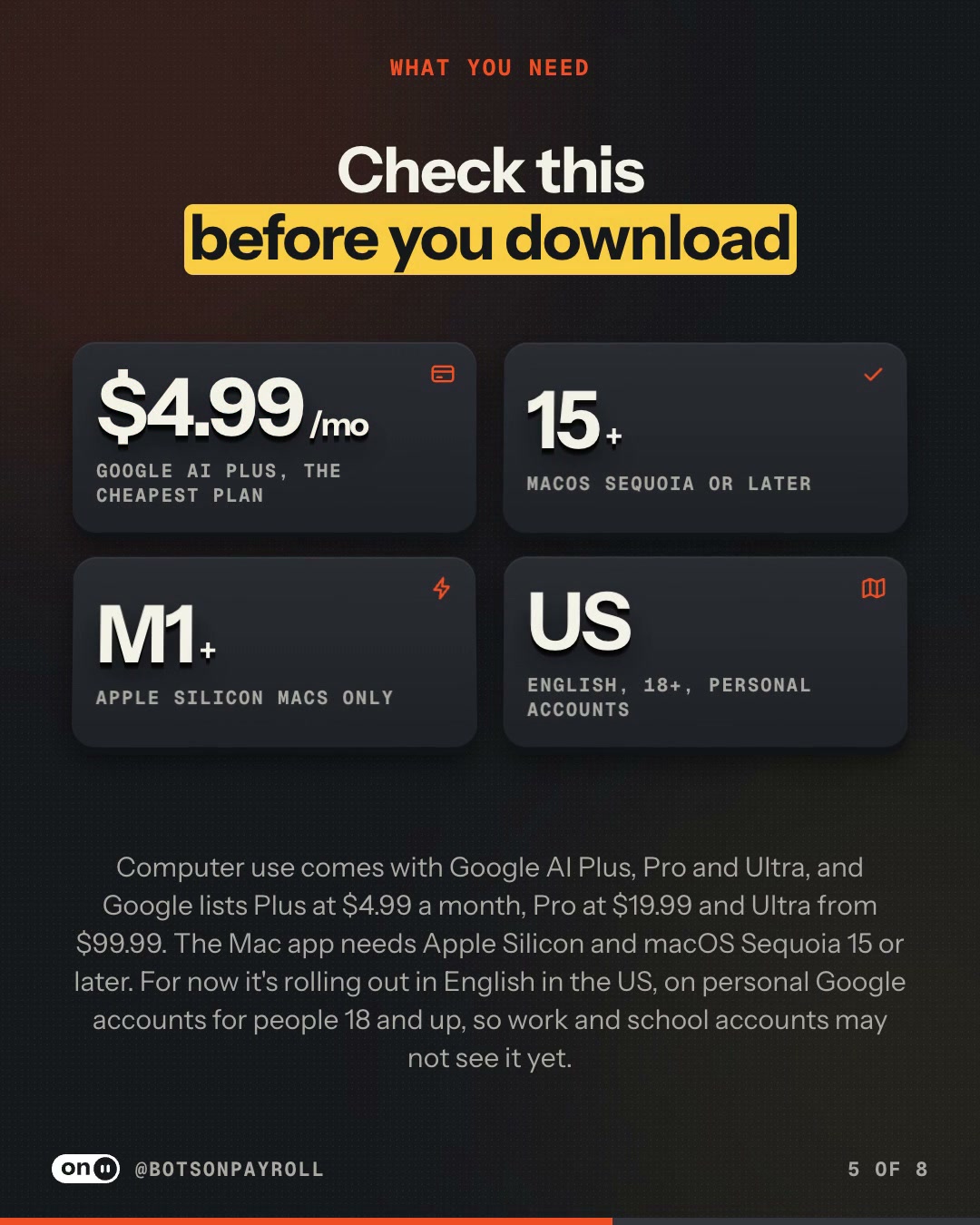
Computer use comes with Google AI Plus, Pro and Ultra, and Google lists Plus at $4.99 a month, Pro at $19.99 and Ultra from $99.99. The Mac app needs Apple Silicon and macOS Sequoia 15 or later. For now it's rolling out in English in the US, on personal Google accounts for people 18 and up, so work and school accounts may not see it yet.
From a sketch to a ring
Google's film ends on the butterfly becoming a ring you can print. Under Customize and Connectors, the app now lists desktop apps such as Blender and Autodesk Fusion next to Git and Obsidian. A shipping quote filled from a folder of PDFs and resale listings drafted from clothing photos are Google's other examples, both ending before anything is sent.
Watch the first run
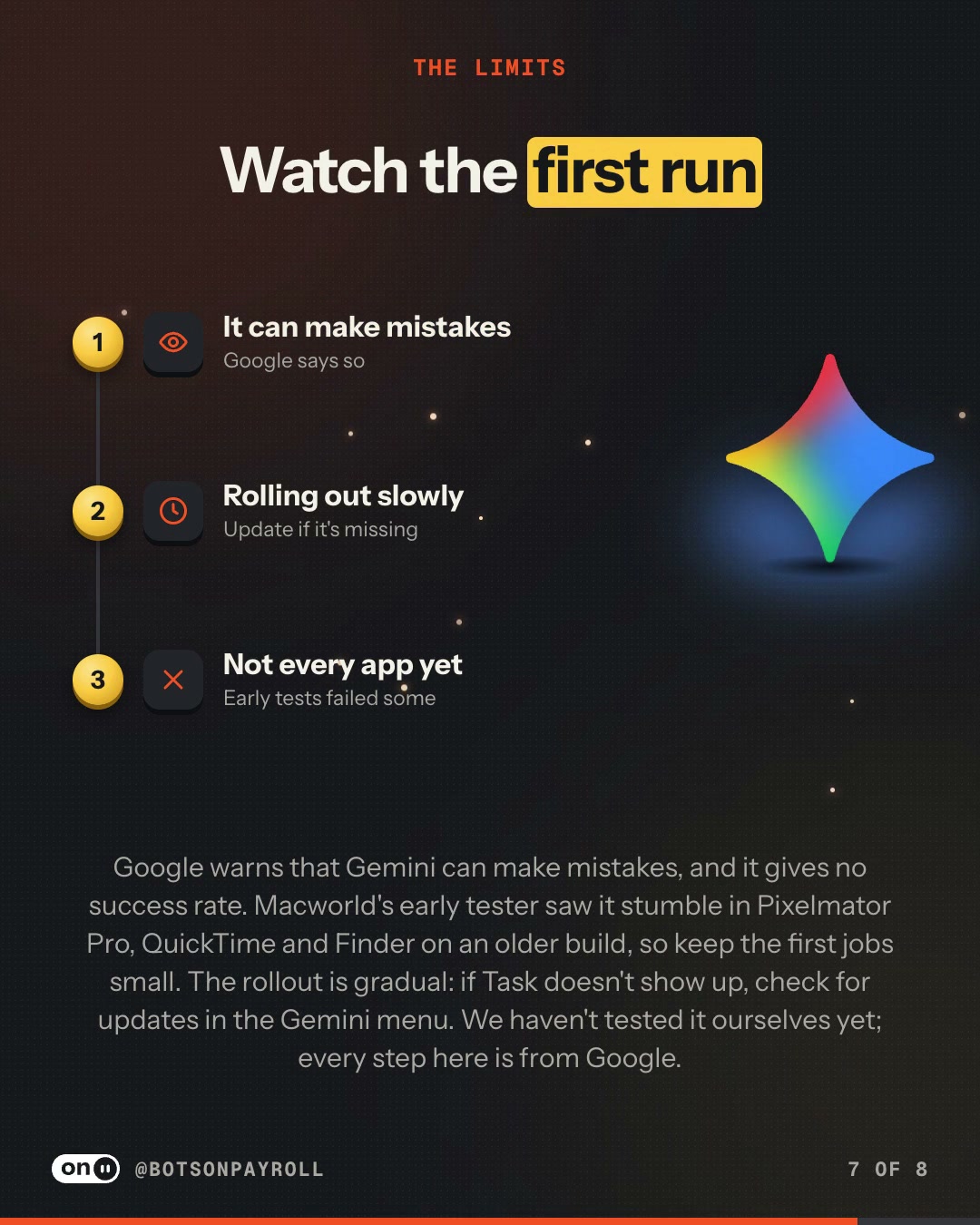
Google warns that Gemini can make mistakes, and it gives no success rate. Macworld's early tester saw it stumble in Pixelmator Pro, QuickTime and Finder on an older build, so keep the first jobs small. The rollout is gradual: if Task doesn't show up, check for updates in the Gemini menu. We haven't tested it ourselves yet; every step here is from Google.
Swipe the post

Sources
More AI news

Spent your weekend on sale posts? One photo could have made all of them.
Your pay stub link still opens. Here's how to lock it.