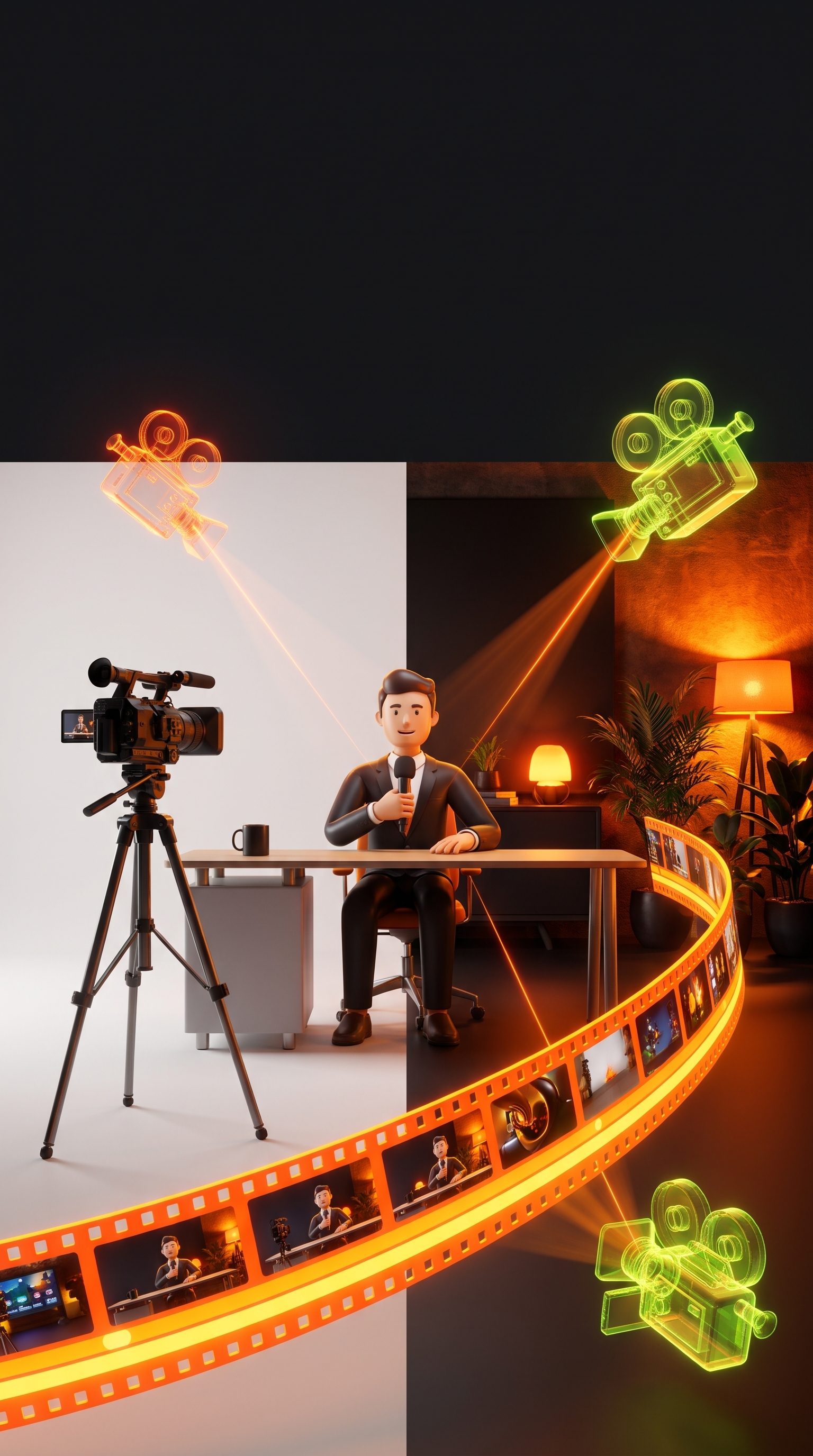
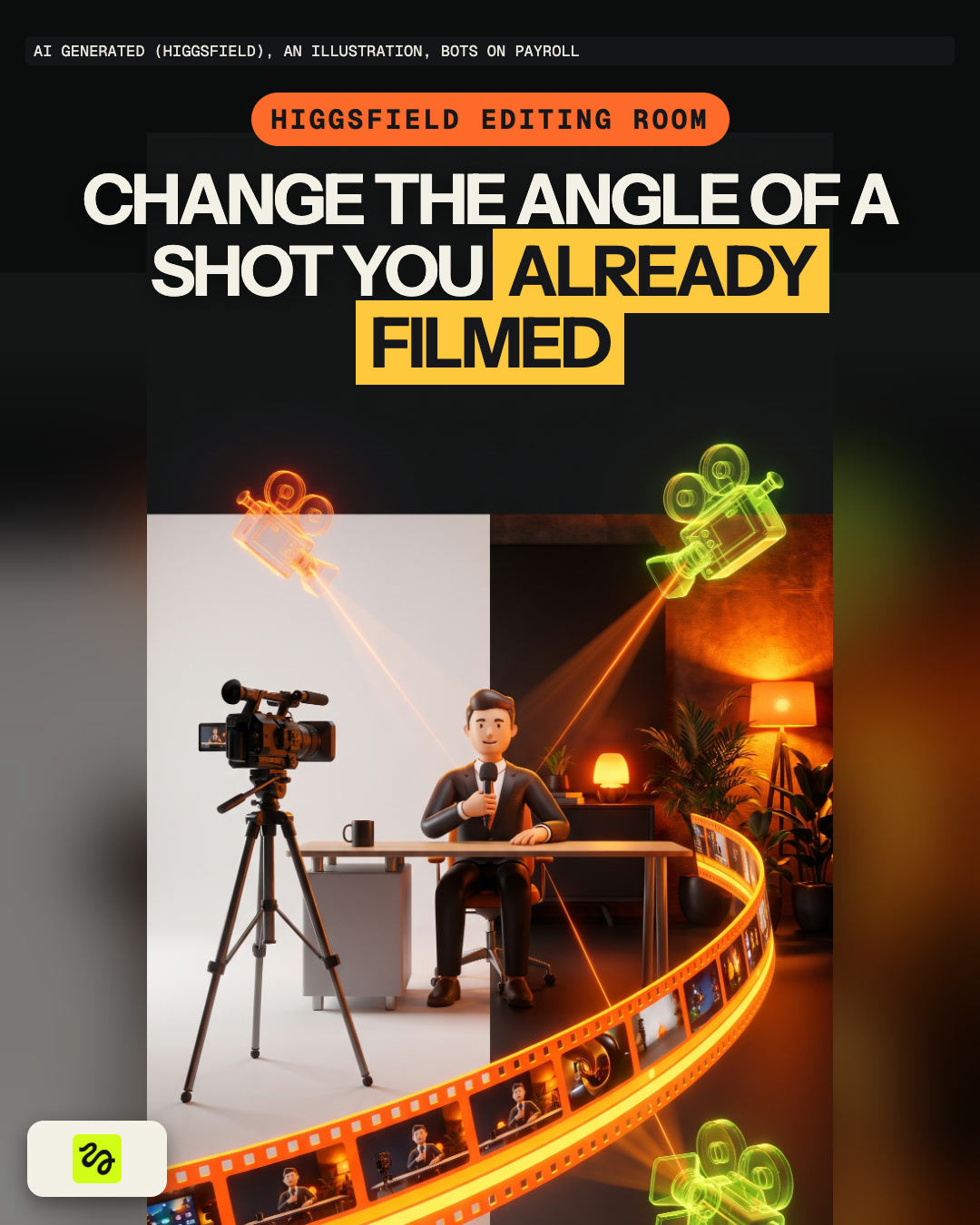
CHANGE THE ANGLE OF A SHOT YOU ALREADY FILMED
Ever finish an edit and wish you'd shot it differently? Higgsfield's new Editing Room (Nov 20) works on footage you already filmed: upload a video, click a moment on the timeline, and change the camera angle, the lighting or the whole location, or swap a person, move the camera or paint an edit with a brush. Edits apply only to that moment and stack. In Higgsfield's own demo, one desk shot becomes five angles, a night shoot looks like day, and a plain white backdrop turns into a finished studio. The limits: steady shots come out cleanest and fast action can warp, each edit runs up to 15 seconds at 1080p, it's desktop only for now, and after the first free edit it costs credits. We haven't run it ourselves yet: every step is from Higgsfield's changelog and app.
By Bots on Payroll, with 5 sources below
The short version
- One take, new angles
- The studio was never there
- Pick a moment, pick a tool
- The tool list
- Know these first
Watch the video
0:38, sound onOne take, new angles
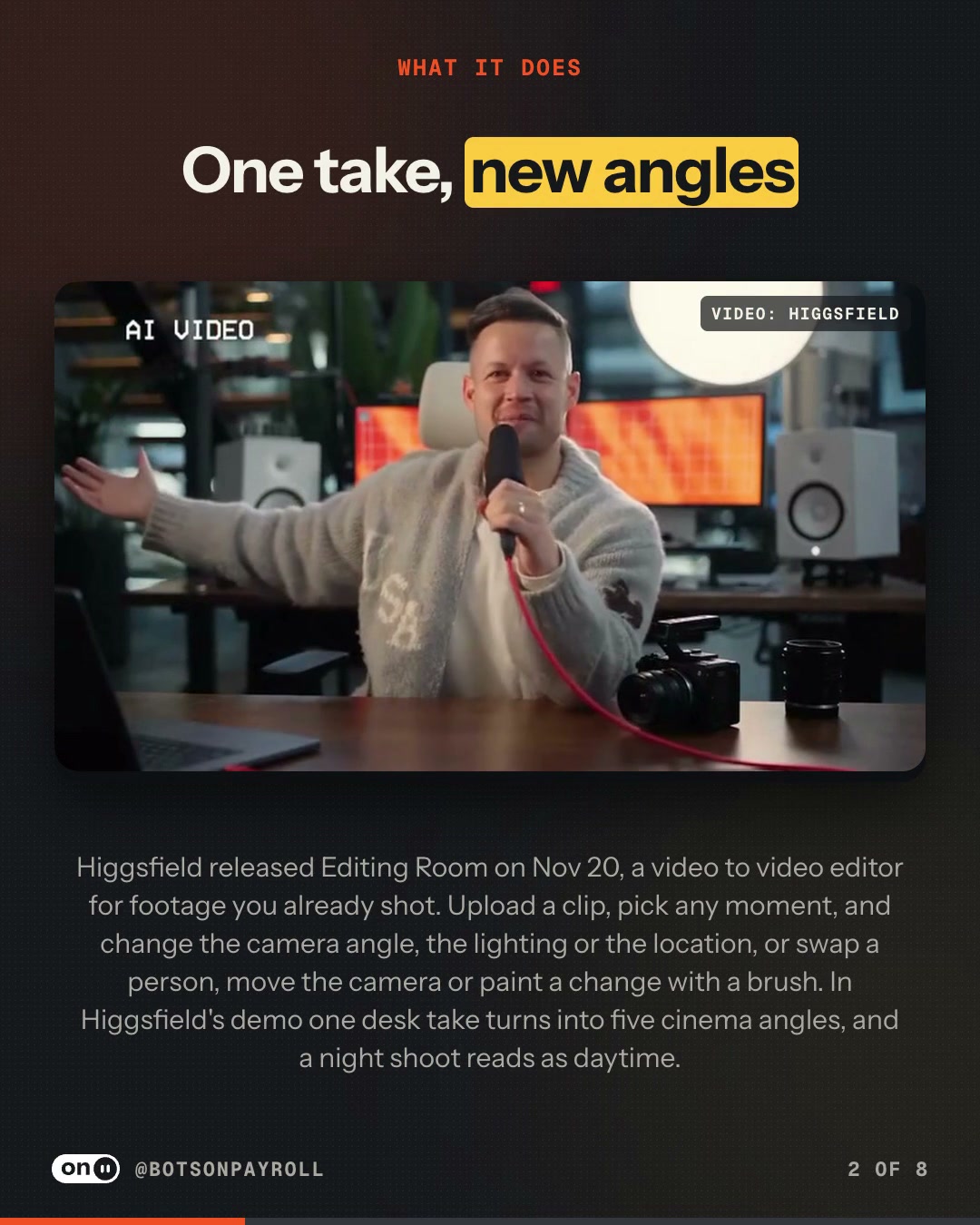
Higgsfield released Editing Room on Nov 20, a video to video editor for footage you already shot. Upload a clip, pick any moment, and change the camera angle, the lighting or the location, or swap a person, move the camera or paint a change with a brush. In Higgsfield's demo one desk take turns into five cinema angles, and a night shoot reads as daytime.
The studio was never there
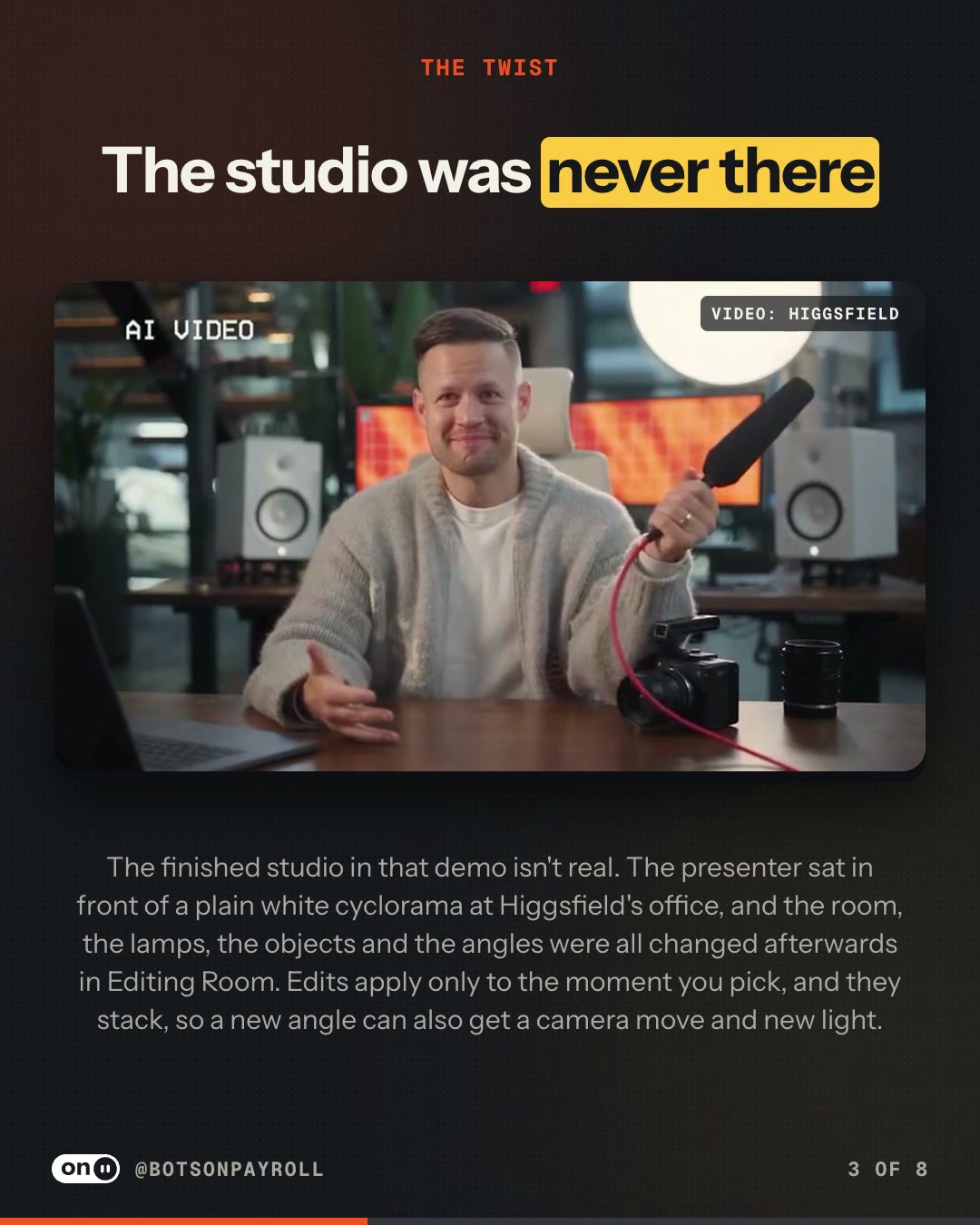
The finished studio in that demo isn't real. The presenter sat in front of a plain white cyclorama at Higgsfield's office, and the room, the lamps, the objects and the angles were all changed afterwards in Editing Room. Edits apply only to the moment you pick, and they stack, so a new angle can also get a camera move and new light.
Pick a moment, pick a tool
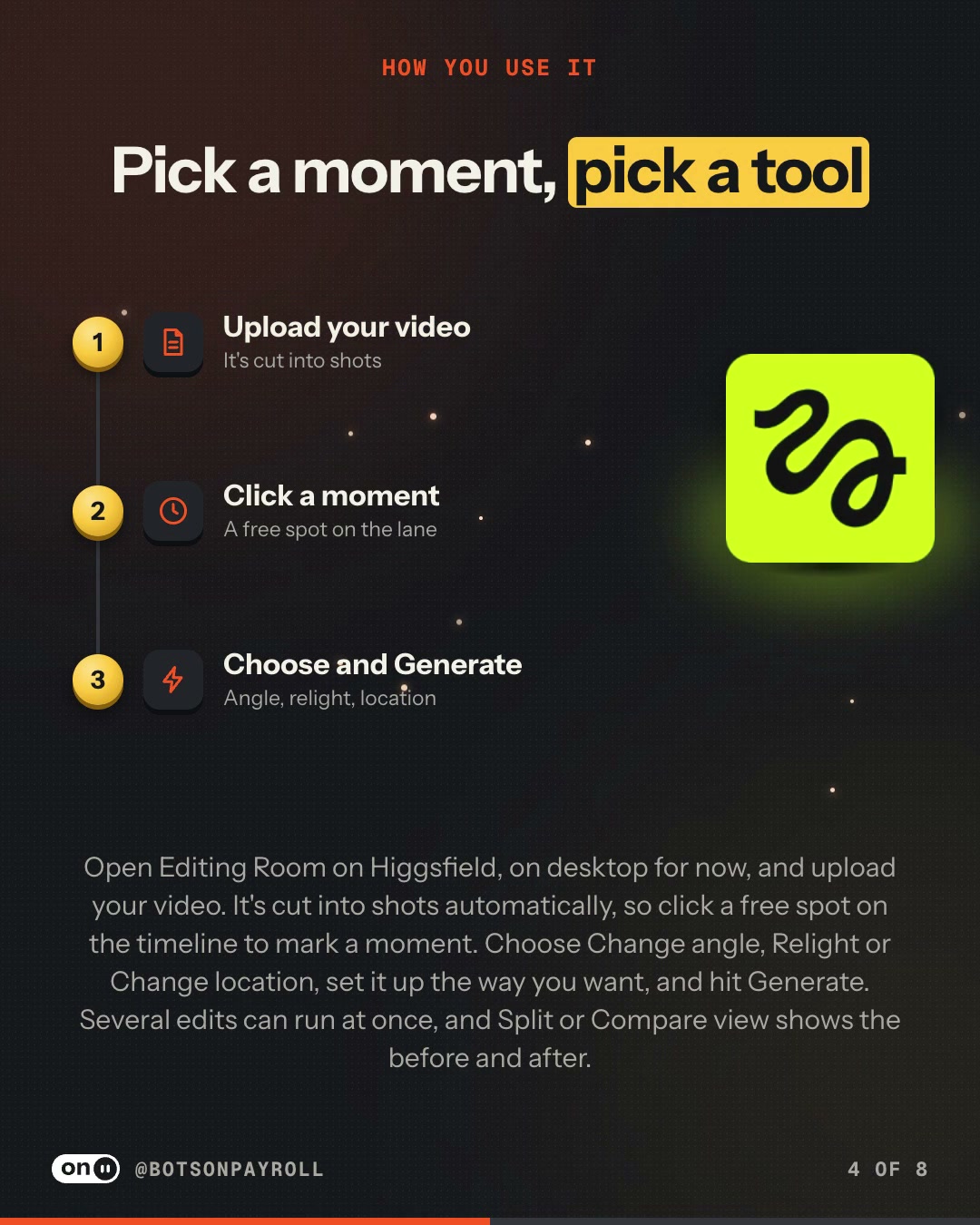
Open Editing Room on Higgsfield, on desktop for now, and upload your video. It's cut into shots automatically, so click a free spot on the timeline to mark a moment. Choose Change angle, Relight or Change location, set it up the way you want, and hit Generate. Several edits can run at once, and Split or Compare view shows the before and after.
The tool list
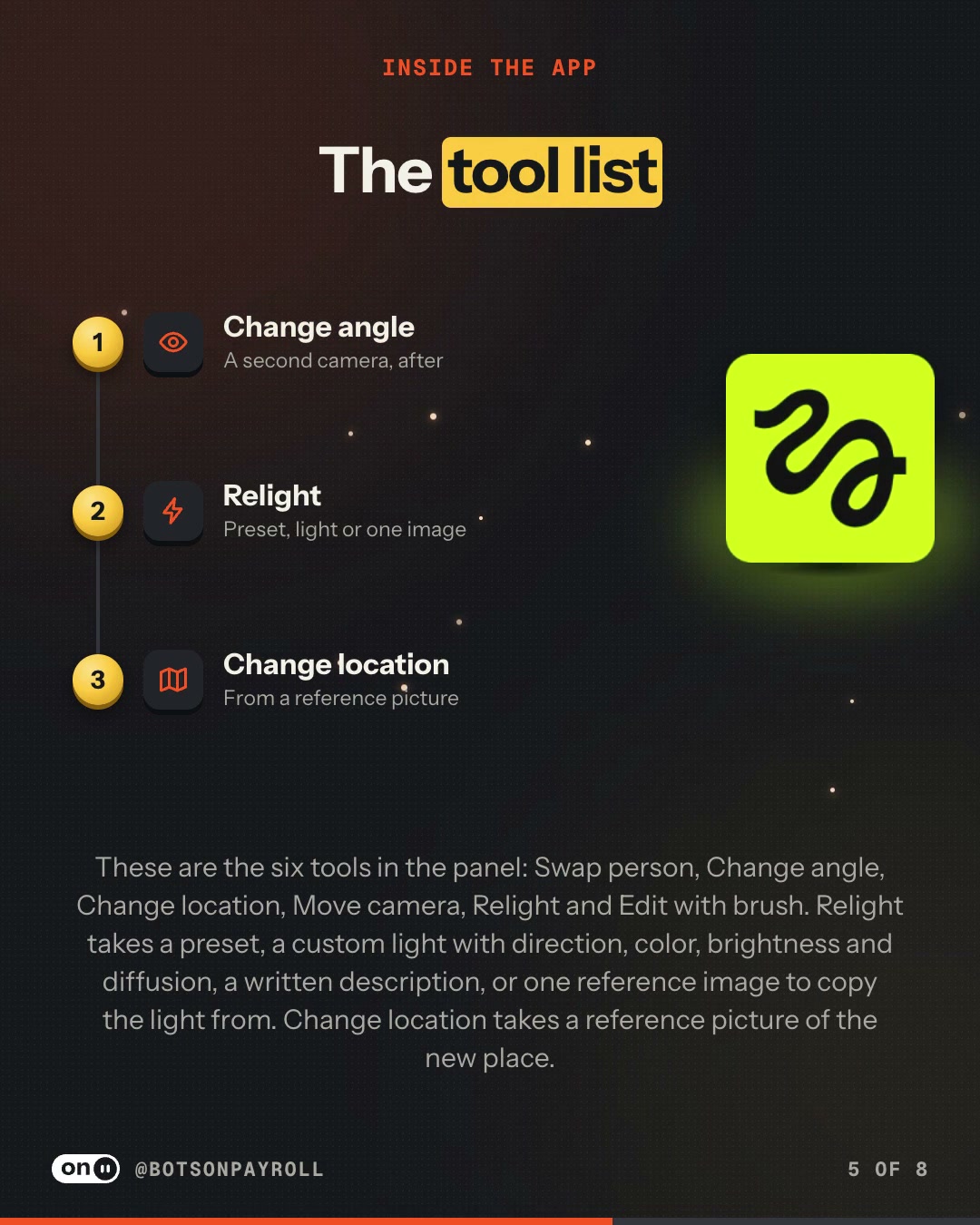
These are the six tools in the panel: Swap person, Change angle, Change location, Move camera, Relight and Edit with brush. Relight takes a preset, a custom light with direction, color, brightness and diffusion, a written description, or one reference image to copy the light from. Change location takes a reference picture of the new place.
Know these first
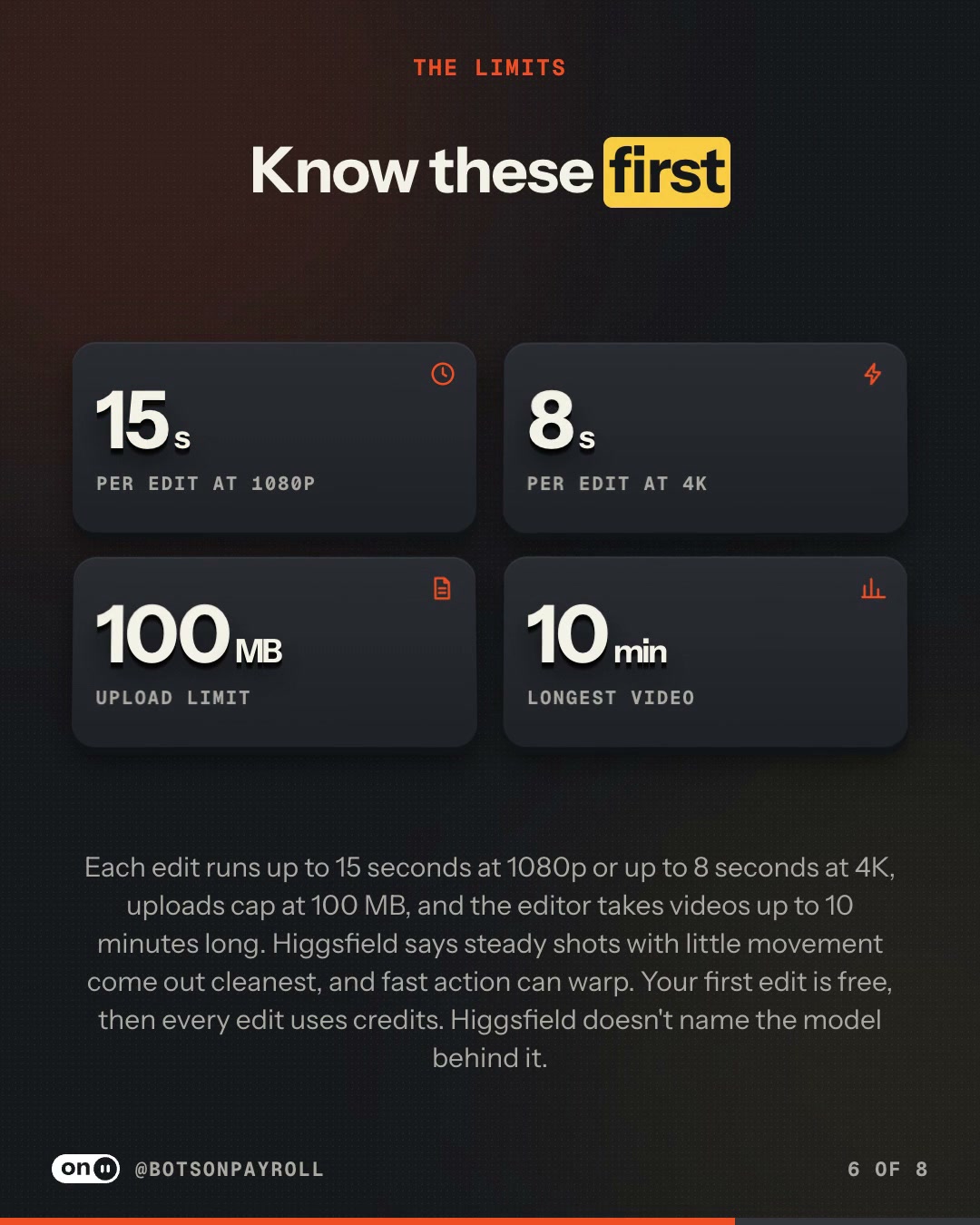
Each edit runs up to 15 seconds at 1080p or up to 8 seconds at 4K, uploads cap at 100 MB, and the editor takes videos up to 10 minutes long. Higgsfield says steady shots with little movement come out cleanest, and fast action can warp. Your first edit is free, then every edit uses credits. Higgsfield doesn't name the model behind it.
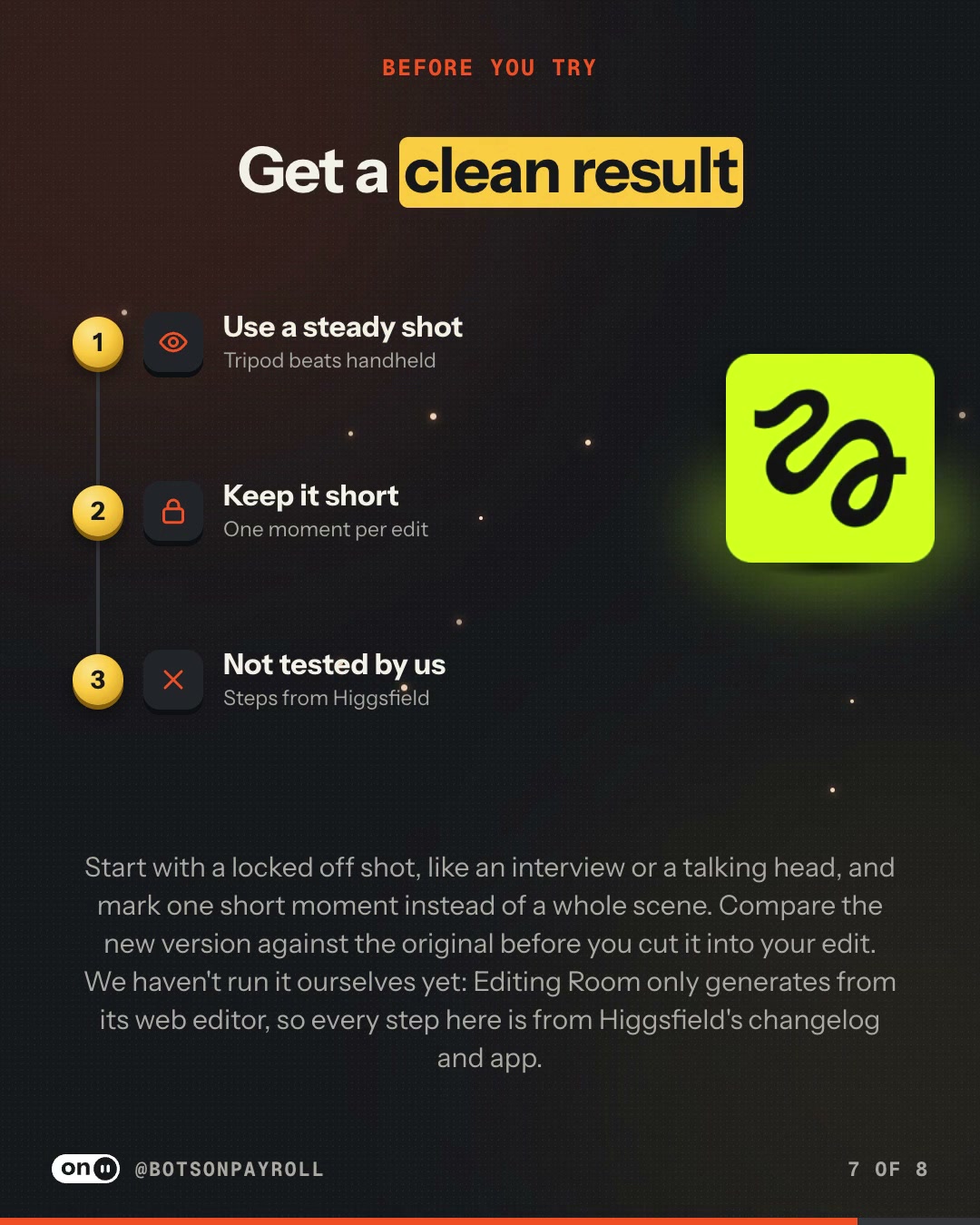
Get a clean result
Start with a locked off shot, like an interview or a talking head, and mark one short moment instead of a whole scene. Compare the new version against the original before you cut it into your edit. We haven't run it ourselves yet: Editing Room only generates from its web editor, so every step here is from Higgsfield's changelog and app.
Swipe the post
Sources
More AI news

Spent your weekend on sale posts? One photo could have made all of them.
Your pay stub link still opens. Here's how to lock it.