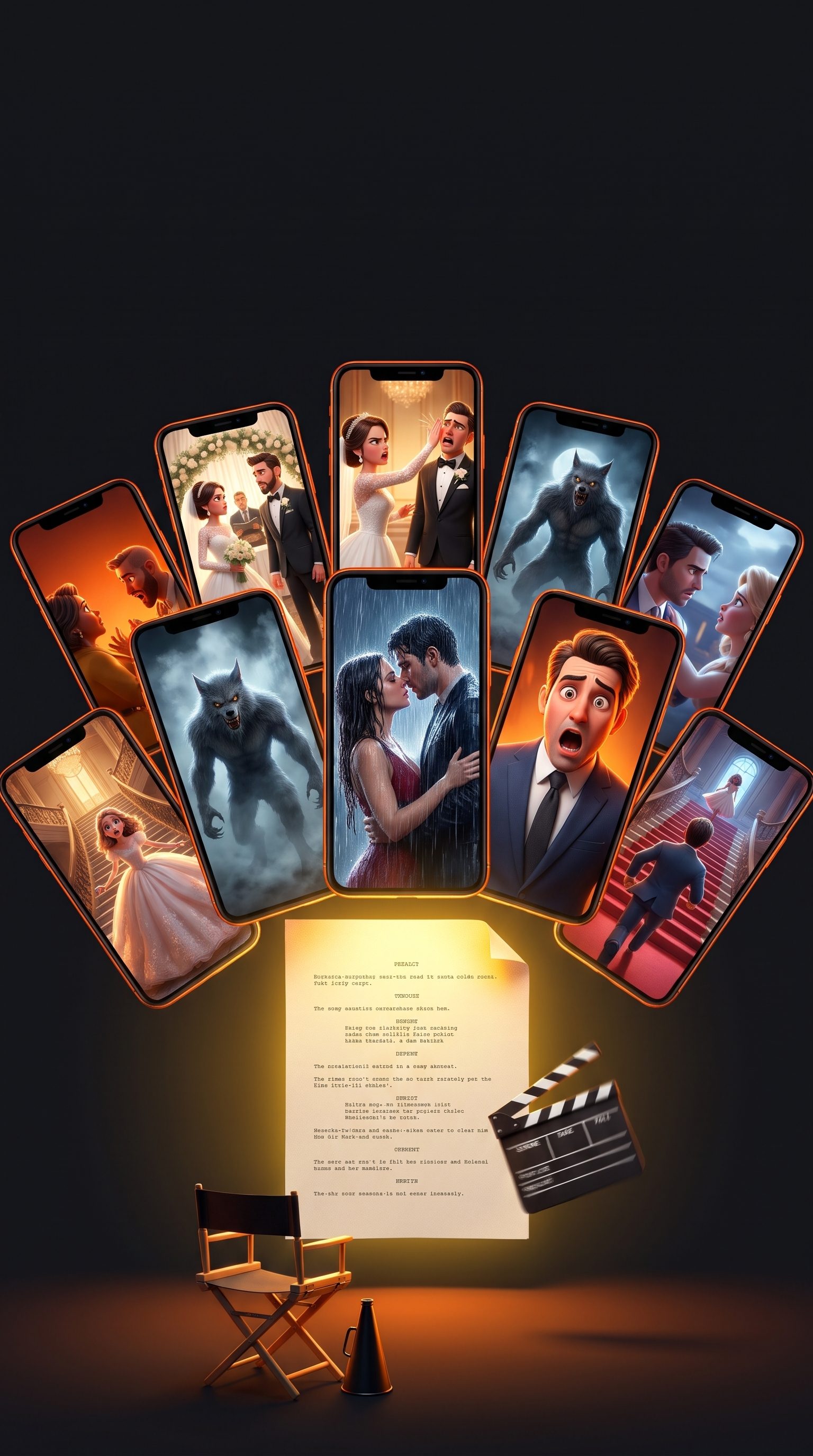
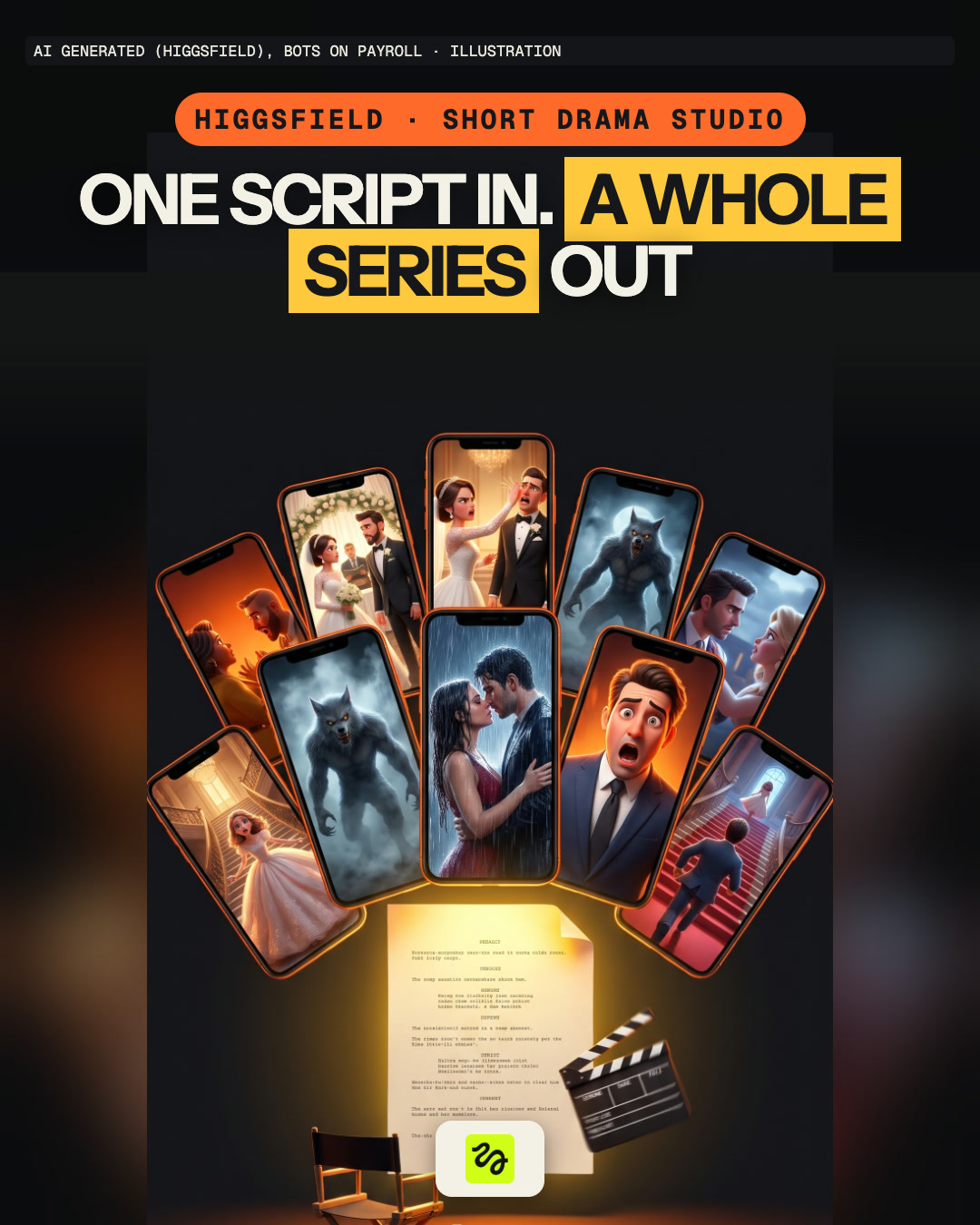
One script in. A whole AI drama series out
Higgsfield just opened Short Drama Studio in early preview: you upload one script (PDF, Word, Final Draft, TXT or Markdown, up to 10 MB), pick a format and one of 15 styles, and it splits the story into episodes and builds the cast, locations and props. Faces are free, four options per character. Then it plans each episode and renders a 480p draft first, so you check the clips before paying for the 720p or 1080p final. Vertical 9:16 is the default, with five other formats.
By Bots on Payroll, with 8 sources below
The short version
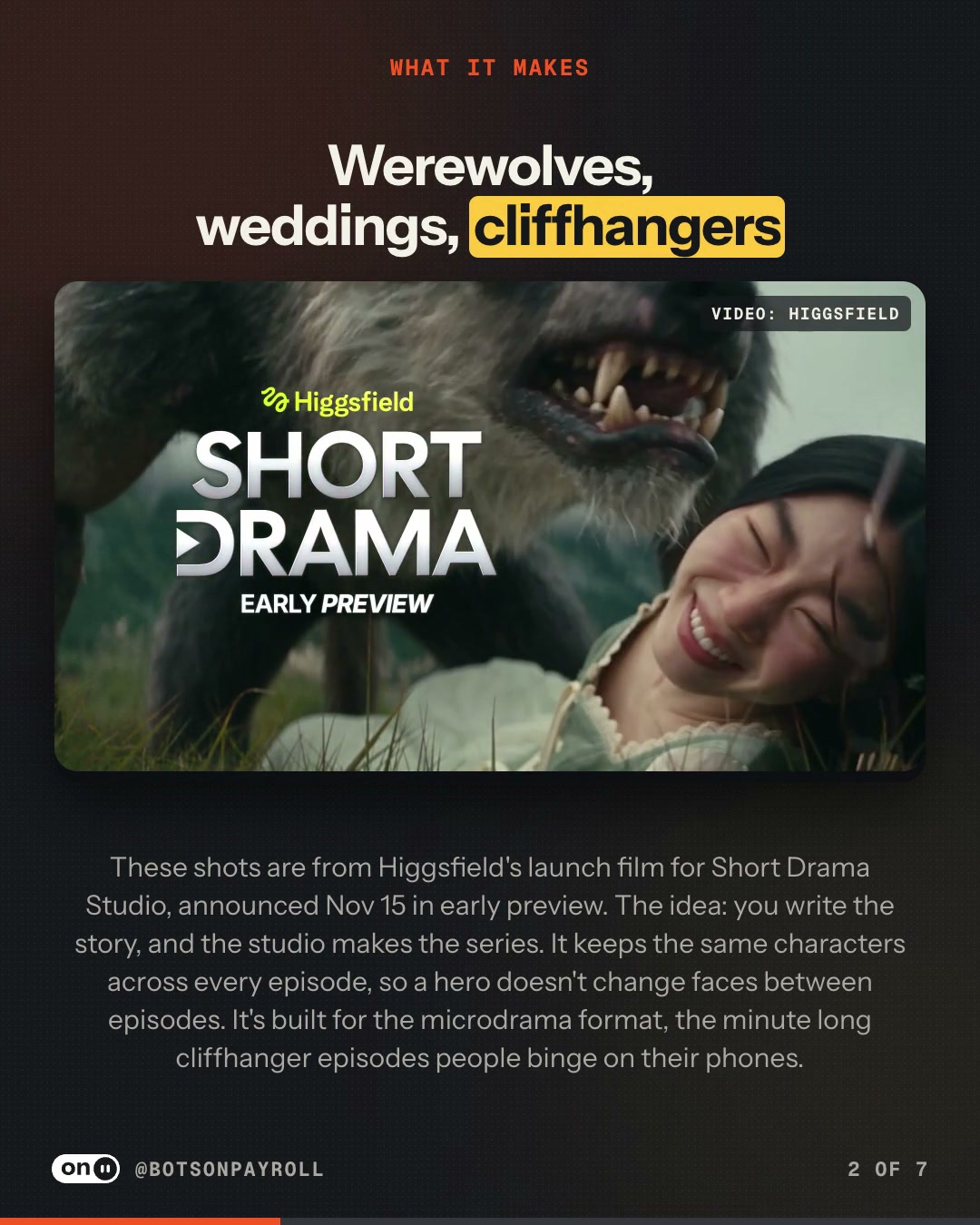
- These shots are from Higgsfield's launch film for Short Drama Studio, announced Nov 15 in early preview.
- Open higgsfield.ai/short-drama on a computer and start a project.
- The analysis lists every episode, character, location and prop, so check it against your story before you go on.
- Click Plan episode for each episode, which you have to do before any video.
- Faces are free.
Watch the video
0:47, sound onWerewolves, weddings, cliffhangers
These shots are from Higgsfield's launch film for Short Drama Studio, announced Nov 15 in early preview. The idea: you write the story, and the studio makes the series. It keeps the same characters across every episode, so a hero doesn't change faces between episodes. It's built for the microdrama format, the minute long cliffhanger episodes people binge on their phones.
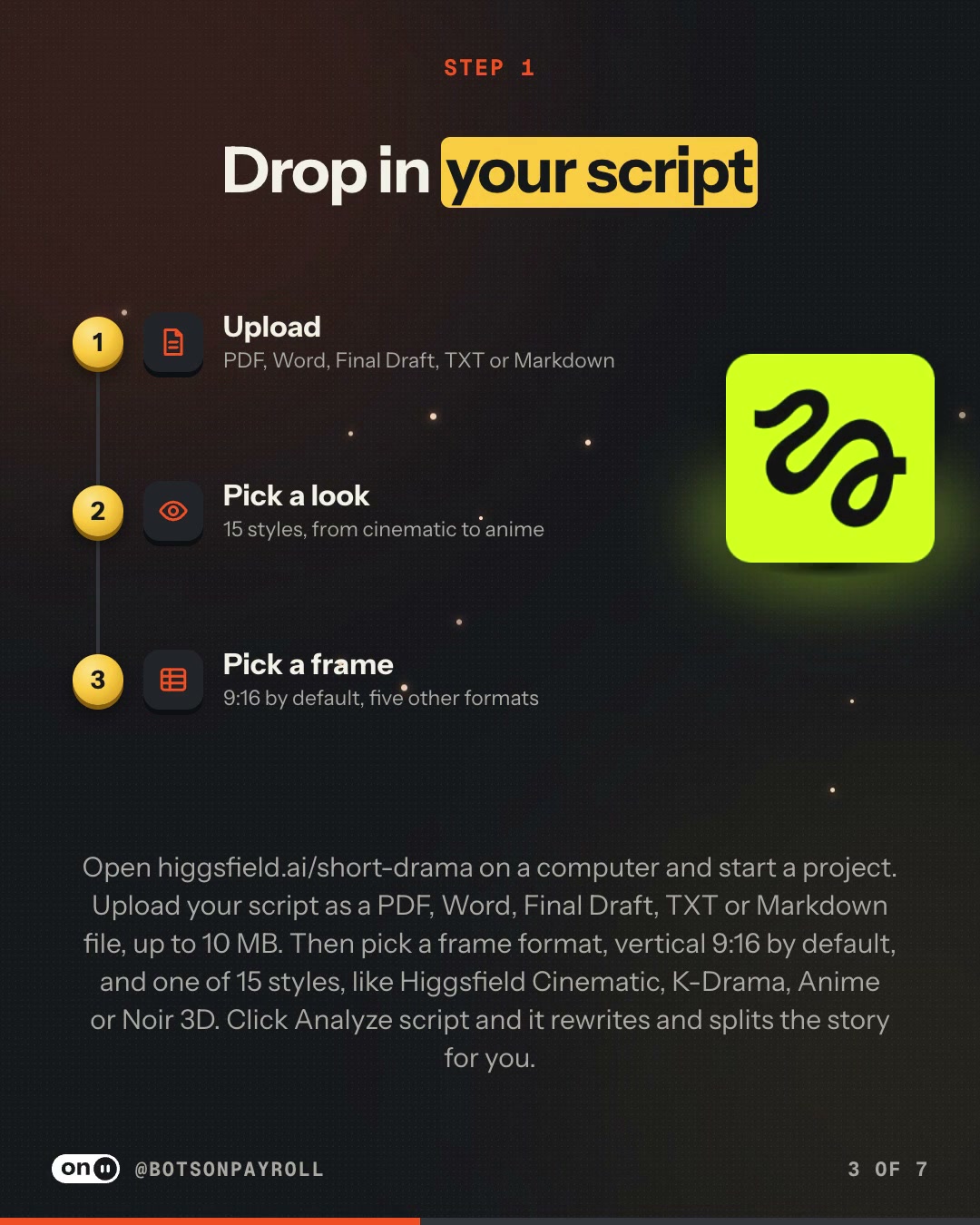
Drop in your script
Open higgsfield.ai/short-drama on a computer and start a project. Upload your script as a PDF, Word, Final Draft, TXT or Markdown file, up to 10 MB. Then pick a frame format, vertical 9:16 by default, and one of 15 styles, like Higgsfield Cinematic, K-Drama, Anime or Noir 3D. Click Analyze script and it rewrites and splits the story for you.
It casts your characters
The analysis lists every episode, character, location and prop, so check it against your story before you go on. In Cast and World, click Generate faces: it's free and gives four options per character, or upload a photo of your own actor. Then generate a main sheet for each one. That sheet is how the same face shows up in every episode.
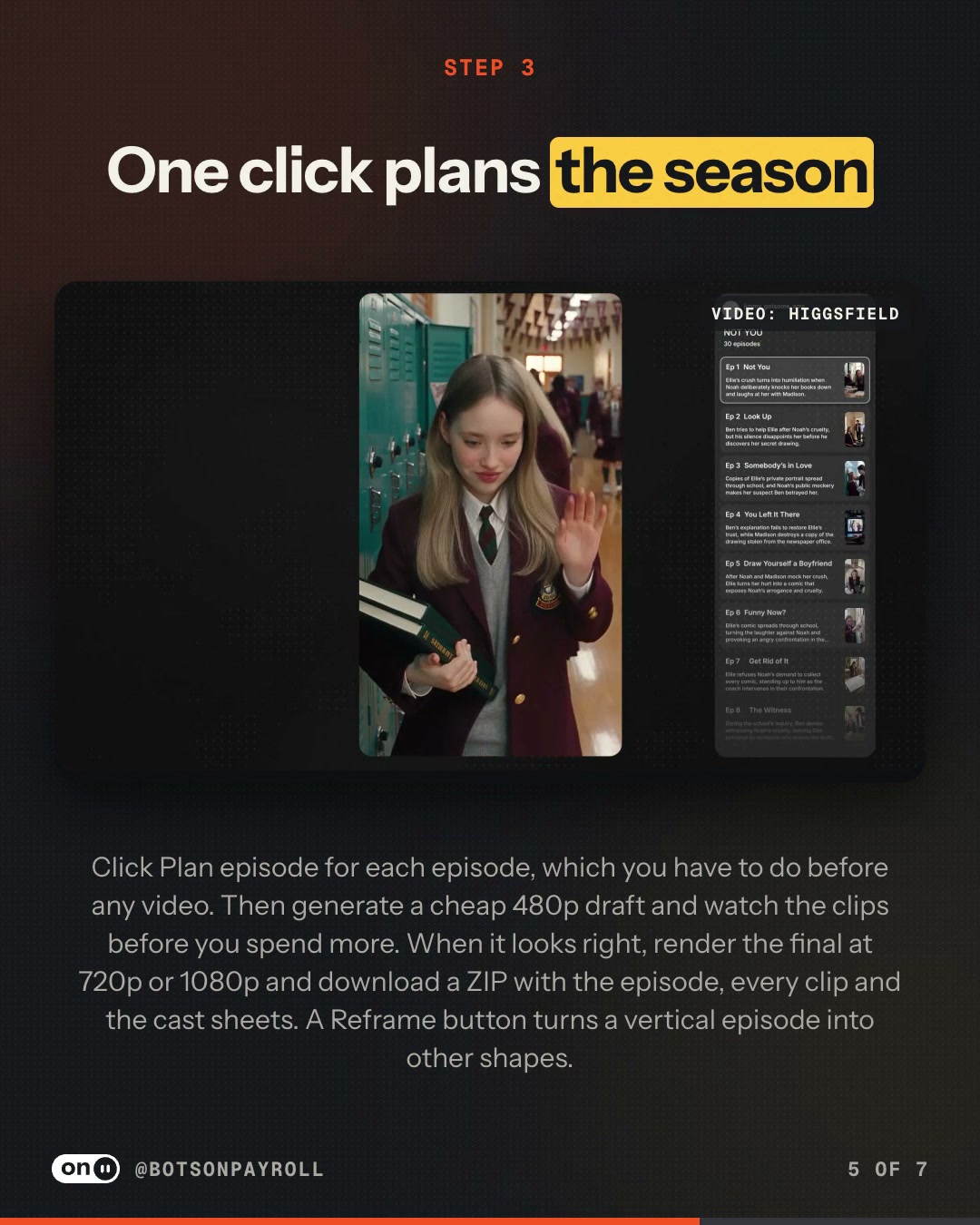
One click plans the season
Click Plan episode for each episode, which you have to do before any video. Then generate a cheap 480p draft and watch the clips before you spend more. When it looks right, render the final at 720p or 1080p and download a ZIP with the episode, every clip and the cast sheets. A Reframe button turns a vertical episode into other shapes.
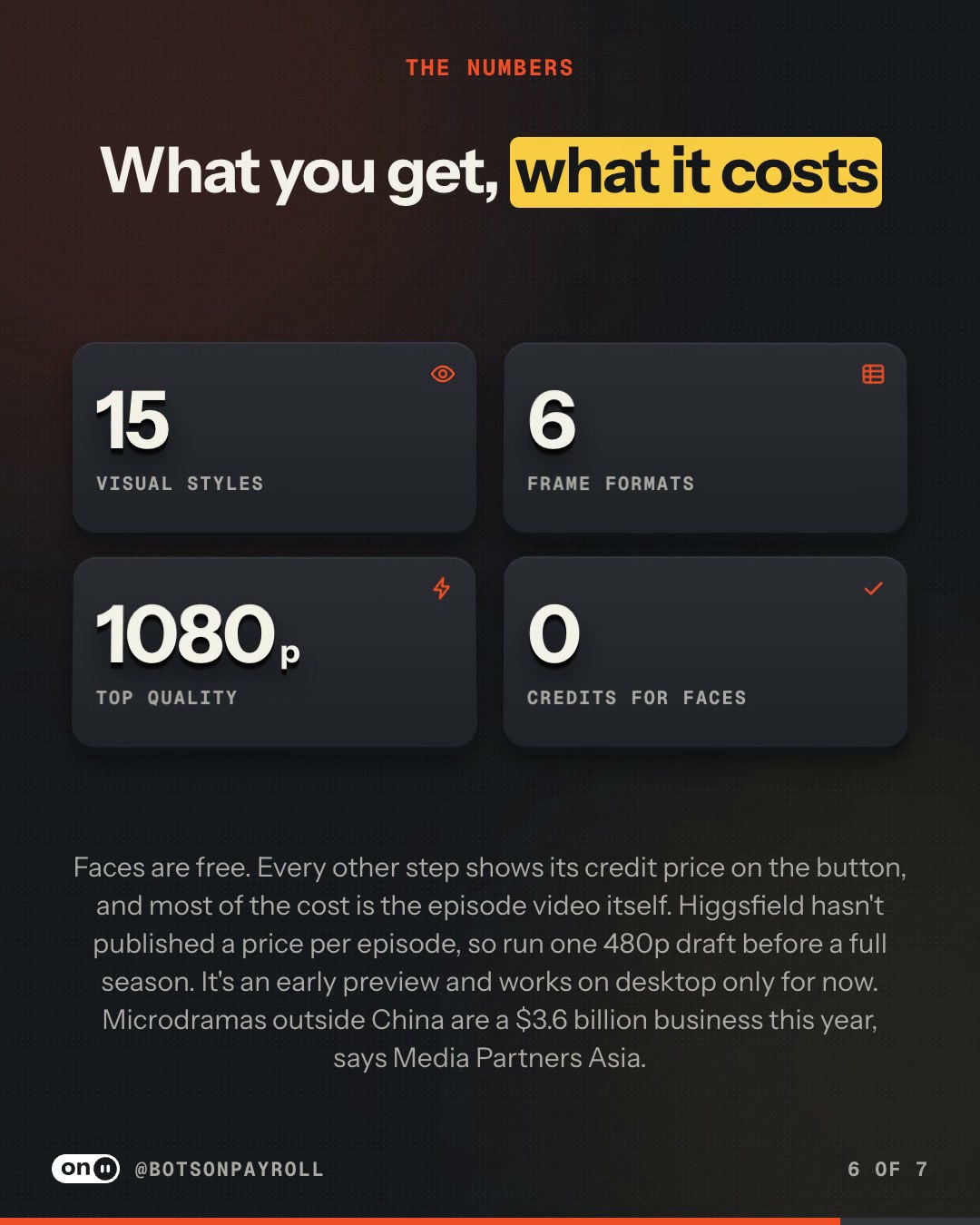
What you get, what it costs
Faces are free. Every other step shows its credit price on the button, and most of the cost is the episode video itself. Higgsfield hasn't published a price per episode, so run one 480p draft before a full season. It's an early preview and works on desktop only for now. Microdramas outside China are a $3.6 billion business this year, says Media Partners Asia.
Swipe the post
Sources
More AI news

Spent your weekend on sale posts? One photo could have made all of them.
Your pay stub link still opens. Here's how to lock it.