Claude can now read your bank accounts and tell you where your money goes
How to set up Personal Finance in Claude, what it sees, and prompts to try.
By Bots on Payroll, with 4 sources below
The short version
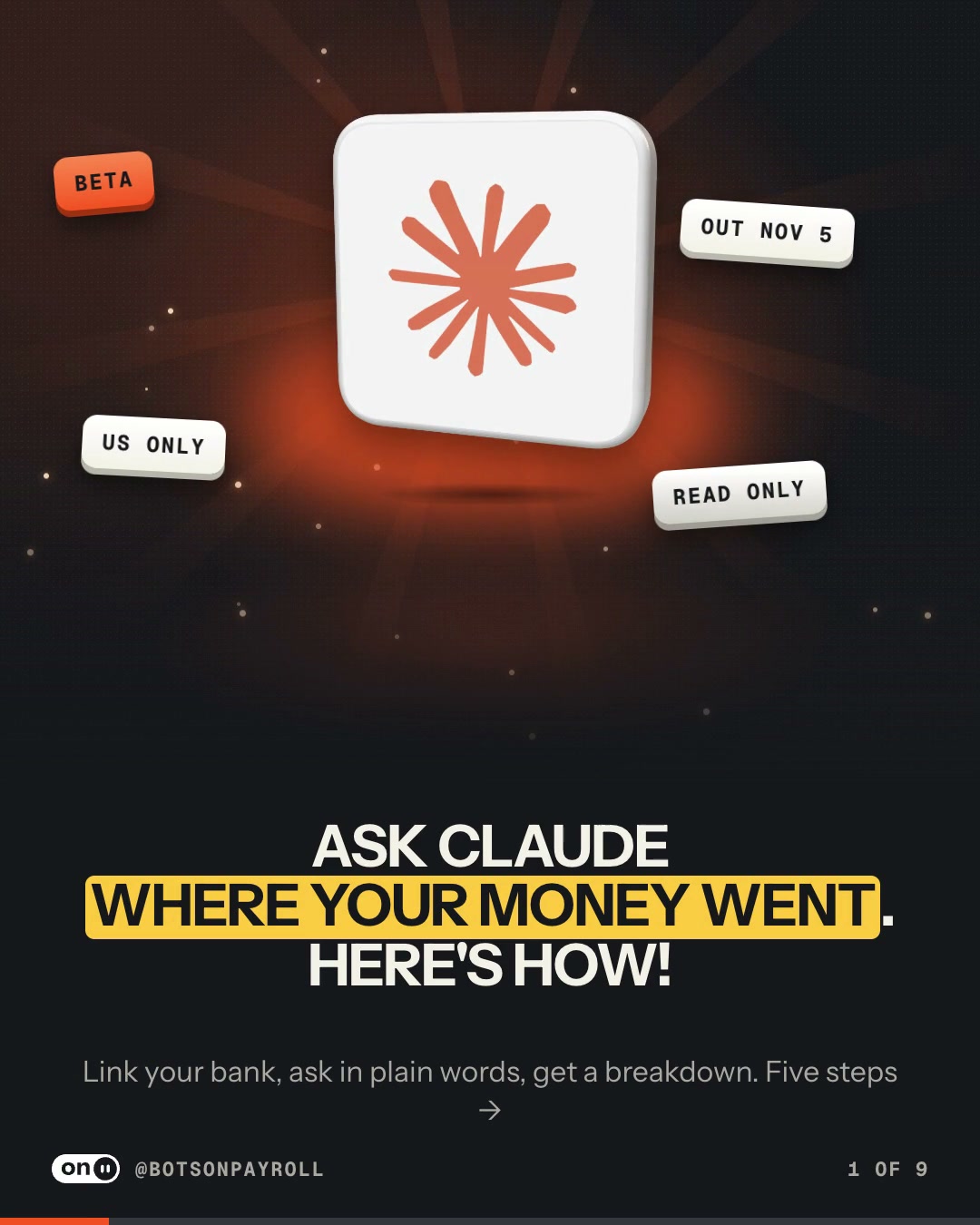
- Personal Finance in Claude launched Nov 5 in beta, US only, on Pro, Max and Ultra plans.
- You link accounts through Plaid; it's read-only and Claude never gets your bank password.
- Ask 'Where did my money go this month?' and follow up in your own words.
Watch the video
0:39, sound onHow it works
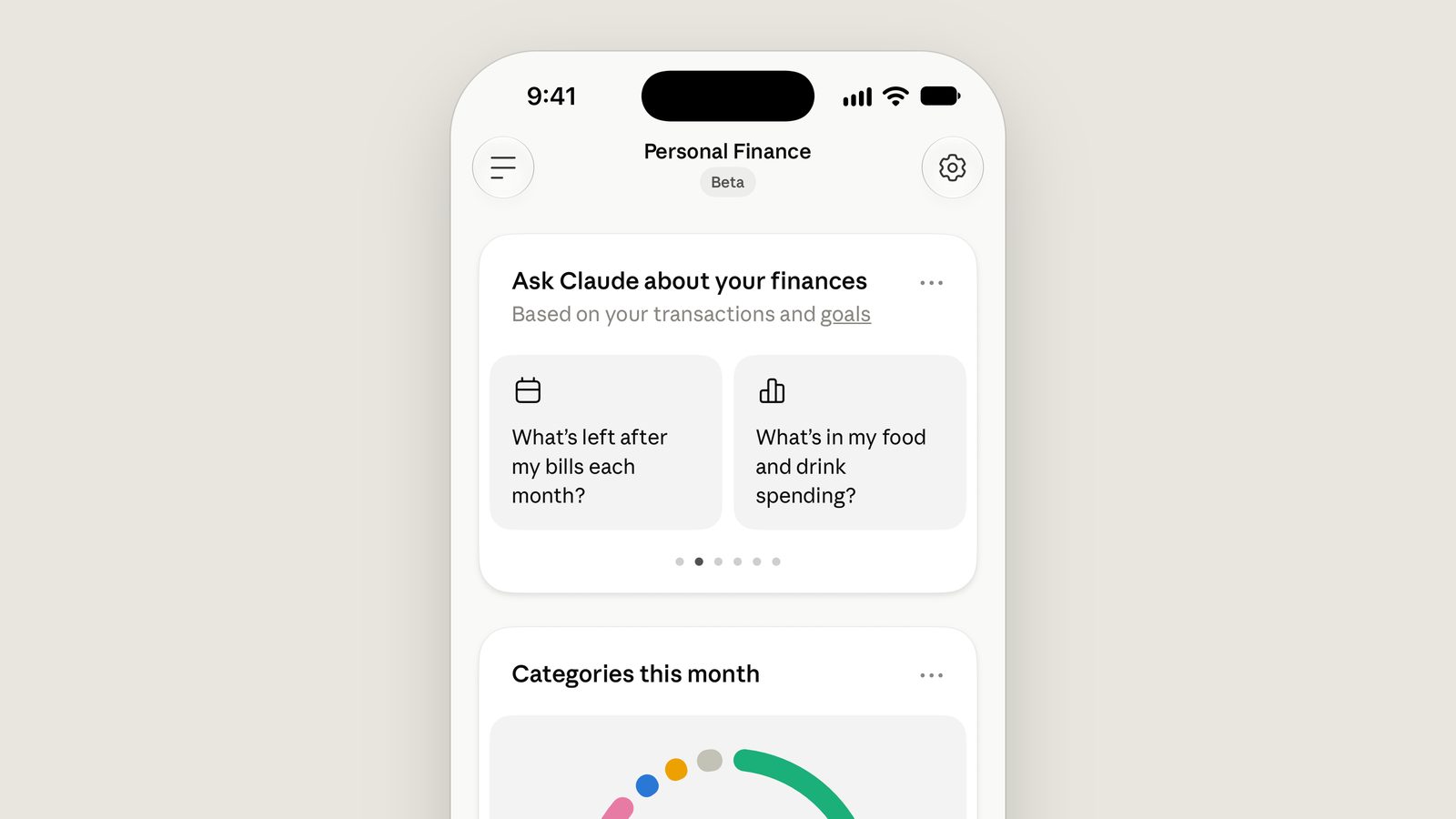
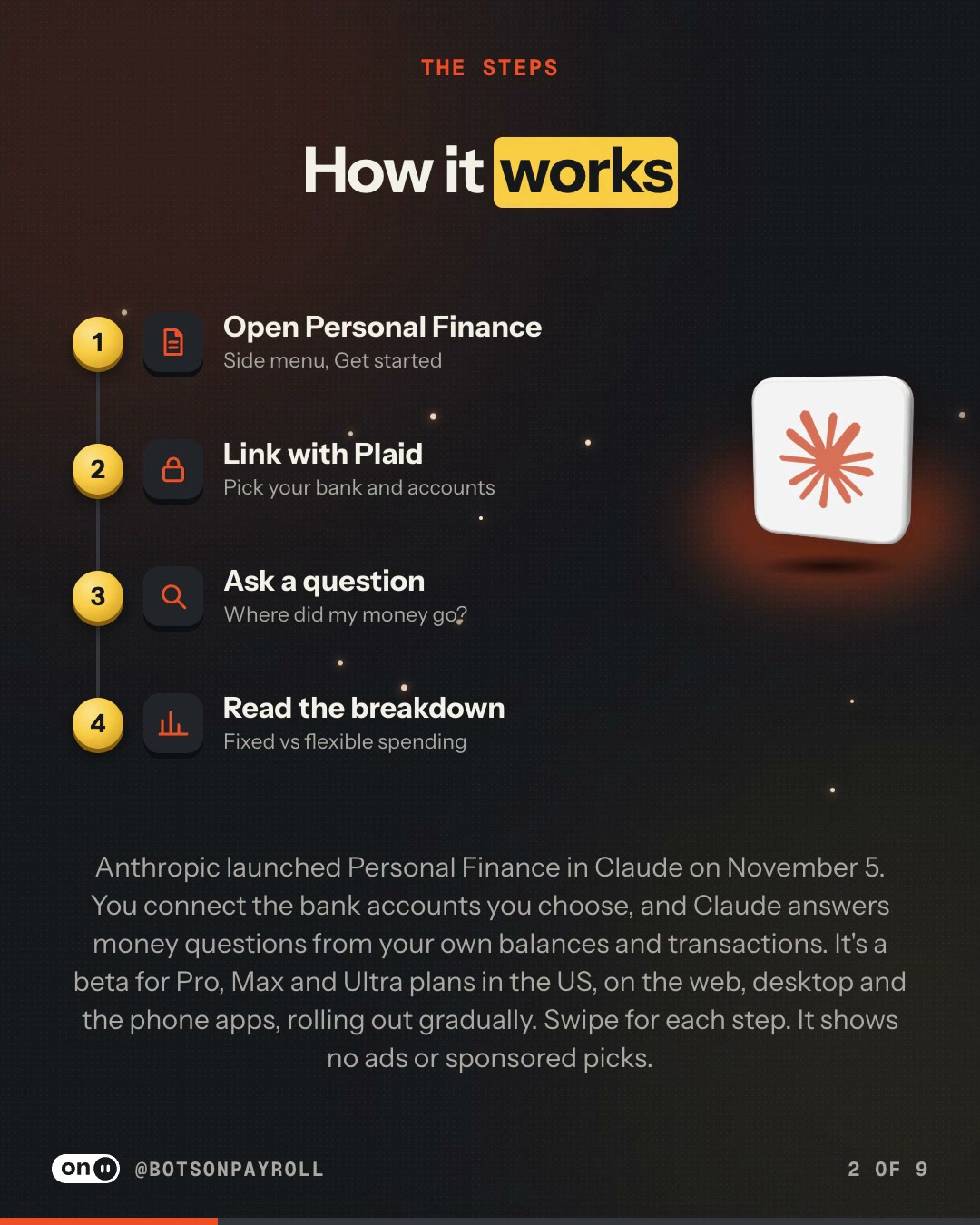
Anthropic launched Personal Finance in Claude on November 5. You connect the bank accounts you choose, and Claude answers money questions from your own balances and transactions. It's a beta for Pro, Max and Ultra plans in the US, on the web, desktop and the phone apps, rolling out gradually. Swipe for each step. It shows no ads or sponsored picks.
Open it, then link your bank
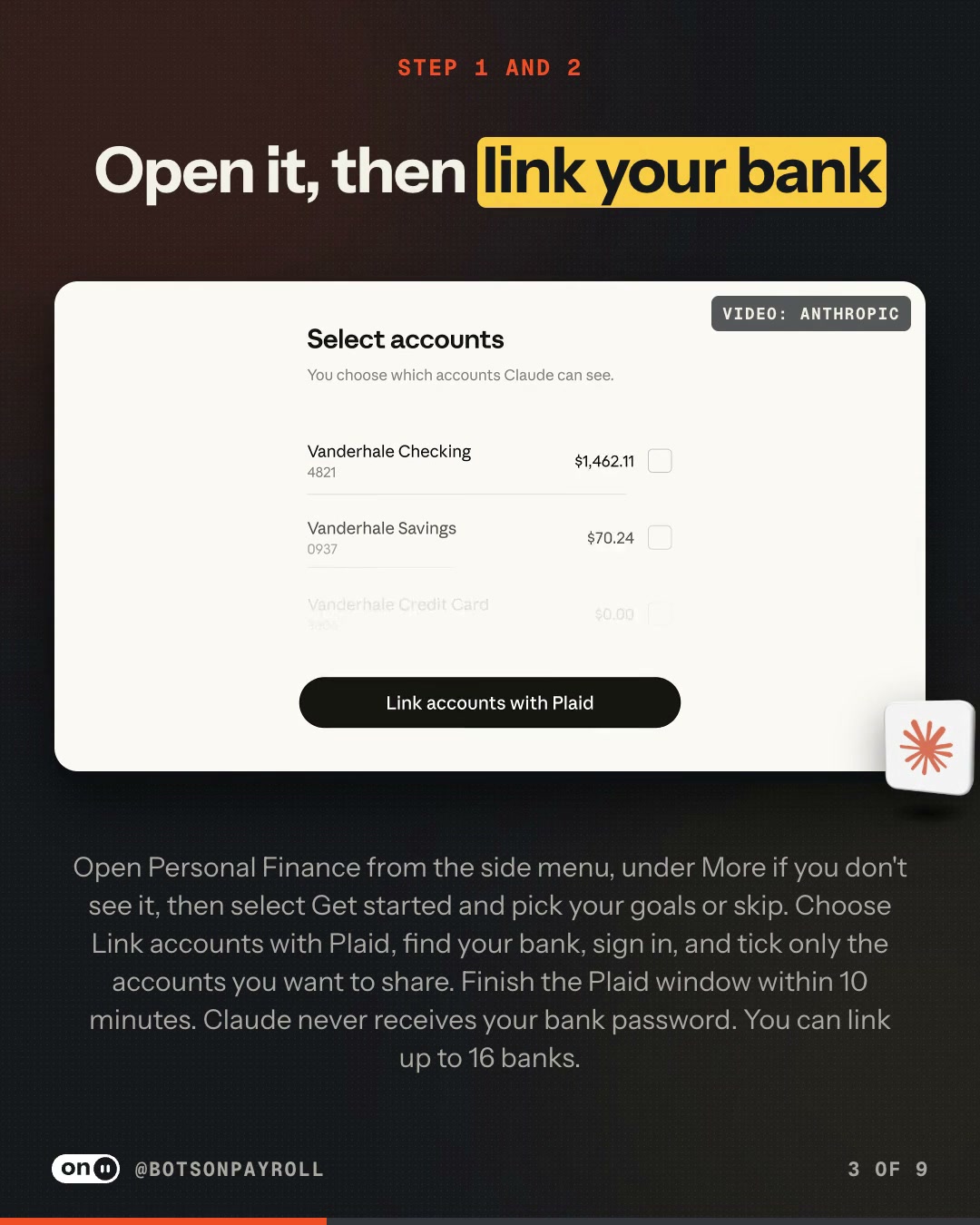
Open Personal Finance from the side menu, under More if you don't see it, then select Get started and pick your goals or skip. Choose Link accounts with Plaid, find your bank, sign in, and tick only the accounts you want to share. Finish the Plaid window within 10 minutes. Claude never receives your bank password. You can link up to 16 banks.
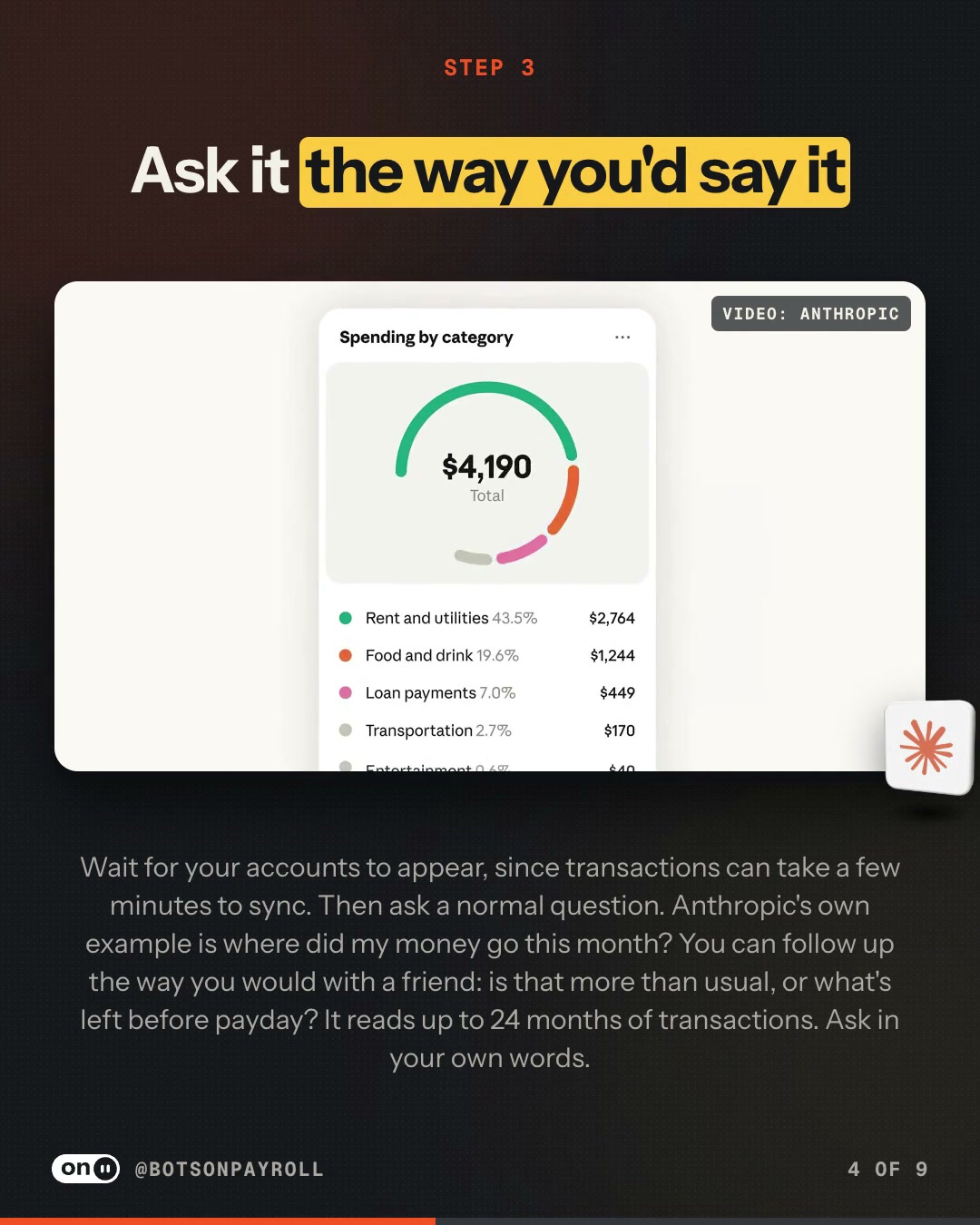
Ask it the way you'd say it
Wait for your accounts to appear, since transactions can take a few minutes to sync. Then ask a normal question. Anthropic's own example is where did my money go this month? You can follow up the way you would with a friend: is that more than usual, or what's left before payday? It reads up to 24 months of transactions. Ask in your own words.
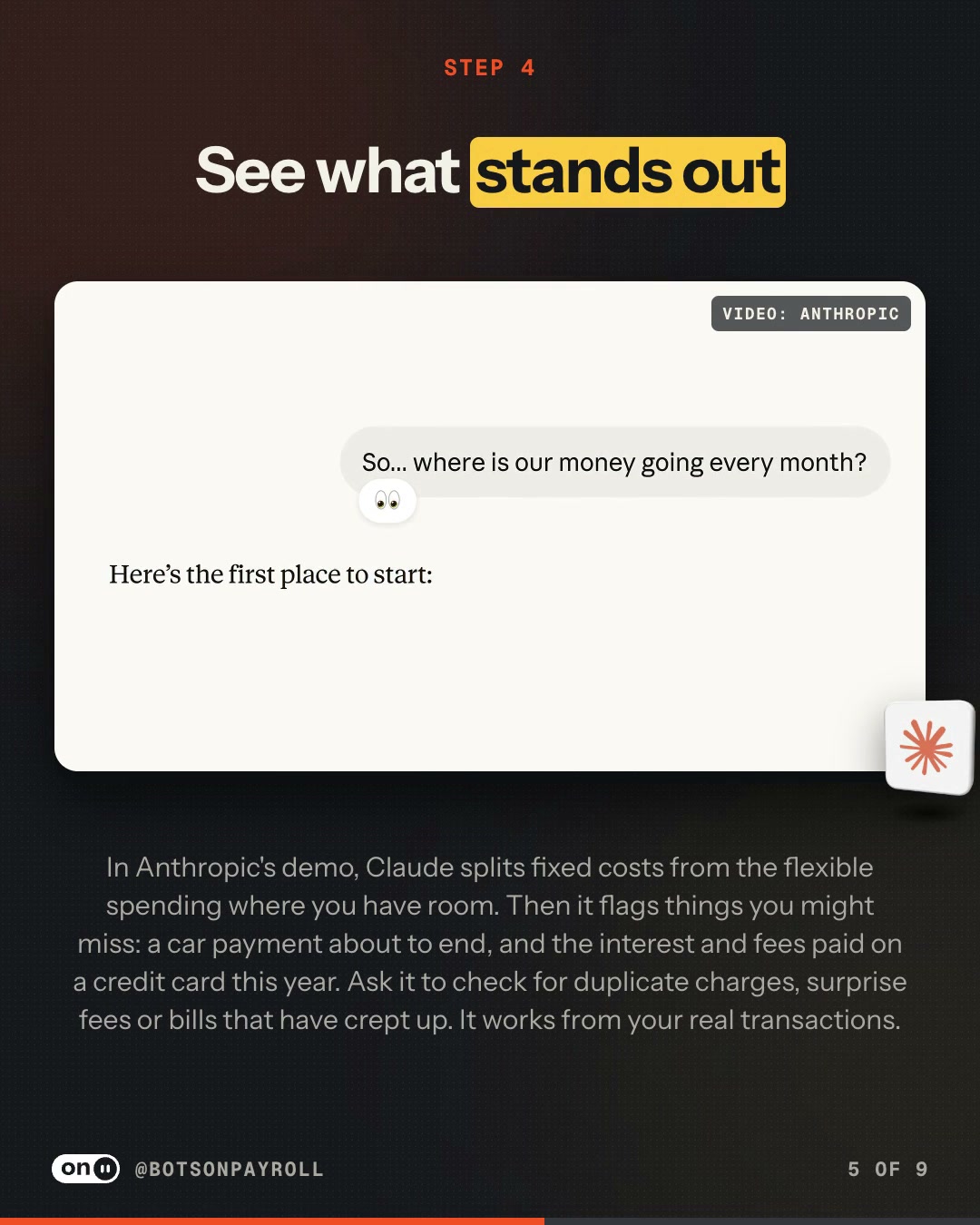
See what stands out
In Anthropic's demo, Claude splits fixed costs from the flexible spending where you have room. Then it flags things you might miss: a car payment about to end, and the interest and fees paid on a credit card this year. Ask it to check for duplicate charges, surprise fees or bills that have crept up. It works from your real transactions.
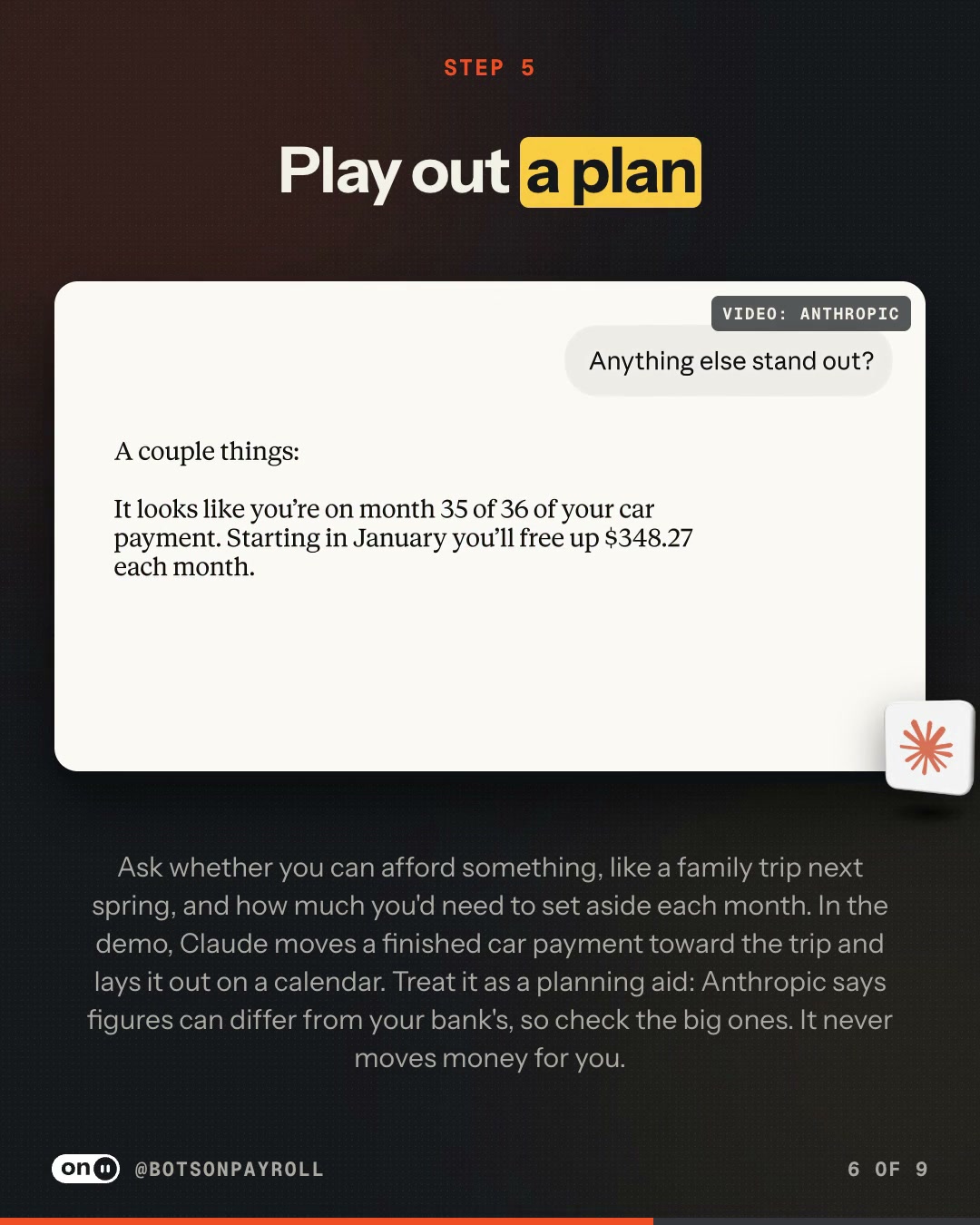
Play out a plan
Ask whether you can afford something, like a family trip next spring, and how much you'd need to set aside each month. In the demo, Claude moves a finished car payment toward the trip and lays it out on a calendar. Treat it as a planning aid: Anthropic says figures can differ from your bank's, so check the big ones. It never moves money for you.
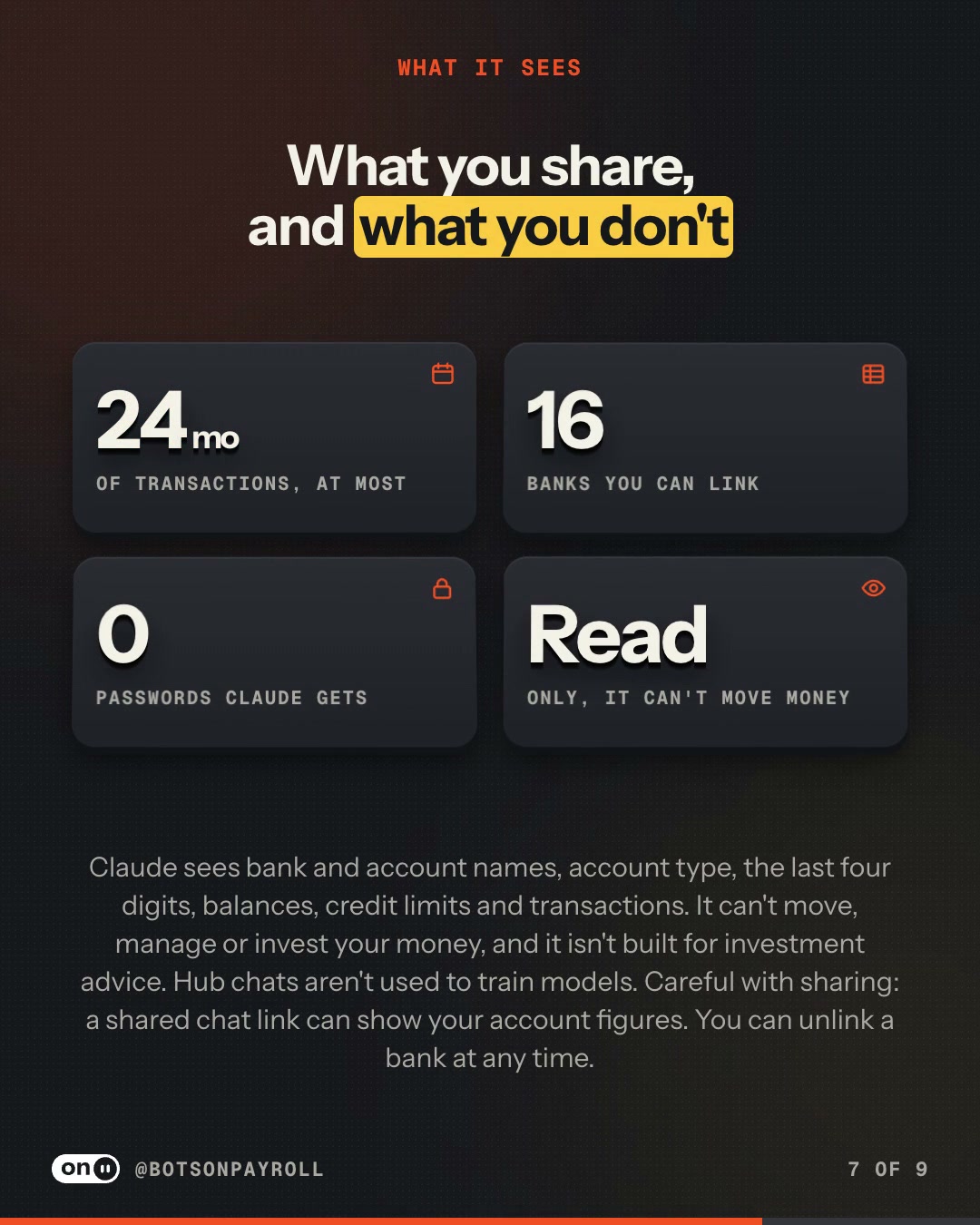
What you share, and what you don't
Claude sees bank and account names, account type, the last four digits, balances, credit limits and transactions. It can't move, manage or invest your money, and it isn't built for investment advice. Hub chats aren't used to train models. Careful with sharing: a shared chat link can show your account figures. You can unlink a bank at any time.
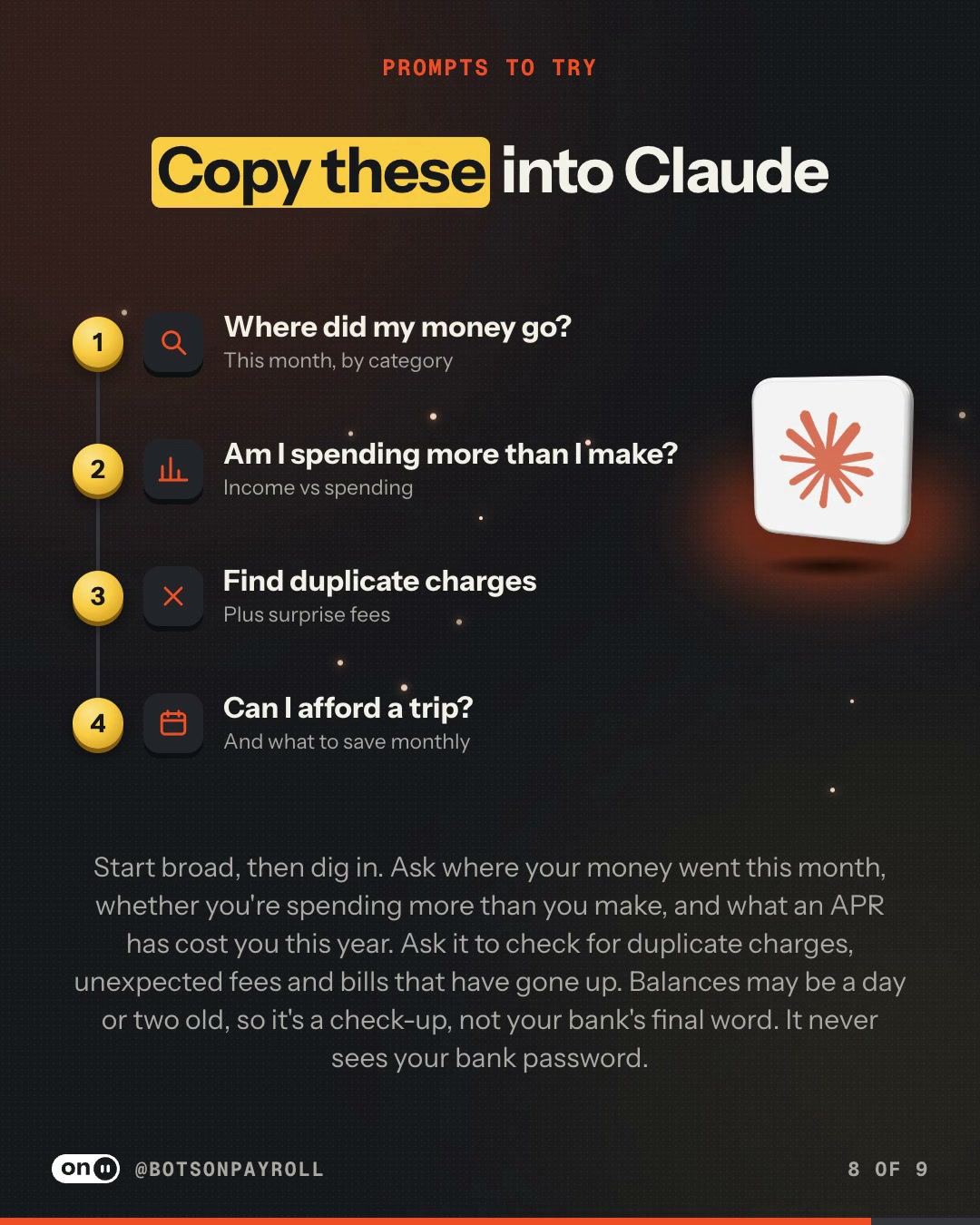
Copy these into Claude
Start broad, then dig in. Ask where your money went this month, whether you're spending more than you make, and what an APR has cost you this year. Ask it to check for duplicate charges, unexpected fees and bills that have gone up. Balances may be a day or two old, so it's a check-up, not your bank's final word. It never sees your bank password.
Swipe the post

Sources
More AI news

Spent your weekend on sale posts? One photo could have made all of them.
Your pay stub link still opens. Here's how to lock it.