SEE WHICH APPS PHONE HOME
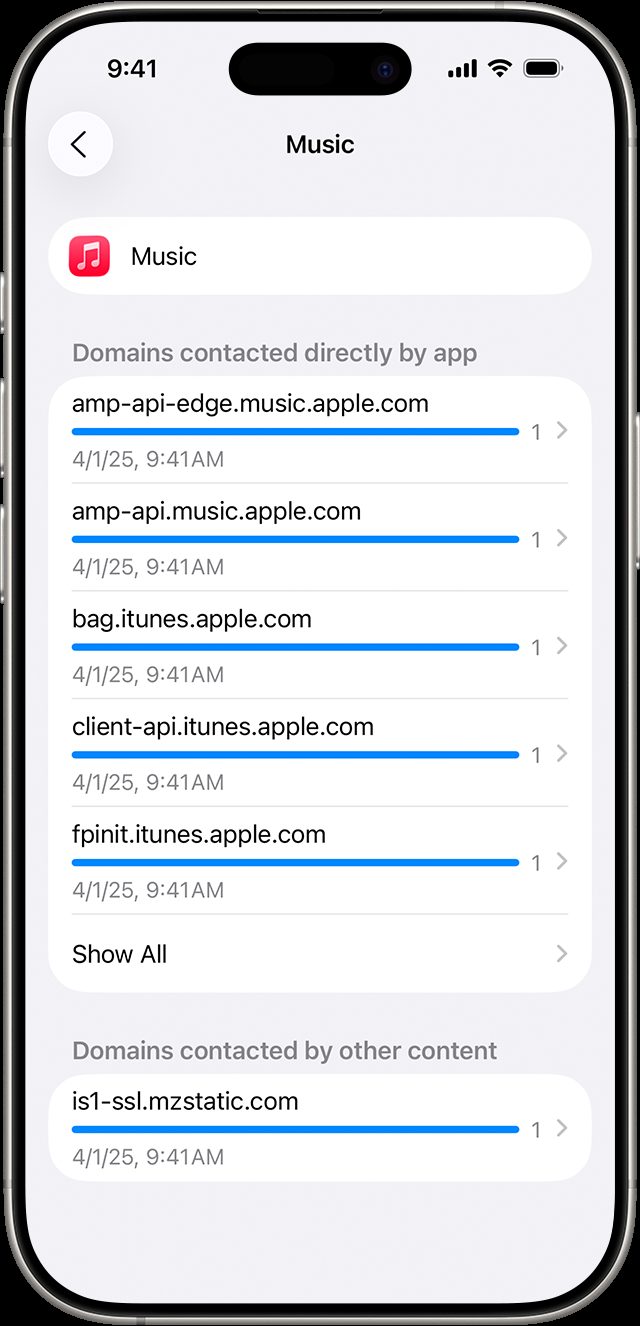
Your iPhone can log every web domain your apps contact, and it's off until you switch it on. Apple calls it the App Privacy Report (iOS 15.2 or later): Settings, Privacy & Security, App Privacy Report, turn it on. Over 7 days it fills four sections: Data & Sensor Access, App Network Activity, Website Network Activity and Most Contacted Domains. The data stays encrypted on your phone. After a week, screenshot the App Network Activity and Most Contacted Domains pages and give them to Claude or ChatGPT with one prompt: it groups the domains by app, labels each one (the app's own server, a content network, an ad network, analytics, or unknown) and tells you which permission you could switch off. Limits: a domain on the list doesn't prove your data was sold, and a chatbot can mislabel who owns a domain, so treat its labels as leads. Turning the report off deletes it.
By Bots on Payroll, with 10 sources below
The short version
- It's off until you switch it on
- Four lists, seven days
- Ad and tracking domains
Watch the video
0:53, sound onIt's off until you switch it on
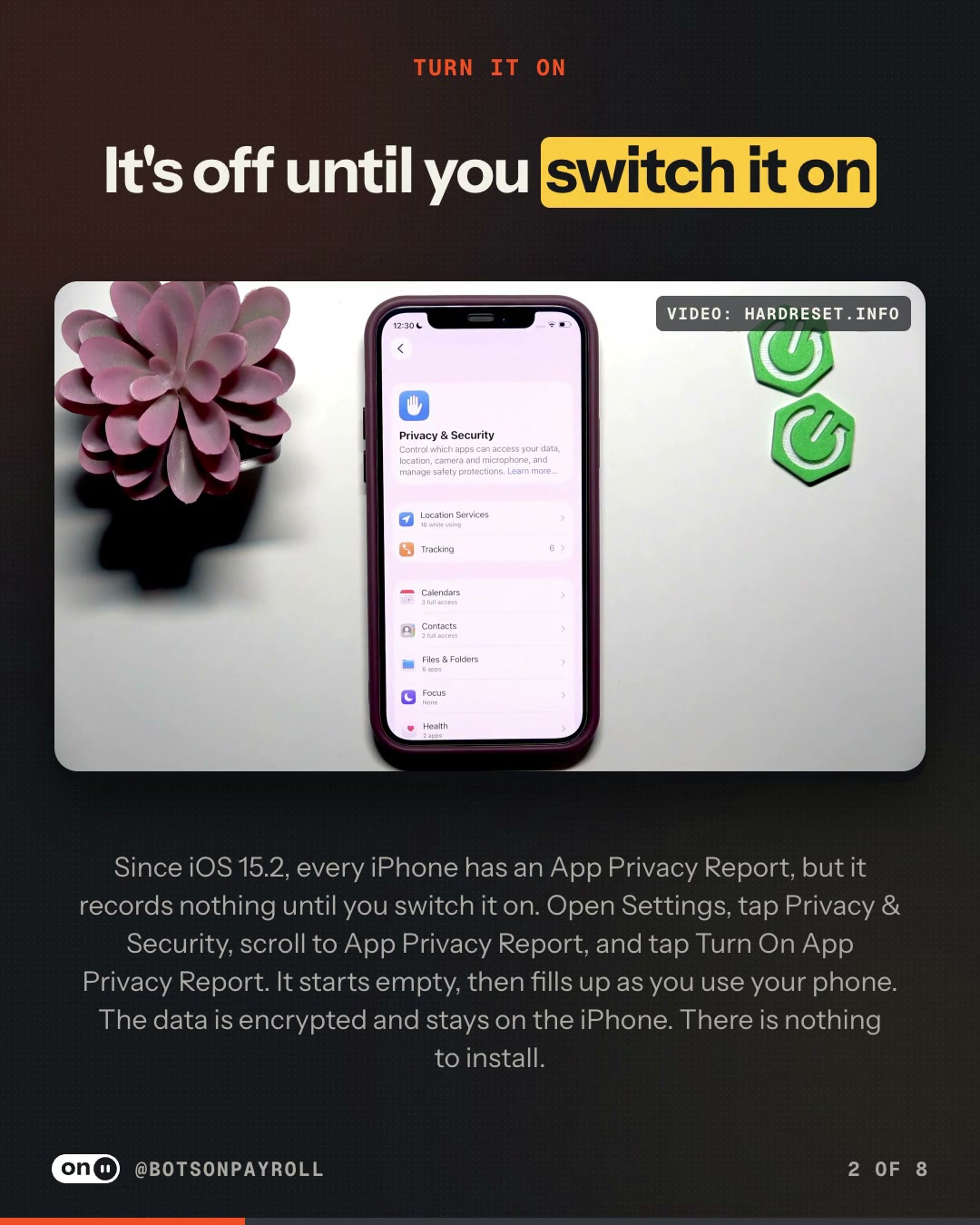
Since iOS 15.2, every iPhone has an App Privacy Report, but it records nothing until you switch it on. Open Settings, tap Privacy & Security, scroll to App Privacy Report, and tap Turn On App Privacy Report. It starts empty, then fills up as you use your phone. The data is encrypted and stays on the iPhone. There is nothing to install.
Four lists, seven days
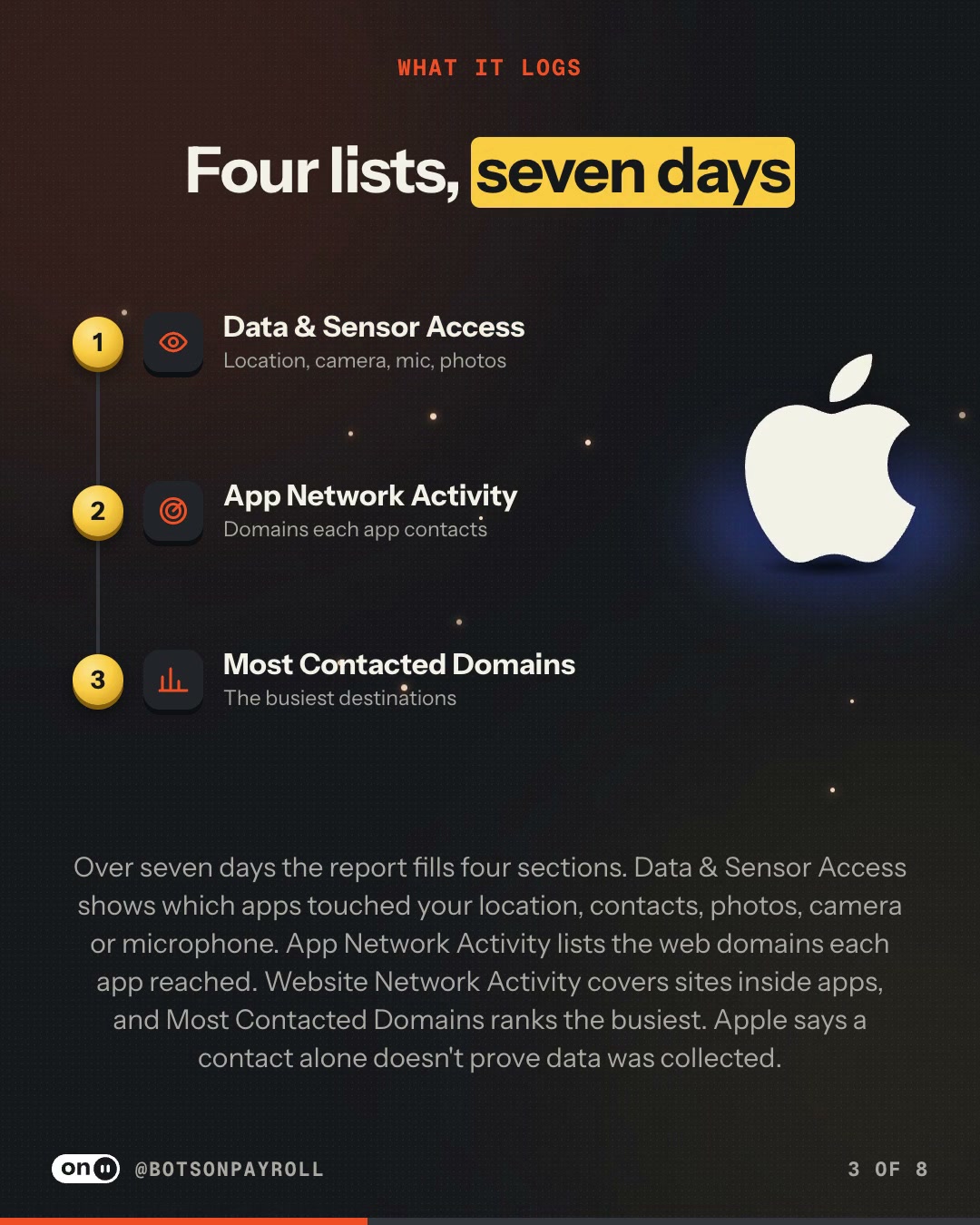
Over seven days the report fills four sections. Data & Sensor Access shows which apps touched your location, contacts, photos, camera or microphone. App Network Activity lists the web domains each app reached. Website Network Activity covers sites inside apps, and Most Contacted Domains ranks the busiest. Apple says a contact alone doesn't prove data was collected.
Ad and tracking domains
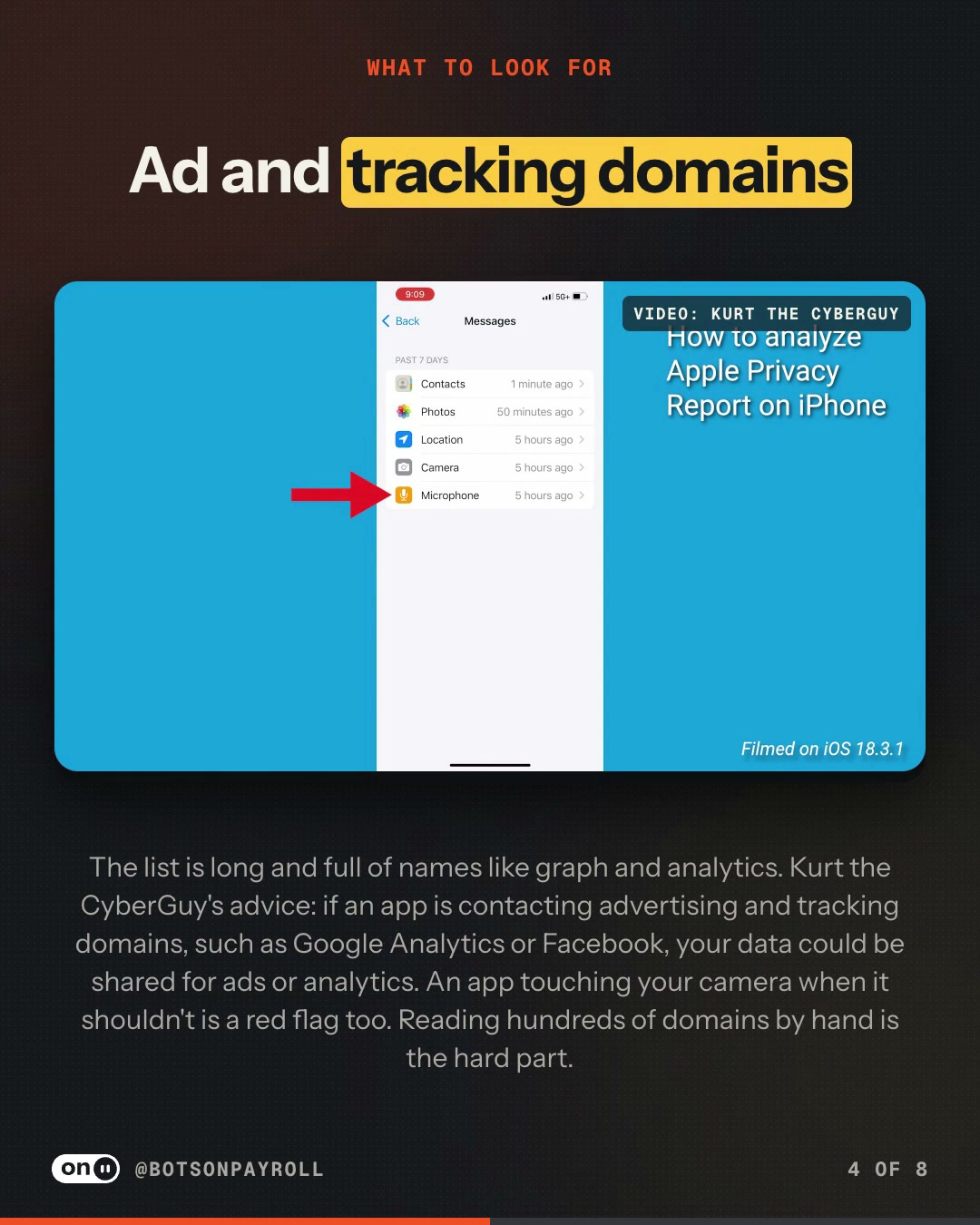
The list is long and full of names like graph and analytics. Kurt the CyberGuy's advice: if an app is contacting advertising and tracking domains, such as Google Analytics or Facebook, your data could be shared for ads or analytics. An app touching your camera when it shouldn't is a red flag too. Reading hundreds of domains by hand is the hard part.
Let a chatbot read it
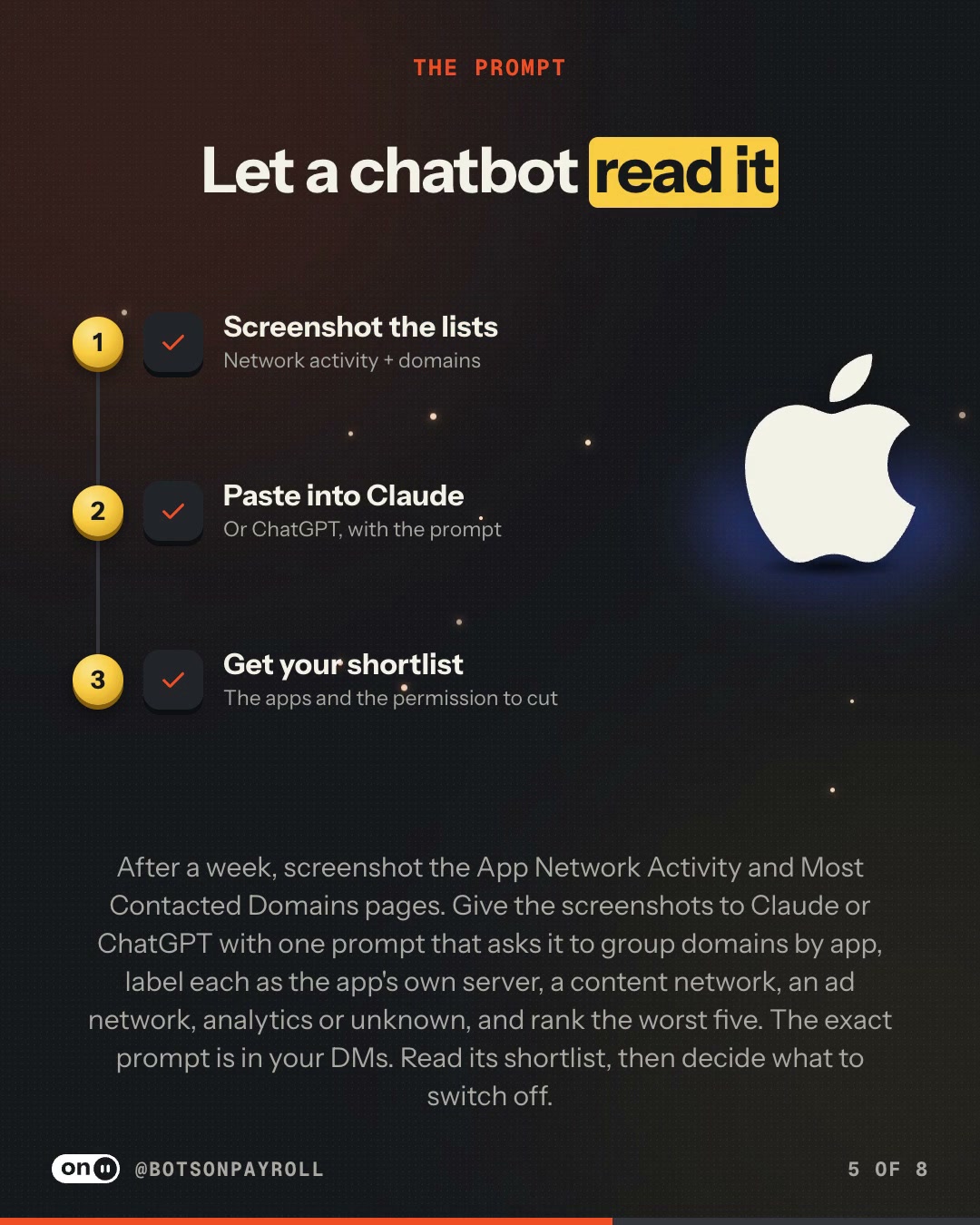
After a week, screenshot the App Network Activity and Most Contacted Domains pages. Give the screenshots to Claude or ChatGPT with one prompt that asks it to group domains by app, label each as the app's own server, a content network, an ad network, analytics or unknown, and rank the worst five. The exact prompt is in your DMs. Read its shortlist, then decide what to switch off.
Free, built in, private
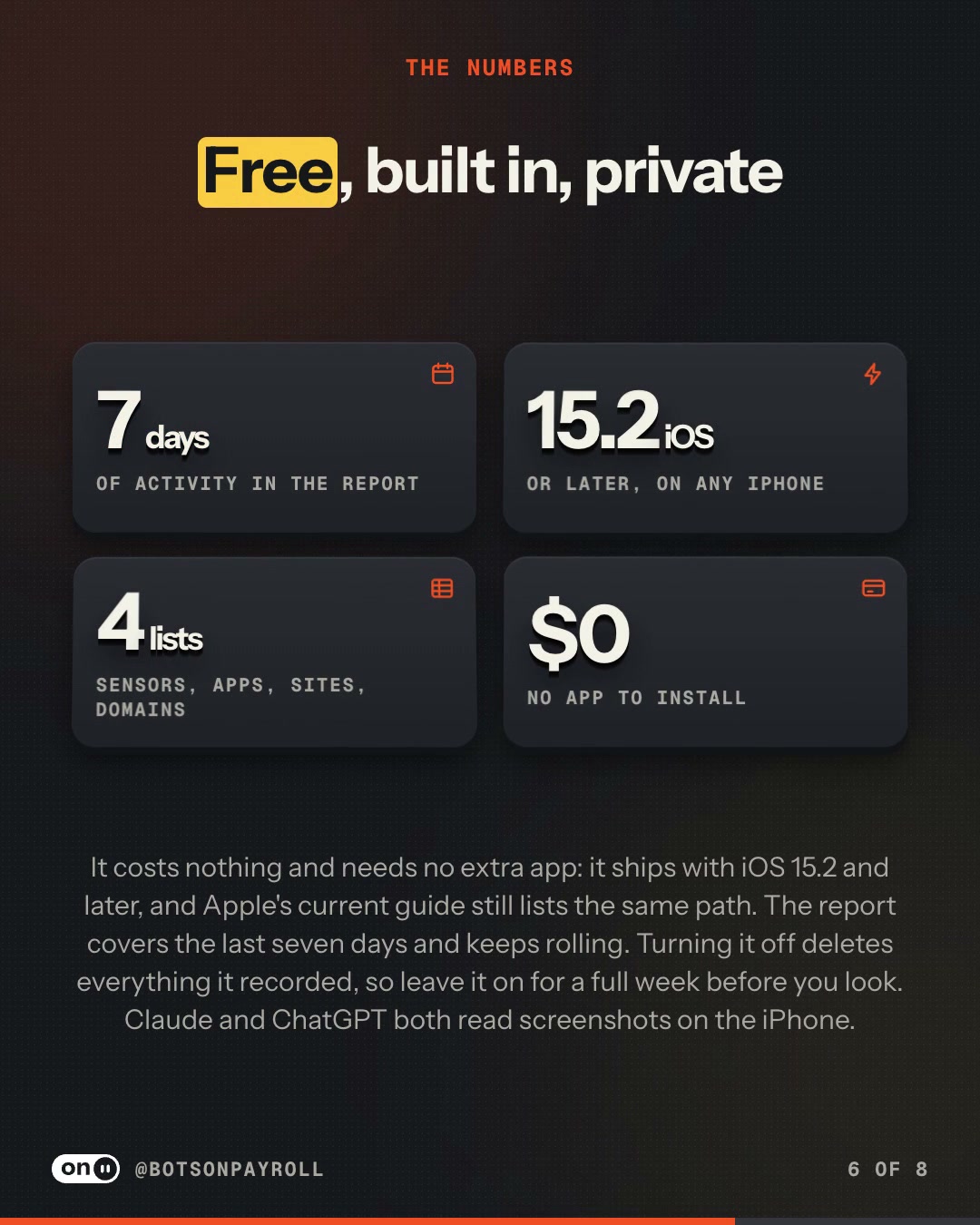
It costs nothing and needs no extra app: it ships with iOS 15.2 and later, and Apple's current guide still lists the same path. The report covers the last seven days and keeps rolling. Turning it off deletes everything it recorded, so leave it on for a full week before you look. Claude and ChatGPT both read screenshots on the iPhone.
Leads, not proof
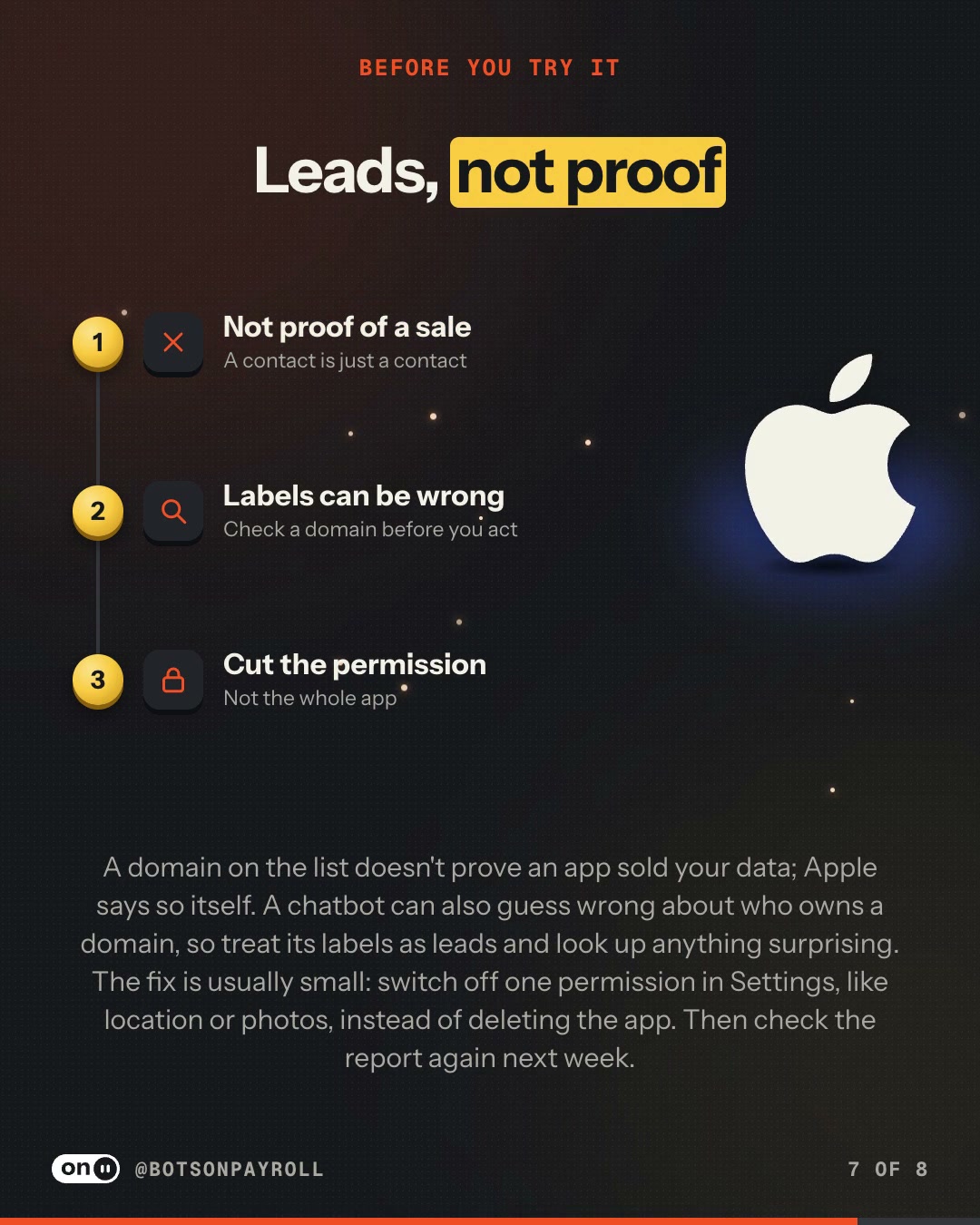
A domain on the list doesn't prove an app sold your data; Apple says so itself. A chatbot can also guess wrong about who owns a domain, so treat its labels as leads and look up anything surprising. The fix is usually small: switch off one permission in Settings, like location or photos, instead of deleting the app. Then check the report again next week.
Swipe the post
Sources
More AI news

Spent your weekend on sale posts? One photo could have made all of them.
Your pay stub link still opens. Here's how to lock it.