SAME PHOTO. NEW COLOR. NOTHING ELSE MOVES.
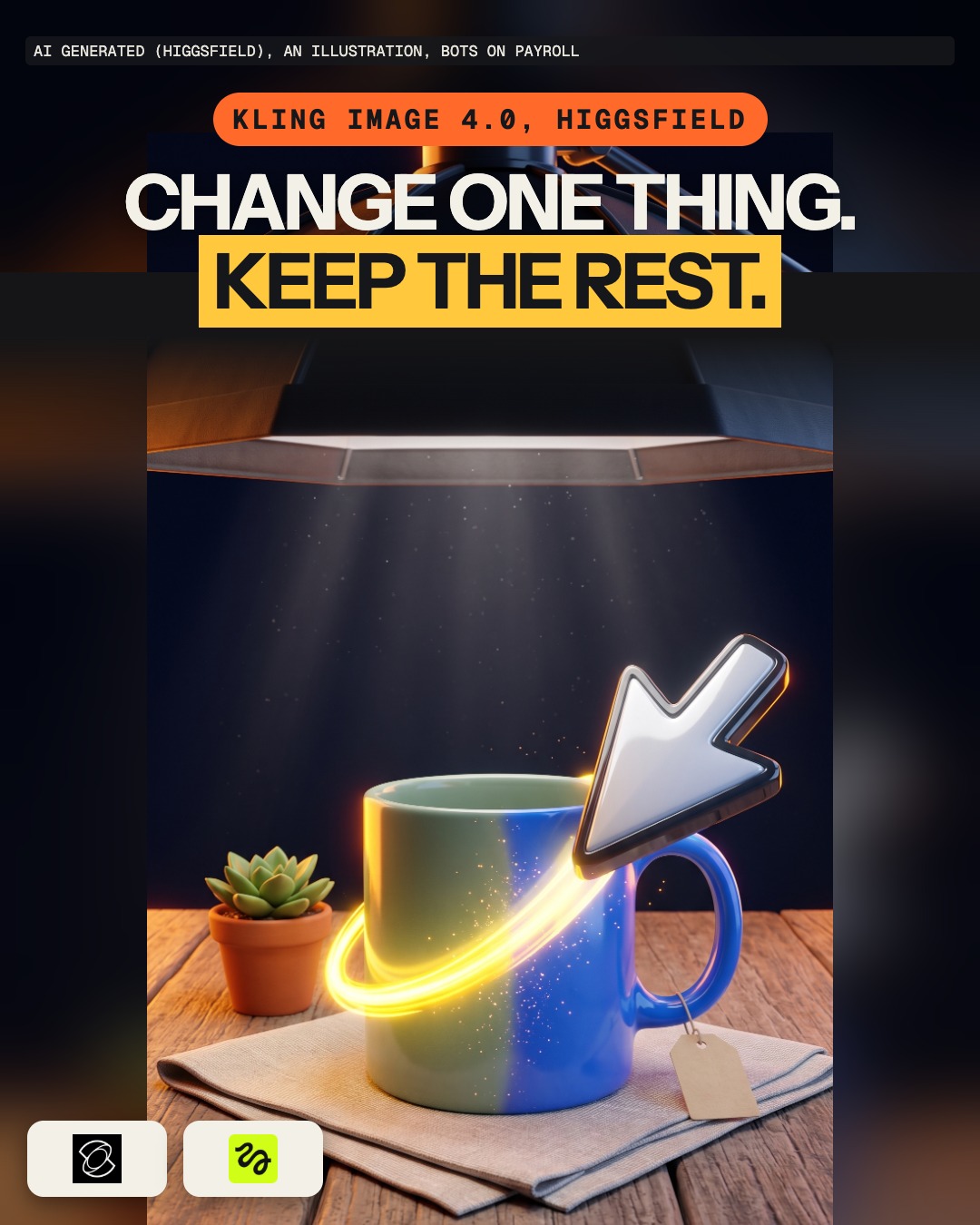
Ever had to reshoot a product just to show it in another color? Kling Image 4.0, now on Higgsfield, edits one thing in a photo and keeps the rest. Upload the picture, name the one object and the new color, and say everything else stays the same. We tried it tonight on a product shot: the mug turned cobalt blue, then the napkin turned mustard yellow, and the table, plant, beans and light stayed put. It launched Nov 17 and Artificial Analysis already ranks it sixth for image editing. The limits: it redraws the whole picture, so check labels and small text before a listing, and every try uses credits.
By Bots on Payroll, with 7 sources below

The short version
- Kling Image 4.0 is a new image model from Kuaishou's Kling team, live on Higgsfield since Nov 17.
- On Higgsfield, open Image and choose Kling Image 4.0.
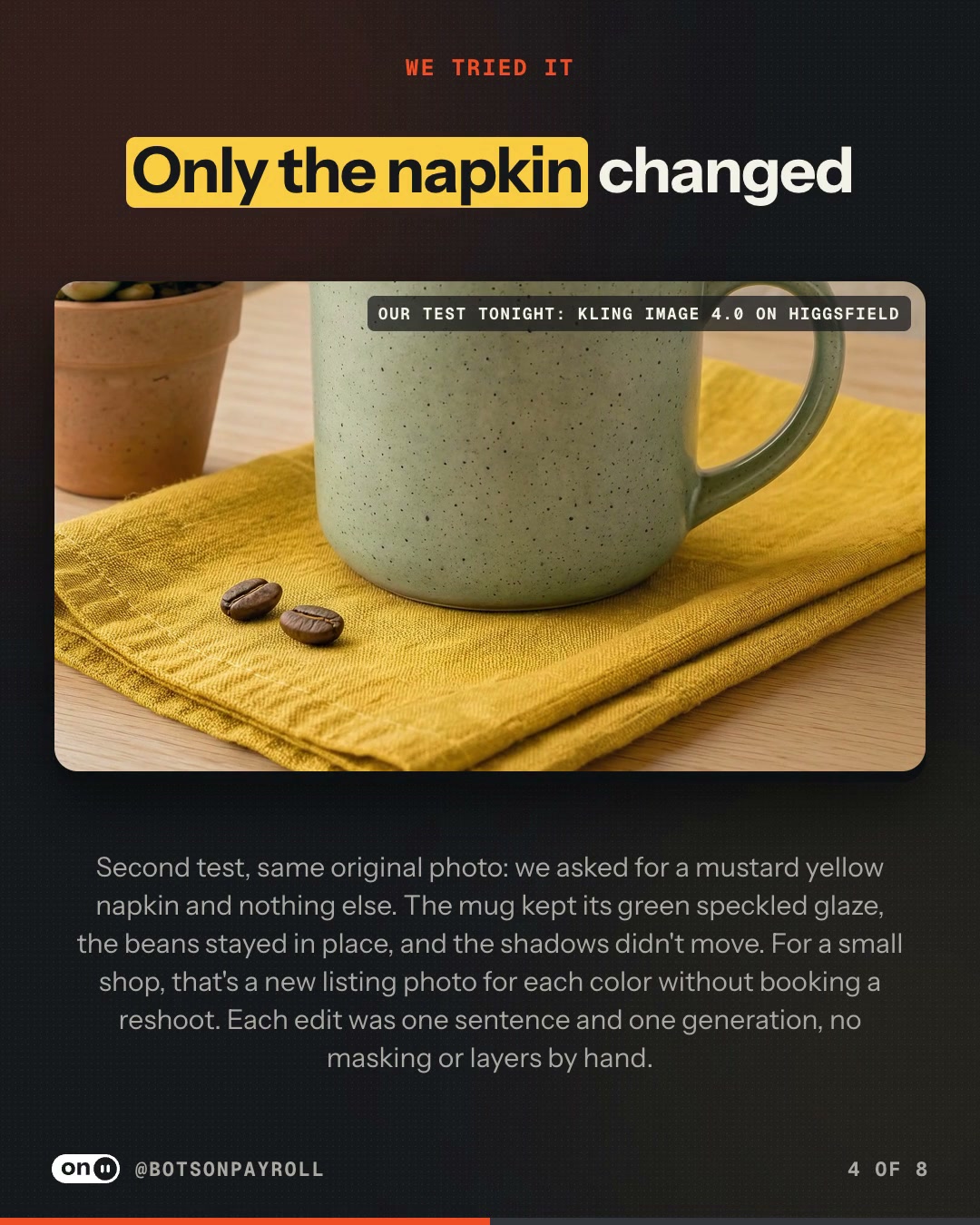
- Second test, same original photo: we asked for a mustard yellow napkin and nothing else.
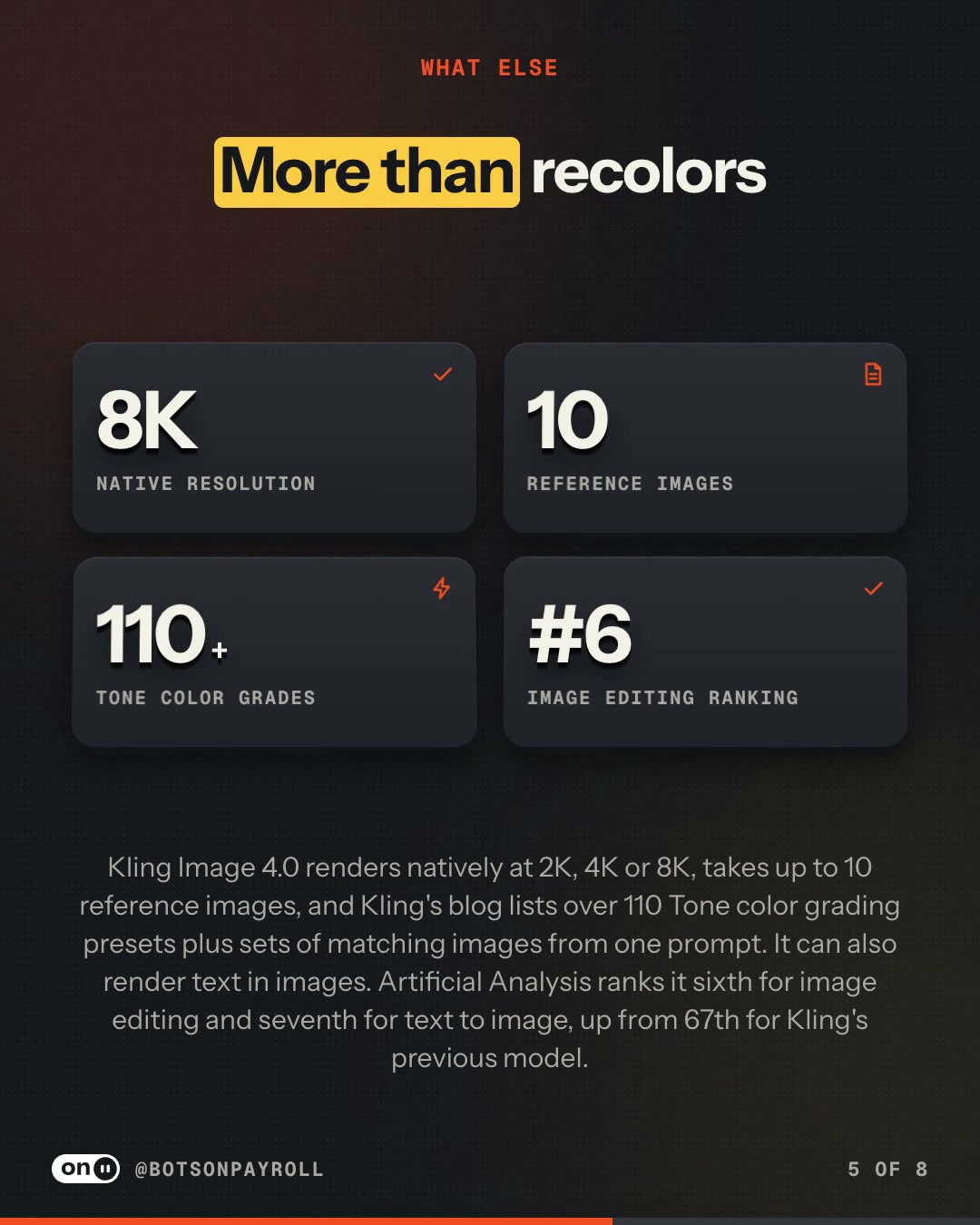
- Kling Image 4.0 renders natively at 2K, 4K or 8K, takes up to 10 reference images, and Kling's blog lists over 110 Tone color grading presets plus sets of matching images from one prompt.
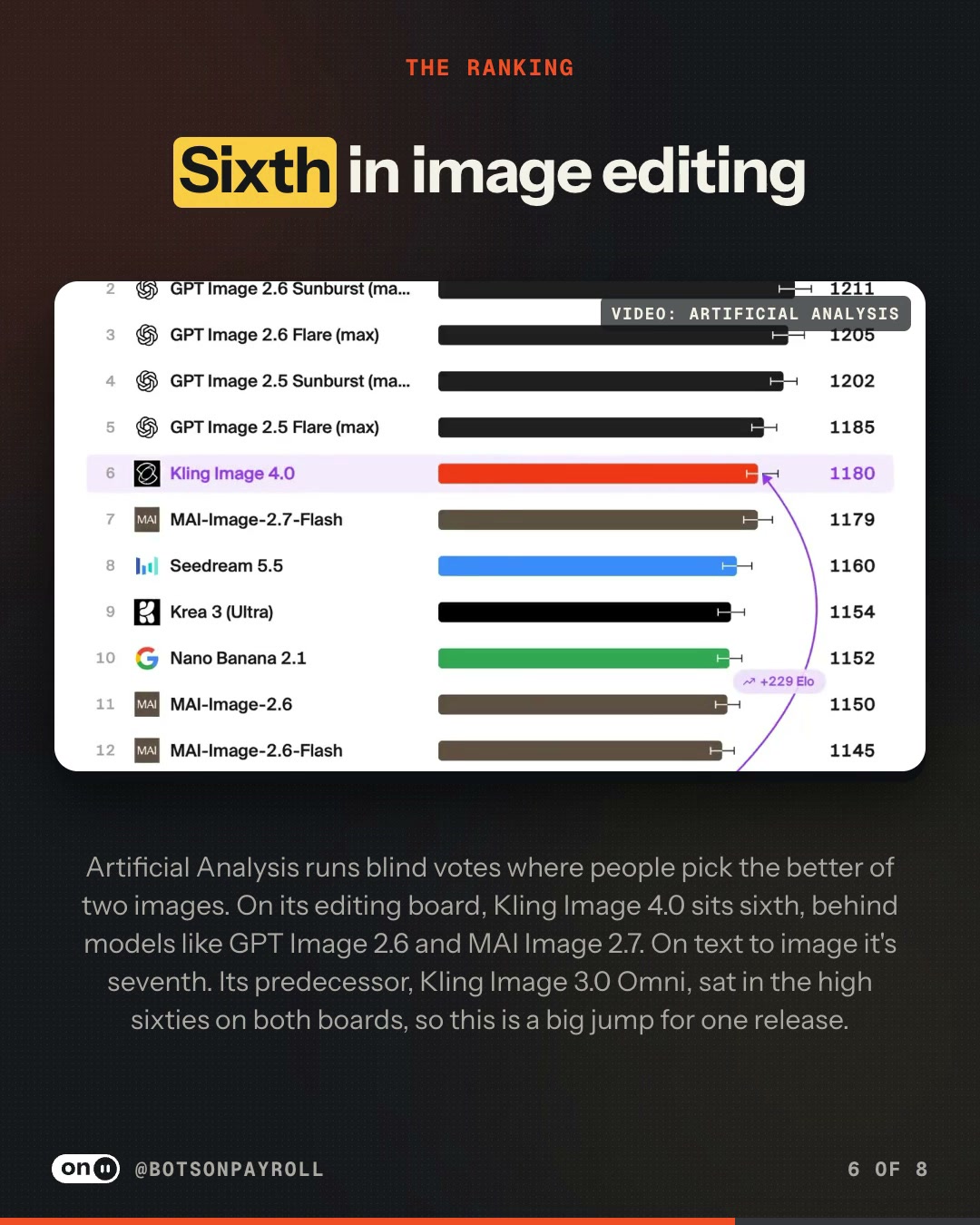
- Artificial Analysis runs blind votes where people pick the better of two images.
- It redraws the whole image instead of painting over one spot, so look closely at logos, labels and small text before a photo goes on a listing.
Watch the video
0:43, sound onChange one thing, keep the rest
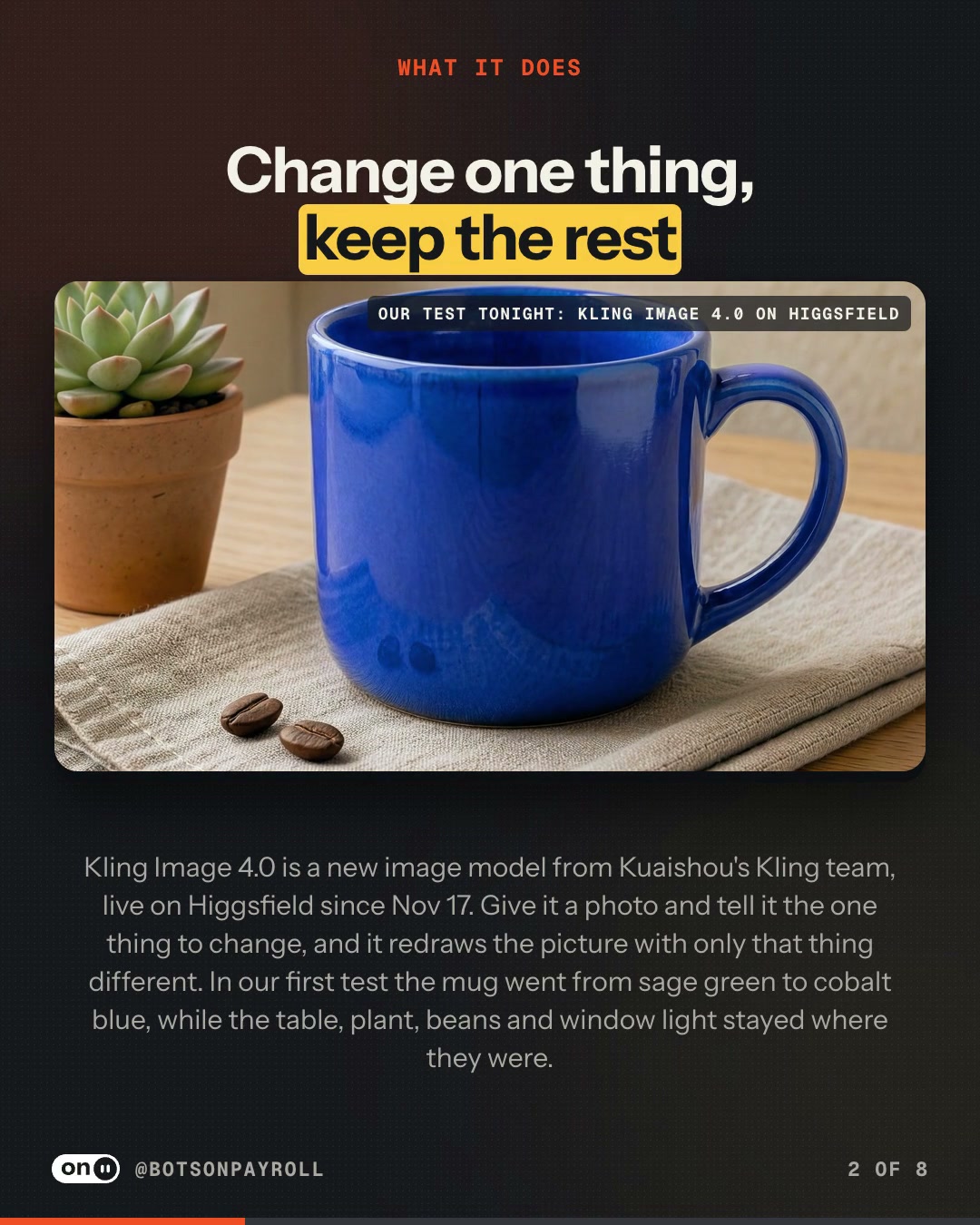
Kling Image 4.0 is a new image model from Kuaishou's Kling team, live on Higgsfield since Nov 17. Give it a photo and tell it the one thing to change, and it redraws the picture with only that thing different. In our first test the mug went from sage green to cobalt blue, while the table, plant, beans and window light stayed where they were.
Three steps, one sentence
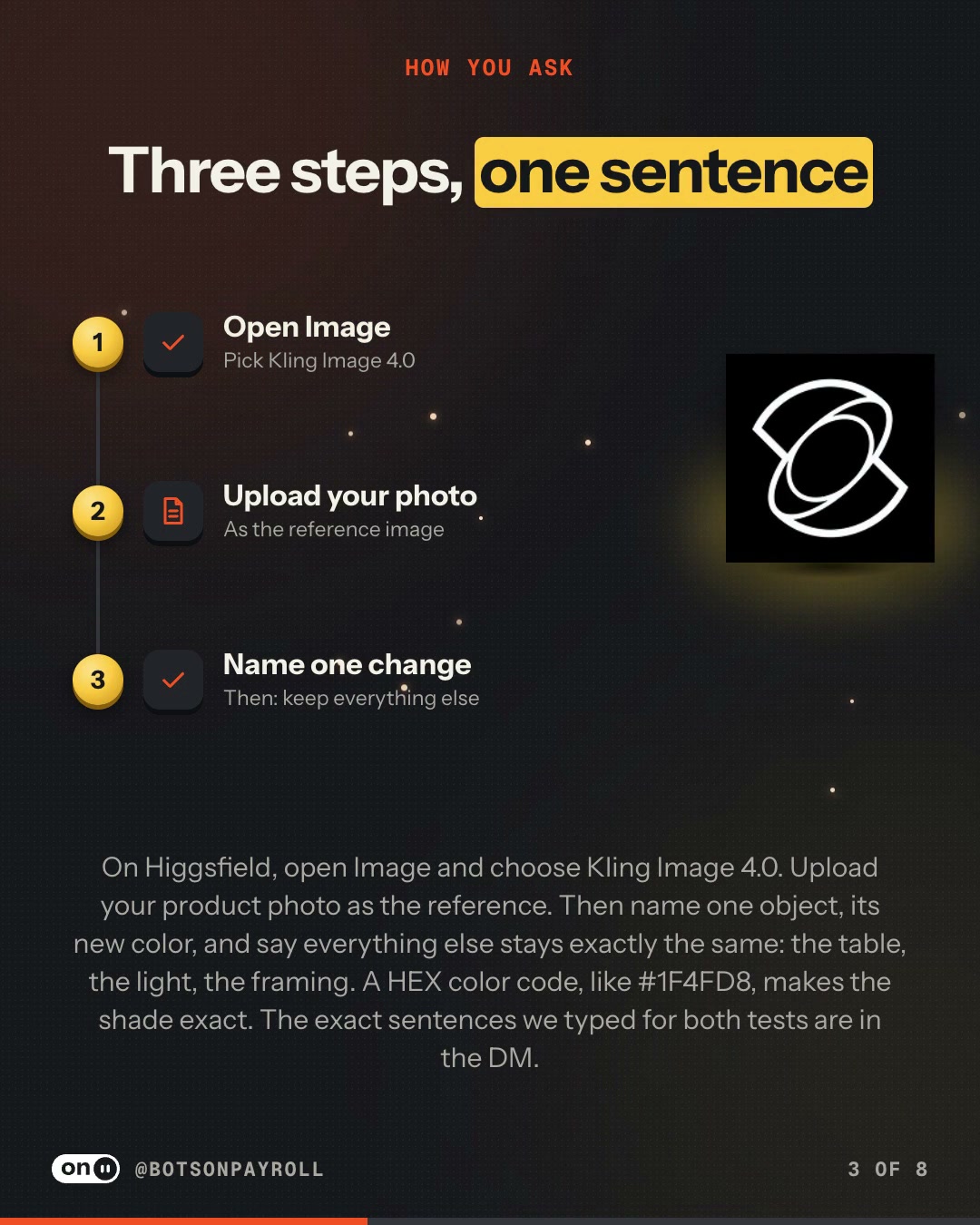
On Higgsfield, open Image and choose Kling Image 4.0. Upload your product photo as the reference. Then name one object, its new color, and say everything else stays exactly the same: the table, the light, the framing. A HEX color code, like #1F4FD8, makes the shade exact. The exact sentences we typed for both tests are in the DM.
Only the napkin changed
Second test, same original photo: we asked for a mustard yellow napkin and nothing else. The mug kept its green speckled glaze, the beans stayed in place, and the shadows didn't move. For a small shop, that's a new listing photo for each color without booking a reshoot. Each edit was one sentence and one generation, no masking or layers by hand.
More than recolors
Kling Image 4.0 renders natively at 2K, 4K or 8K, takes up to 10 reference images, and Kling's blog lists over 110 Tone color grading presets plus sets of matching images from one prompt. It can also render text in images. Artificial Analysis ranks it sixth for image editing and seventh for text to image, up from 67th for Kling's previous model.
Sixth in image editing
Artificial Analysis runs blind votes where people pick the better of two images. On its editing board, Kling Image 4.0 sits sixth, behind models like GPT Image 2.6 and MAI Image 2.7. On text to image it's seventh. Its predecessor, Kling Image 3.0 Omni, sat in the high sixties on both boards, so this is a big jump for one release.
Check before you post
It redraws the whole image instead of painting over one spot, so look closely at logos, labels and small text before a photo goes on a listing. When we asked for glossy blue, the glaze changed along with the color, so name the finish you want. Every generation uses credits, and Higgsfield's changelog doesn't list a price per image.
Swipe the post

Sources
More AI news

Spent your weekend on sale posts? One photo could have made all of them.
Your pay stub link still opens. Here's how to lock it.