CHATGPT KEEPS CUTTING YOU OFF? IT'S HEARING THE ROOM.
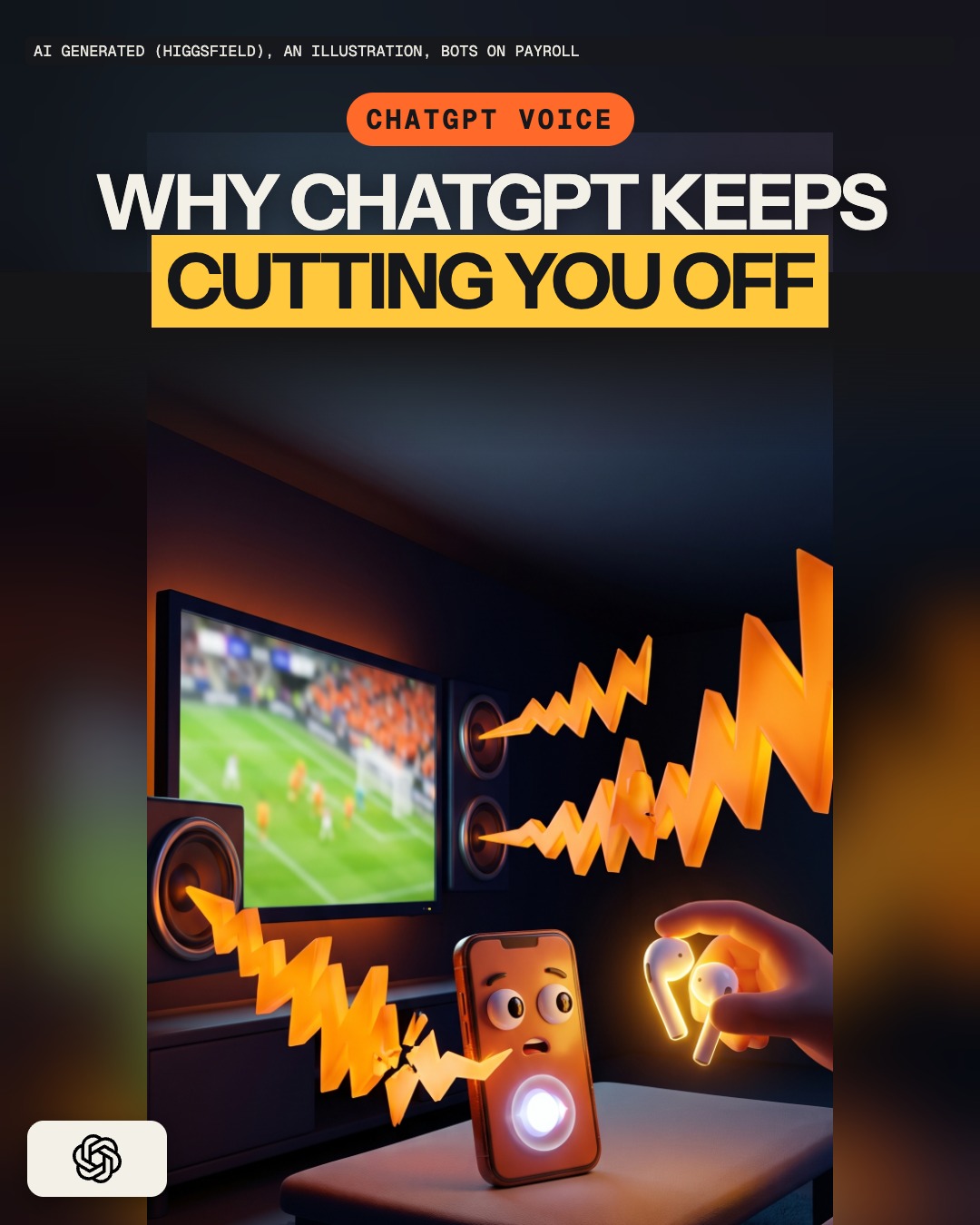
Does ChatGPT Voice keep cutting you off mid-sentence? It isn't being rude. ChatGPT Voice now listens while it talks, so background noise, long pauses and audio from another speaker, like a TV in the room, can make it think you started talking. OpenAI's own help page lists the first fix: put your headphones in before you start. On iPhone, open Control Center during the chat, tap Mic Mode and pick Voice Isolation. Need a second to think? Tap the mic to mute, or open with "Wait until I ask you to respond." It's not a guarantee, OpenAI says, but it helps. From Dec 11, Live is the only ChatGPT voice left, so the room matters more.
By Bots on Payroll, with 4 sources below

The short version
- ChatGPT Voice now runs on GPT-Live, which OpenAI calls full duplex: it can listen and talk at the same time, like a phone call with a friend.
- The first fix on OpenAI's own list is to use headphones, ahead of moving somewhere quieter or turning up the volume.
- OpenAI's page has one more fix for iPhone.
- Long pauses can also make Voice jump in.
- On Nov 10, OpenAI said it will retire the Advanced and Standard voices on Dec 11, keeping Advanced only for video and screen sharing for now.
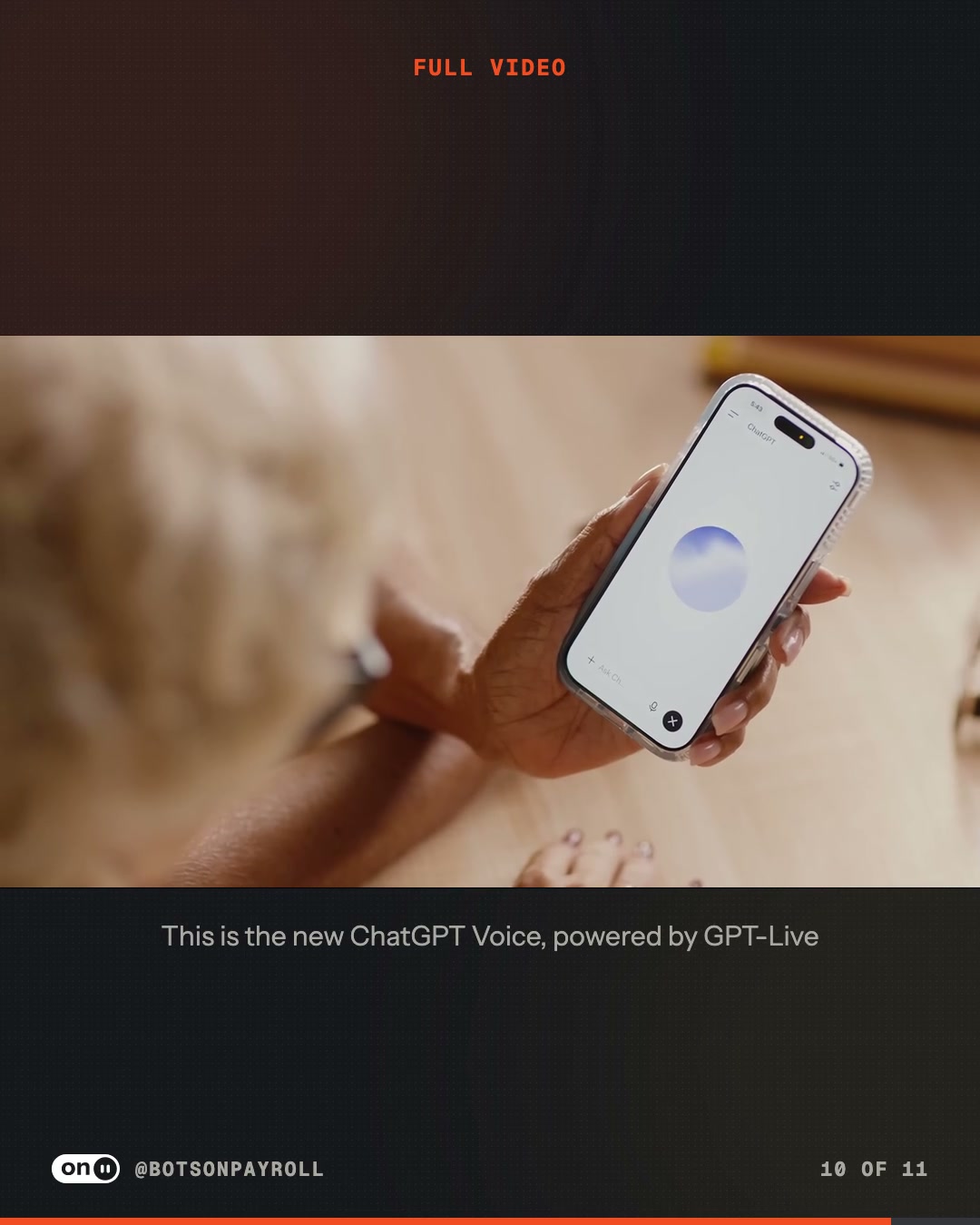
Watch the video
0:54, sound onIt listens while it talks
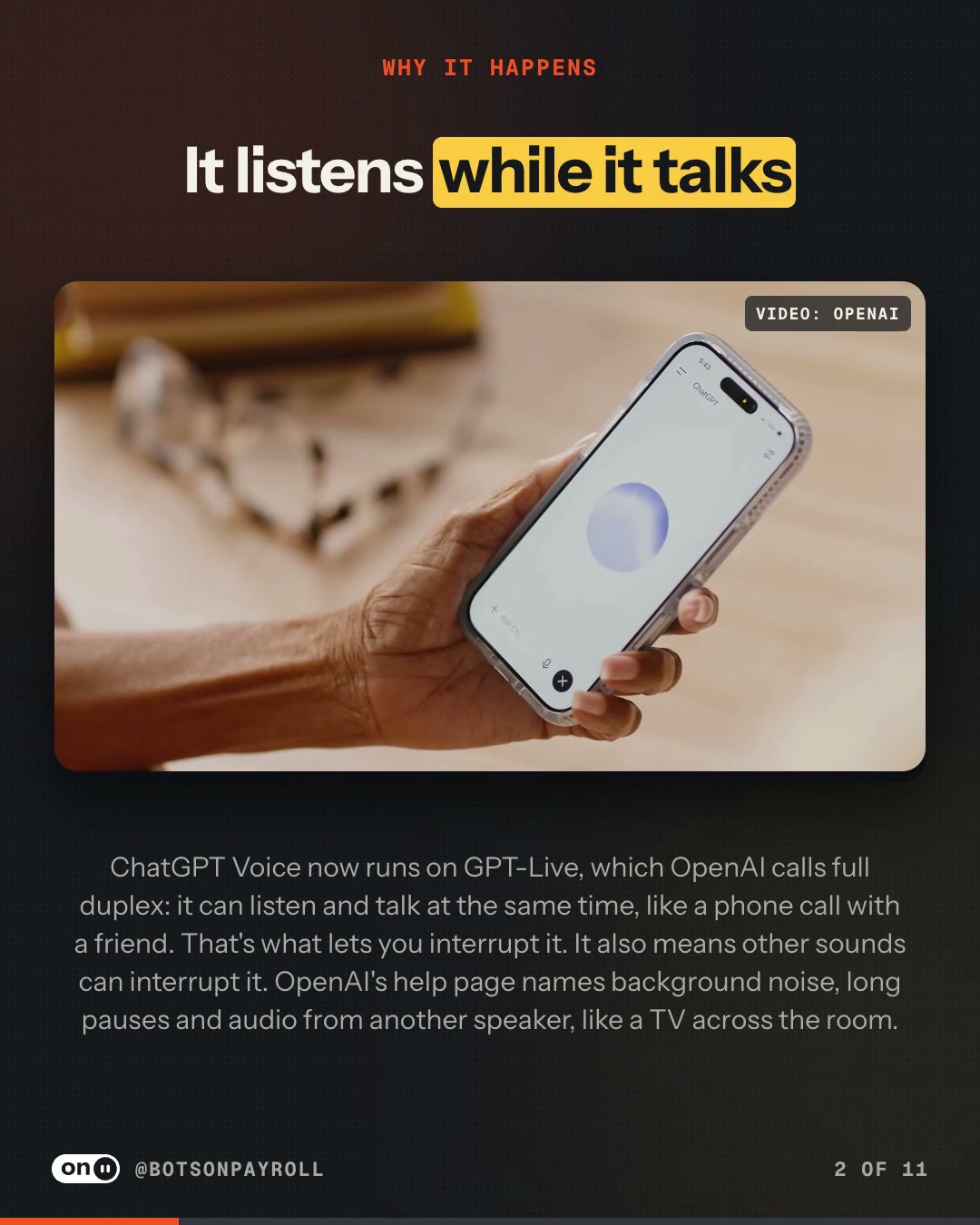
ChatGPT Voice now runs on GPT-Live, which OpenAI calls full duplex: it can listen and talk at the same time, like a phone call with a friend. That's what lets you interrupt it. It also means other sounds can interrupt it. OpenAI's help page names background noise, long pauses and audio from another speaker, like a TV across the room.
Headphones in, first
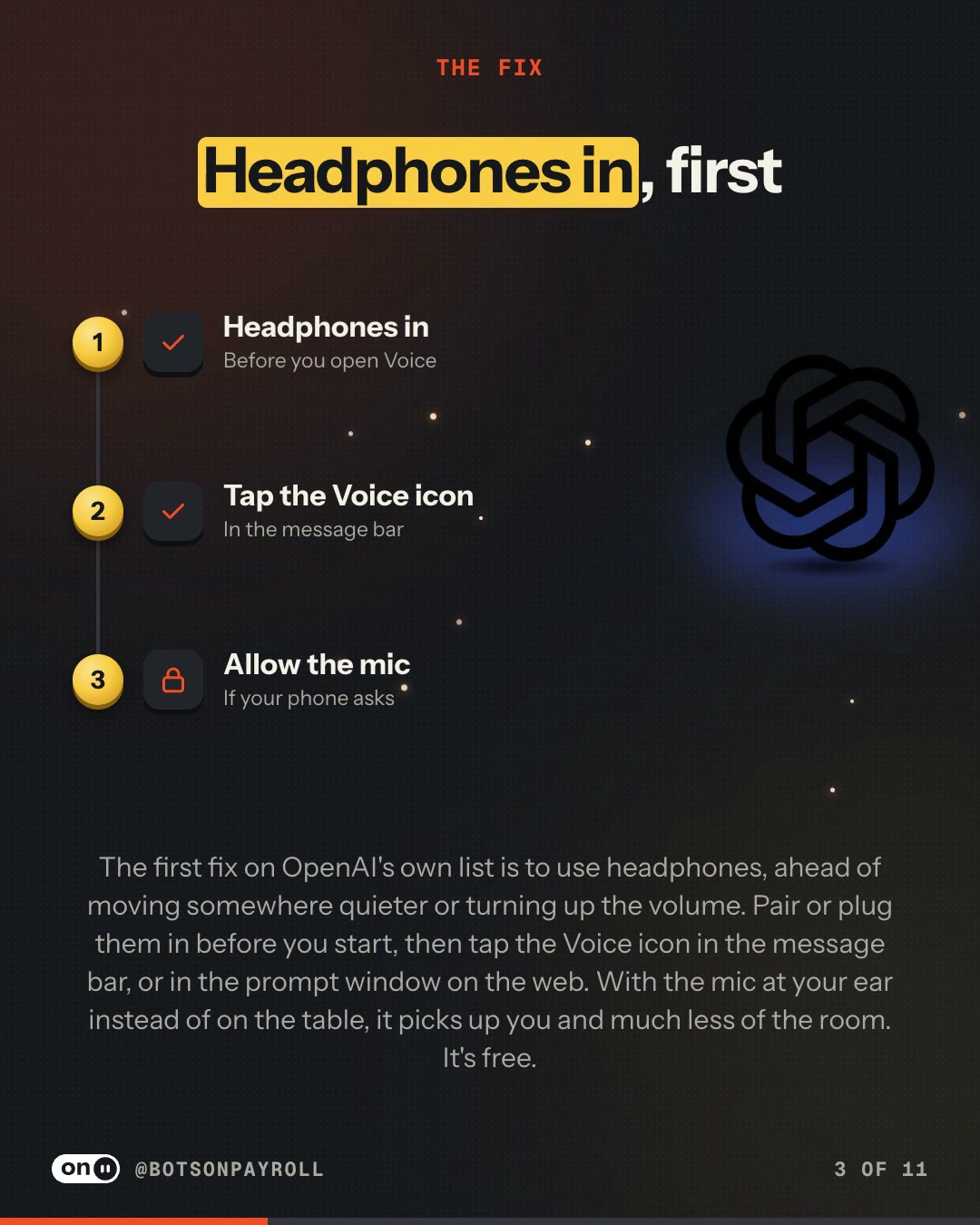
The first fix on OpenAI's own list is to use headphones, ahead of moving somewhere quieter or turning up the volume. Pair or plug them in before you start, then tap the Voice icon in the message bar, or in the prompt window on the web. With the mic at your ear instead of on the table, it picks up you and much less of the room. It's free.
Turn on Voice Isolation
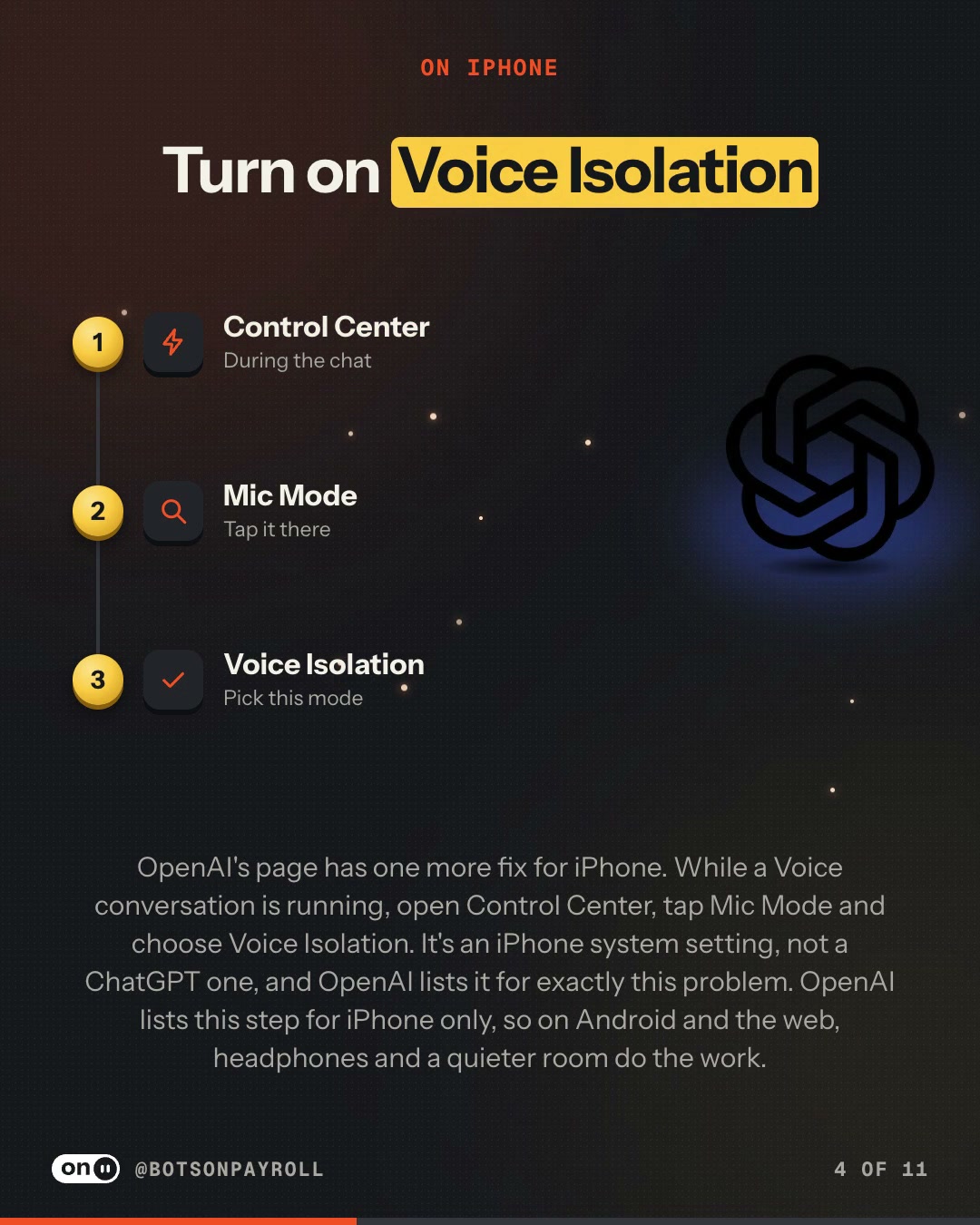
OpenAI's page has one more fix for iPhone. While a Voice conversation is running, open Control Center, tap Mic Mode and choose Voice Isolation. It's an iPhone system setting, not a ChatGPT one, and OpenAI lists it for exactly this problem. OpenAI lists this step for iPhone only, so on Android and the web, headphones and a quieter room do the work.
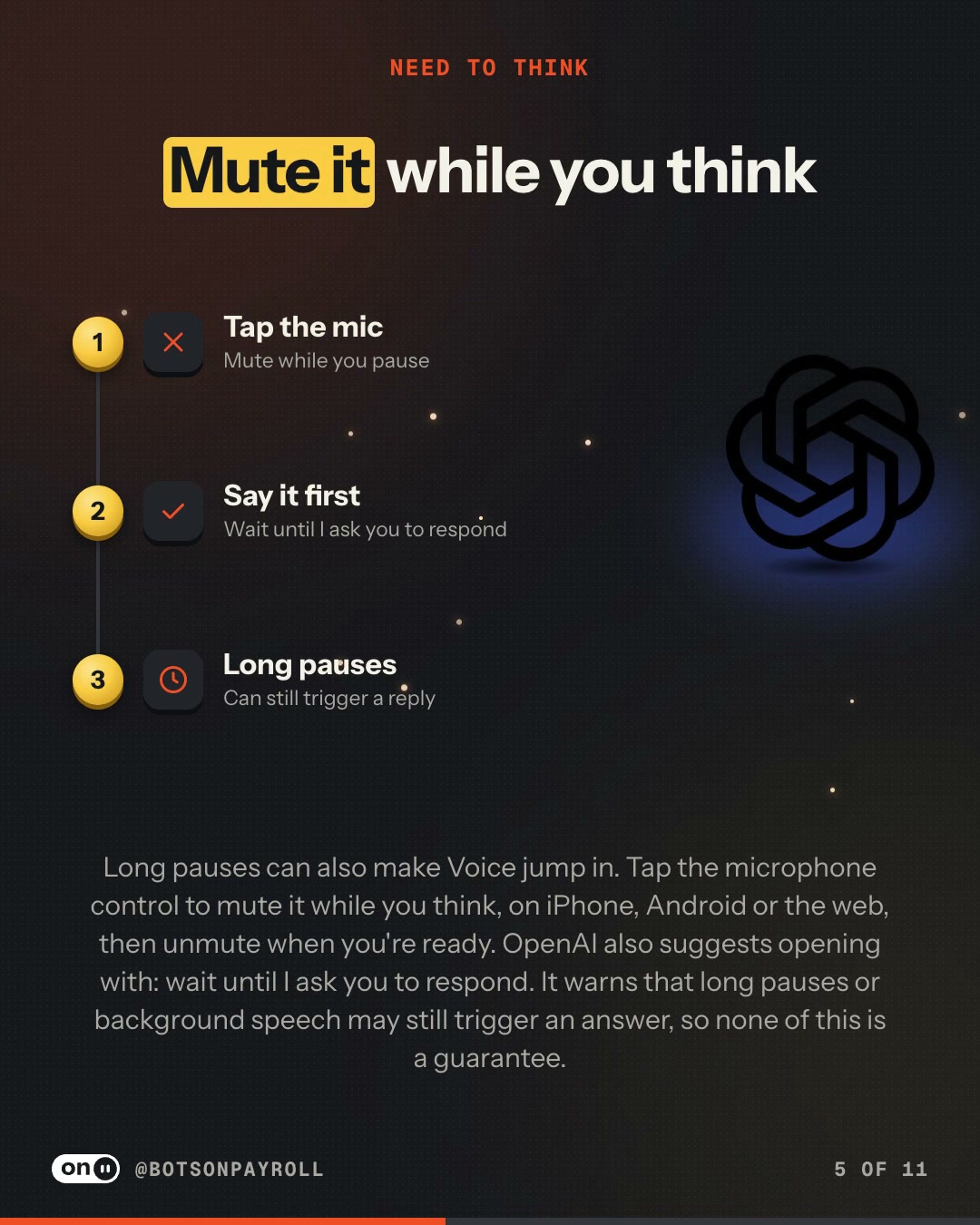
Mute it while you think
Long pauses can also make Voice jump in. Tap the microphone control to mute it while you think, on iPhone, Android or the web, then unmute when you're ready. OpenAI also suggests opening with: wait until I ask you to respond. It warns that long pauses or background speech may still trigger an answer, so none of this is a guarantee.
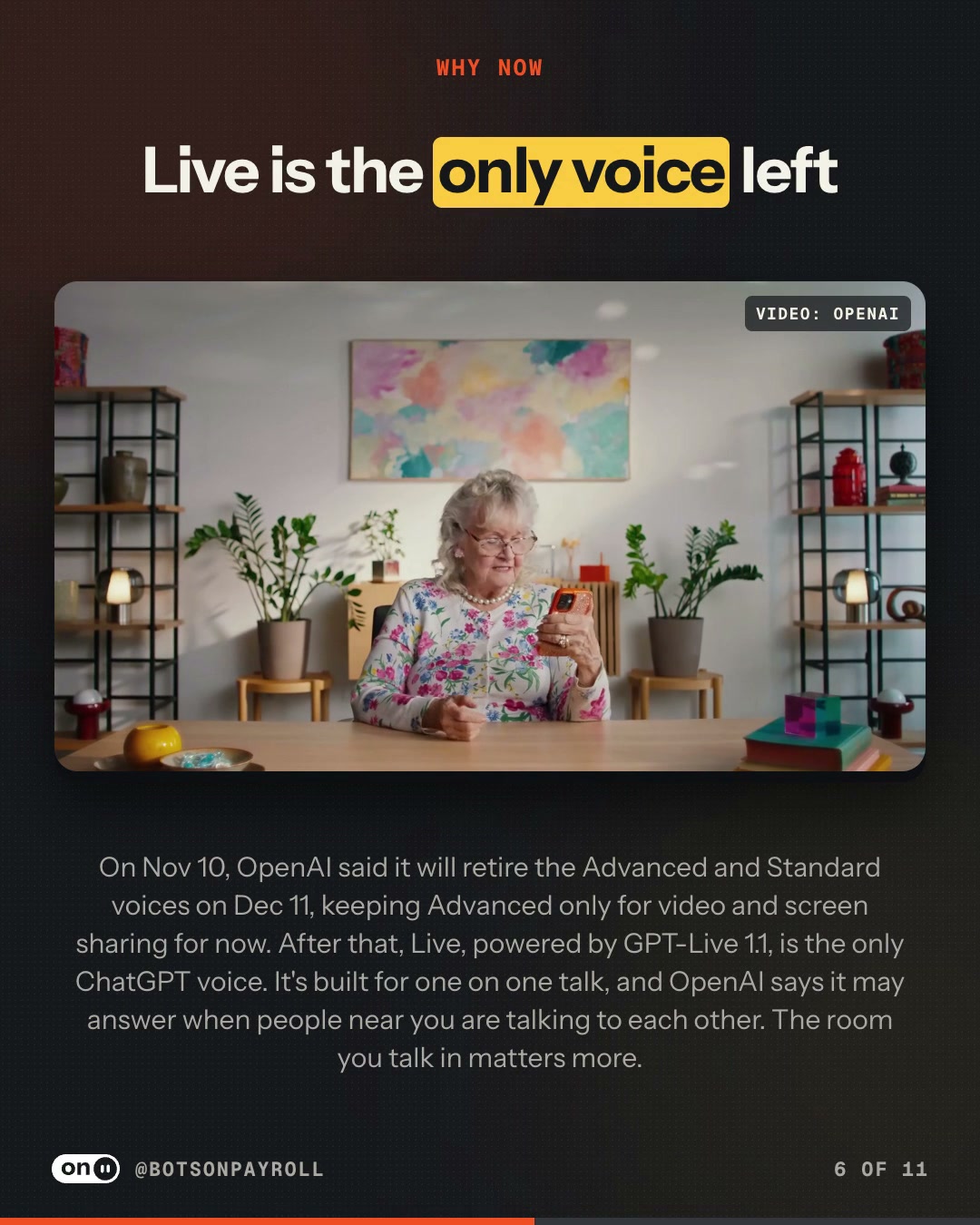
Live is the only voice left
On Nov 10, OpenAI said it will retire the Advanced and Standard voices on Dec 11, keeping Advanced only for video and screen sharing for now. After that, Live, powered by GPT-Live 1.1, is the only ChatGPT voice. It's built for one on one talk, and OpenAI says it may answer when people near you are talking to each other. The room you talk in matters more.
Swipe the post




Sources
More AI news

Spent your weekend on sale posts? One photo could have made all of them.
Your pay stub link still opens. Here's how to lock it.